Contents
Subscribe to our newsletter
Subscribe to the elia newsletter for exclusive product updates and industry best practices. You can unsubscribe at any time.
Thank you! You're subscribed.
Oops! Something went wrong while submitting the form.

.png)

When we talk about workplace optimization in 2026, one subject keeps coming back: occupancy sensors. Facility managers, HR leaders, and real estate strategists are no longer satisfied with manual surveys or occasional headcounts. They need accurate data, in real time, to make data-driven decisions about office space utilization, HVAC settings, and employee productivity.
This guide is meant to be the definitive resource. We’ll compare the different sensor technologies, review the best office occupancy sensor solutions, show you which use cases each technology fits best, and close with actionable insights on how to select the right system for your office space.
Our goal is simple: if you’re weighing options, this guide will help you cut through jargon, understand trade-offs, and choose an occupancy tracking solution that makes sense for your reality.

The first question we often hear is: How do occupancy sensors work? The answer is: in multiple ways. Some rely on passive infrared light, some detect movement via high frequency sound waves, and others use computer vision technology or Bluetooth Low Energy signals.
To simplify, here’s a quick comparison table of different occupancy sensor technologies.
Passive infrared, or PIR sensors, are the old guard of occupancy sensor technology. They detect body heat and movement.
The beauty of PIR is its simplicity: low cost, long battery life, and easy integration with lighting systems or HVAC systems. This makes them perfect for controlling lighting in small offices, phone booths, or washrooms.
However, accuracy is limited. If someone is still for too long, PIR may not detect them. That means PIR is not reliable for accurate headcount or serious space utilization projects.
These sensors emit high frequency sound waves (ultrasonic) or microwave signals that bounce off objects and detect movement, even if there’s no direct line of sight.
The good news: ultrasonic sensors are more sensitive than PIR and cover larger spaces. They’re great for meeting rooms or open areas where people may move subtly.
The challenge: HVAC vents or even partitions can create false positives, which means your reports might show occupancy when nobody’s there. Facilities teams need to calibrate carefully.
Thermal occupancy sensors detect heat signatures, but unlike PIR, they can track presence even when people aren’t moving.
Their key strength is privacy: no images, no personally identifiable information. Just body heat. That makes them highly valued in regulated industries or privacy-sensitive workplaces.
The trade-off? Less detail. Thermal sensors struggle with accurate headcount in crowded rooms.
Here, we’re talking about low-resolution images or depth sensors that count people without ever storing personal data.
The advantage is clear: you get precise data and real time occupancy data at the room or desk level, without the privacy concerns of cameras. These sensors shine in conference rooms and hot-desking zones.
But careful placement is critical. Misplaced sensors may miss people or double-count.
This is the heavyweight option. Using computer vision technology, smart cameras gather highly accurate data and can even classify activities.
For corporate offices that need detailed utilization analytics, cameras deliver unmatched precision. They also enable insights beyond just presence, like collaboration patterns.
The downside? Privacy concerns loom large, and infrastructure costs are significant. Governance policies must be airtight.
Another approach is to track devices via Wi-Fi pings or Bluetooth Low Energy beacons.
The appeal here is cost effectiveness, since companies already have Wi-Fi or BLE in place. It’s particularly helpful across multiple locations, giving facility managers rough insights into workplace occupancy trends.
But let’s be frank: devices aren’t people. Not everyone carries a smartphone, and sometimes one person carries three devices. Accuracy suffers.
Sometimes the simplest solution works best. People counters installed at entry and exit points measure flow and monitor occupancy.
They’re accurate for headcounts in and out, easy to install, and perfect for capacity monitoring or safety compliance.
However, they can’t show you seat-level or room-level utilization, so they’re often paired with other sensors for a full picture.
Now that we’ve seen the different technologies, let’s review the best occupancy sensor solutions available today. These are the providers we consider most relevant for 2026.

When it comes to a fully managed occupancy tracking solution, elia is among the most user-friendly. Rather than asking your IT or facilities teams to piece together multiple sensors, gateways, and dashboards, elia provides an end-to-end service that feels turnkey.
What stands out most is the tight link between occupancy data and booking systems. Many companies already rely on desk booking or meeting room reservation tools, but reconciliation is often messy. For example, someone books a conference room but never shows up. elia solves that by comparing real time occupancy data with bookings, so facilities managers can measure true utilization.
The dashboards are intuitive. Facilities teams can quickly see which zones, rooms, or desks are underused, and which are over capacity. The deployment model is designed for fast pilots: in a matter of days, you can equip a floor with desk sensors and room sensors, and start gathering insights.
Best use cases:
Considerations: elia provides a streamlined experience, but companies with very specific compliance or reporting needs may want to confirm alignment with their policies.
Learn more on our Desk Occupancy Sensor and Room Occupancy Sensor pages.
Tektelic is a name that comes up often in conversations about IoT-scale deployments. The company specializes in LoRaWAN-based sensors, which makes them very well suited for large buildings or even multi-building campuses.
LoRaWAN means that a single gateway can cover large areas, and battery life is exceptionally long compared to Wi-Fi or BLE devices. This results in lower maintenance, especially when scaling to hundreds of sensors across multiple locations. For example, a global enterprise could deploy Tektelic sensors across dozens of sites and still maintain a manageable replacement cycle.
Tektelic sensors typically track presence and zone-level occupancy, rather than individual desks. That makes them excellent for HVAC optimization, energy savings, and high-level space utilization studies.
Best use cases:
Considerations: The flipside of using LoRaWAN is that it requires an IoT network setup, which can be complex if your IT team isn’t familiar with it.
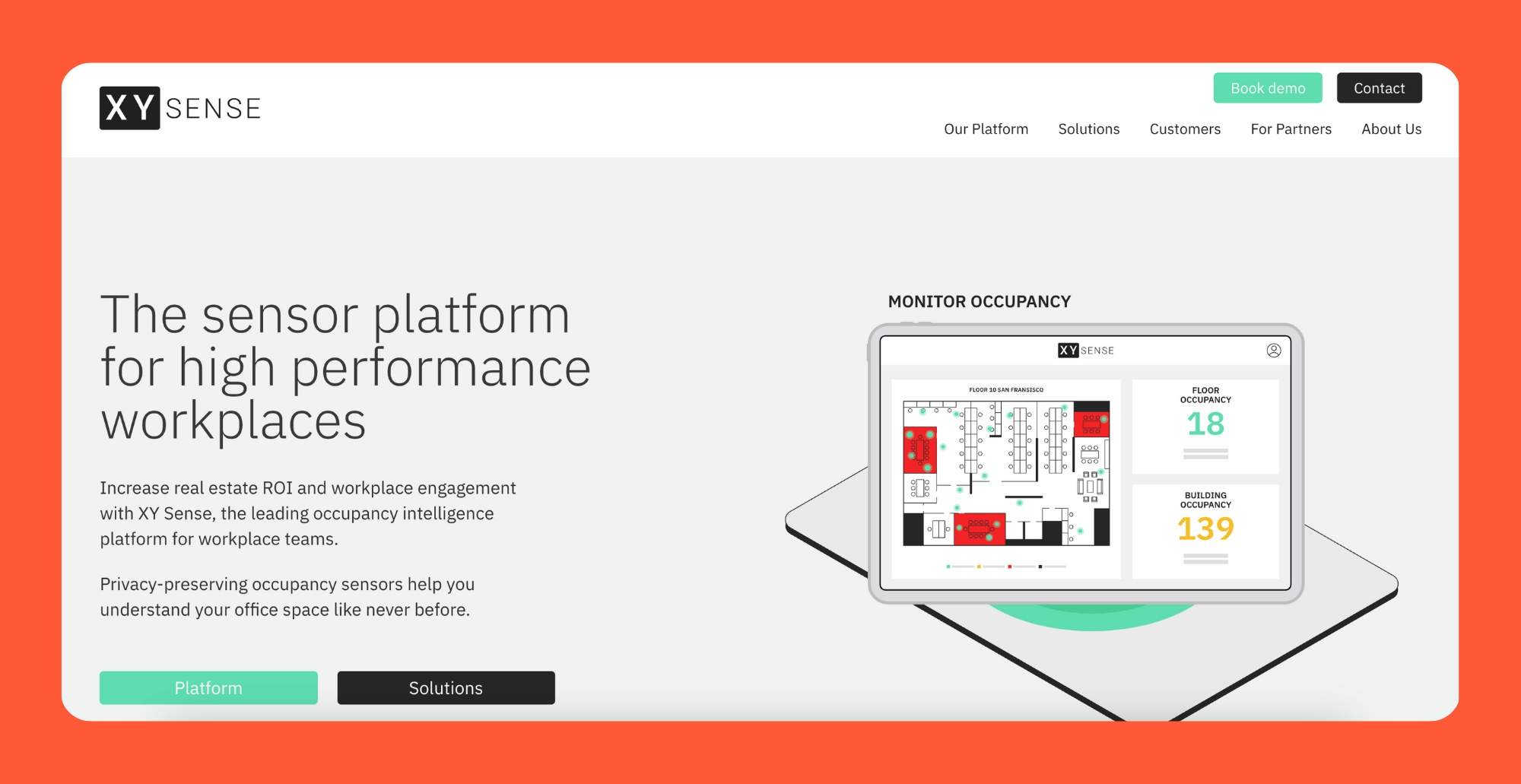
If you want granularity and speed, XY Sense is hard to beat. Each sensor can cover up to 1,000 square feet, updating every two seconds. That’s a level of real time occupancy data that’s rare in the market.
What makes XY Sense different is its privacy-first design. Instead of capturing images, it generates anonymized XY coordinates. Imagine a floor plan where you see dots moving in real time, without ever knowing who those people are. This design allows for accurate headcount and behavioral analytics, while protecting privacy.
Facilities managers can drill down to understand not just whether a meeting room was used, but whether it was used by two people or ten. That type of insight has major implications for space optimization, especially in conference rooms and collaborative areas.
Best use cases:
Considerations: XY Sense is a premium product. The cost per sensor is higher than simpler solutions like PIR, but the richness of the data can justify the investment.
Essensys is built for a specific audience: operators of flexible workspaces and coworking offices. Rather than being just a sensor provider, Essensys offers a workspace management platform where occupancy data is integrated directly with membership and billing systems.
This matters for coworking operators, because they need to track how space is being used not just for optimization, but also for revenue reconciliation. For example, knowing which desks are occupied and when can directly impact billing and capacity planning.
With Essensys, occupancy data becomes part of a larger ecosystem, enabling operators to adjust membership tiers, optimize shared resources, and improve the member experience.
Best use cases:
Considerations: Essensys makes less sense if you’re a traditional corporate office. Its value is highest when tied into its broader platform.

HubStar takes the “keep it simple” approach. Their sensors are peel-and-stick devices, combining heat detection and motion sensing. They’re low cost, easy to install, and designed for facilities teams that don’t want to overcomplicate their rollout.
The battery life is impressive, lasting up to four years. And because the devices don’t capture personal data, they can be deployed without major privacy reviews.
HubStar sensors are perfect if your main goal is to gather utilization data across many locations quickly. They won’t give you desk-level automation or headcount accuracy, but they will show patterns that drive data-driven decisions about your portfolio.
Best use cases:
Considerations: These sensors are not built for seat-level automation. If you want to integrate directly with booking systems or enable wayfinding, HubStar won’t be enough.

Butlr is one of the more innovative entrants. Their sensors rely on body heat detection, but with a twist: they use AI to translate heat patterns into occupancy data. This allows the same sensor to serve as either a room sensor or a door counting sensor, depending on configuration.
What we like most about Butlr is its API openness. Many legacy vendors make integration difficult, but Butlr encourages customers to plug their data into existing systems. This is valuable for facilities teams that already have dashboards and want to add occupancy insights without adopting a new platform.
Flexibility in mounting is another plus. Sensors can go on ceilings or door frames, giving you more options for open-plan offices.
Best use cases:
Considerations: Butlr is still relatively young compared to some competitors. Large enterprises may want to check deployment references before scaling widely.

Logitech Spot is a newer entry, but it stands out because it doesn’t just detect occupancy. It also measures air quality, including CO₂ and volatile organic compounds (VOCs).
The sensor uses mm-wave radar, which is more reliable than PIR for presence detection. With multi-year battery life and a peel-and-stick form factor, Spot is designed for easy deployment.
The dual functionality is compelling. Imagine a meeting room where you can see not only if it’s occupied, but also whether air quality is dropping to levels that could affect employee productivity. Facilities teams can use this data to adjust HVAC systems dynamically.
Best use cases:
Considerations: The product is still new, so deployment references are limited. Also, the radar approach gives presence data, but not accurate headcount.
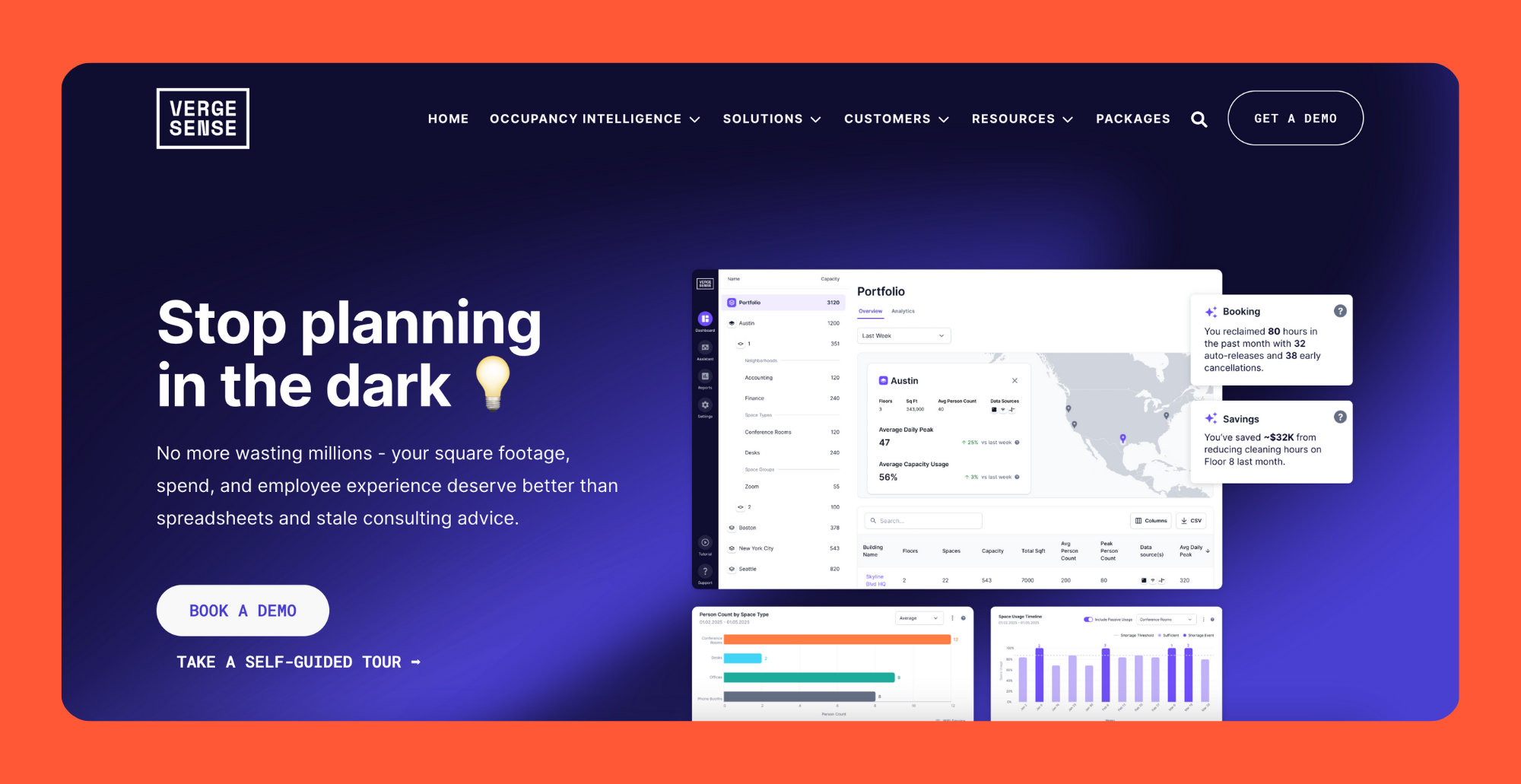
Both VergeSense and Density Inc. have built their brands around AI-powered wireless sensors. These solutions are designed for modern, flexible workspaces, where desk-level analytics and integrations matter most.
VergeSense is known for its ability to differentiate between occupied and unoccupied desks, even in open-plan layouts. Density, meanwhile, has built strong APIs and integrations that make its data easy to feed into building management systems or third-party dashboards.
For facilities teams, these sensors provide a complete picture of workplace occupancy, from desks to collaboration zones. They’re often chosen by companies that want to gain insights at scale without being locked into a single vendor’s platform.
Best use cases:
Considerations: These solutions are generally higher cost, and careful planning is required to ensure coverage without overspending.
Signify, formerly Philips Lighting, brings occupancy sensing into a different context: lighting systems. Their sensors are often embedded directly into lighting fixtures, which makes them almost invisible to employees.
Because they are essentially PIR sensors, the focus here is less on headcount accuracy and more on energy savings. For example, lights and HVAC can automatically adjust based on presence detection. For organizations looking for cost savings, this is an effective way to make an existing lighting upgrade even smarter.
Best use cases:
Considerations: These sensors don’t provide detailed analytics. They are best viewed as a complementary layer, not a full occupancy tracking solution.
Finally, we have the enterprise building management system (BMS) vendors. Companies like Johnson Controls, Honeywell, Schneider Electric, and Legrand have deep expertise in HVAC systems and building automation.
Occupancy sensing is often a feature within a larger platform, rather than a standalone product. The real value comes from integration. For example, when occupancy sensors feed directly into HVAC settings, you can reduce costs significantly across a large building portfolio.
Best use cases:
Considerations: Analytics are less refined compared to specialized vendors. These sensors are ideal for controlling lighting and HVAC, but not for detailed space utilization studies.
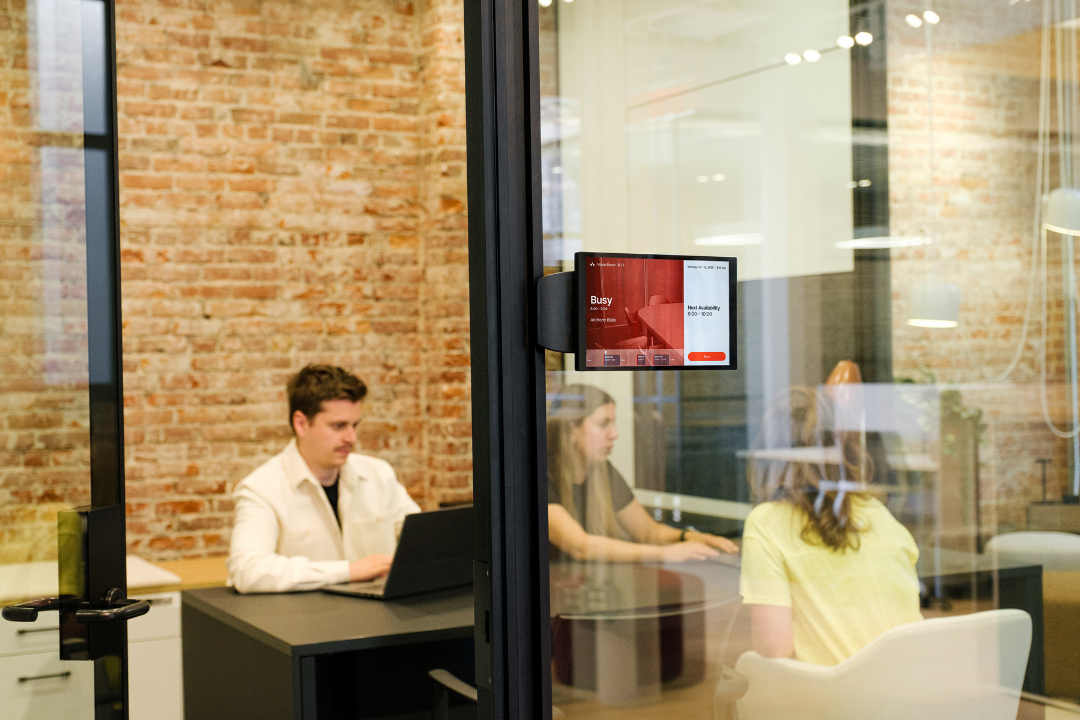
In hot-desking environments or spaces with shared meeting rooms, accuracy is critical. If your sensors can’t tell you how many people are actually in a room or whether a desk is in use, your entire workplace strategy will suffer.
Here, you want sensors that provide accurate headcount and low-latency data. That means optical sensors (low-resolution or time-of-flight) or computer vision sensors with anonymized data processing.
Combine these with desk sensors for individual presence detection. Desk sensors ensure that check-in automation works properly, preventing situations where someone books a desk but never shows up. Adding door counting sensors can also help reconcile discrepancies between entry data and seat-level usage.
A key consideration is latency. For wayfinding to work—say, when employees open a mobile app to see which desks or meeting rooms are available—data needs to update in under 10 seconds. Anything slower leads to frustration and abandoned systems.
Recommended technologies:
Best for: Companies with hot-desking policies, offices focused on reducing no-show bookings, and teams implementing real time wayfinding.
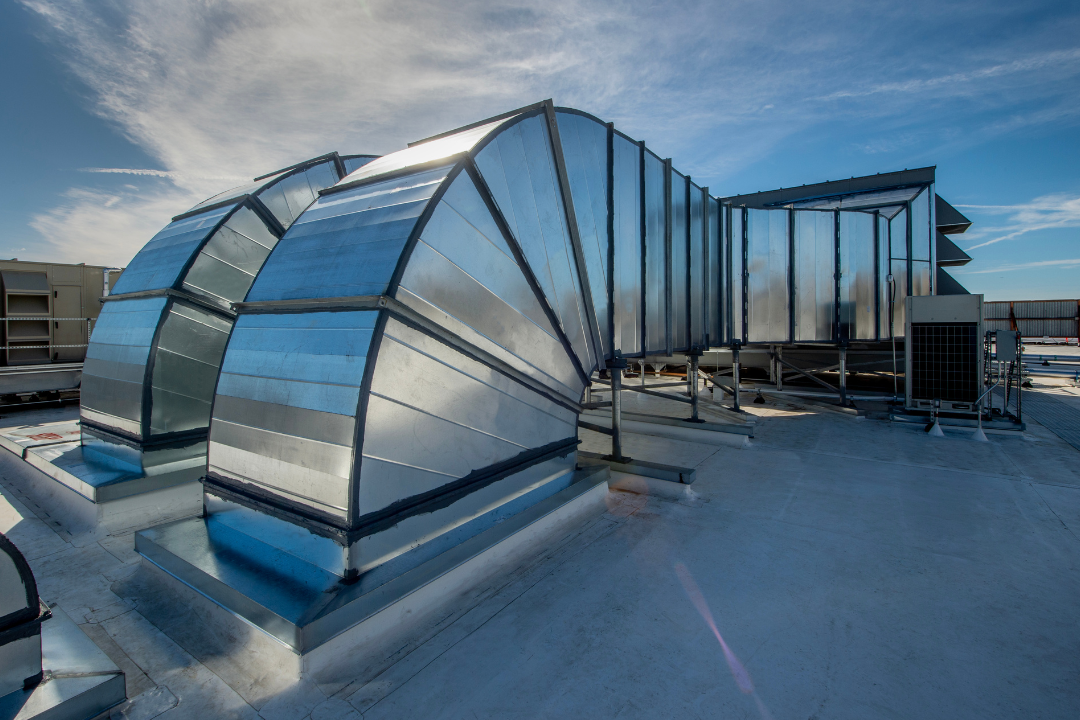
For organizations focused on energy savings, the priorities are very different. You don’t need individual desk-level accuracy. Instead, you want sensors that can integrate smoothly with lighting systems and HVAC systems to reduce costs automatically.
This is where PIR sensors and ultrasonic sensors shine. They are low cost, easy to install, and have long battery life. Ultrasonic sensors are better for larger rooms because they can detect movement without line of sight, while PIR is perfect for smaller enclosed areas.
Adding zone-level counters allows for finer control of HVAC. For example, if a whole section of the office is empty, air conditioning and lighting can be reduced or turned off entirely. This type of automation has been proven to cut energy bills by double-digit percentages in large corporate offices.
Recommended technologies:
Best for: Corporate offices with high energy costs, smart building projects, and facility managers under pressure to show cost savings.

Companies with offices spread across multiple locations face a different challenge: scalability. Rolling out hundreds or thousands of sensors requires solutions that are easy to install, have long battery life, and support remote management.
Here, the priority is standardization. Facility managers need a consistent data model across all locations. Without it, comparing occupancy across sites is impossible, and executives won’t be able to make informed real estate decisions.
Wireless sensors with long-range connectivity (such as LoRaWAN) or BLE-based sensors are excellent options. These minimize the need for wiring and allow for cost effective rollout. Look for solutions with open APIs, so that data from multiple sensors can be pulled into a single analytics platform.
Another important factor is battery replacement cycles. For a small office, changing batteries once a year might be manageable. For a global portfolio of 500 offices, it becomes a logistical nightmare unless devices have multi-year lifespans.
Recommended technologies:
Best for: Enterprises with global portfolios, facilities teams seeking portfolio-level insights, and real estate leaders needing to identify underutilized sites.
In certain environments, privacy concerns or regulatory compliance dictate technology choices. Hospitals, government buildings, and financial institutions often cannot use cameras or anything perceived as surveillance.
The solution is to use sensors that are explicitly privacy-friendly. Thermal sensors, low-resolution optical sensors, and time-of-flight (ToF) sensors can all detect presence and headcount without capturing personal information.
For example, a thermal sensor will register a heat signature but never reveal identity. Similarly, a ToF sensor can count how many people are in a room by measuring depth changes, but it never records an image. These technologies are often deployed in areas like legal departments, executive floors, or healthcare facilities where privacy is non-negotiable.
It’s also essential to handle data storage carefully. In many cases, organizations should only store aggregates (such as “5 people used this room today”) rather than continuous streams of raw occupancy data. This not only builds trust with employees but also simplifies compliance with data protection regulations.
Recommended technologies:
Best for: Healthcare organizations, financial services, government offices, or any workplace where privacy concerns outweigh the need for granular analytics.
Tracking occupancy is only the first step, the real impact comes from using real time analytics, scalable deployments, and accurate data to make smarter workplace decisions, and that’s exactly where elia excels. By reconciling occupancy with bookings and presenting insights through intuitive dashboards, elia turns raw data into actionable strategies that help facilities teams reduce costs, optimize office space, and improve the employee experience.
If you’re ready to bridge the gap between monitoring and true workplace optimization, book a personalized demo and discover how elia can transform your office today.
Answers to Your Common Queries

.png)