
Touchscreen Kiosk
The Touchscreen Kiosk is a 43 inch interactive display designed to simplify wayfinding and navigation within your office spaces. Through an interactive map, it provides real time visibility into desk and meeting room availability, along with space type, amenities, and precise location.
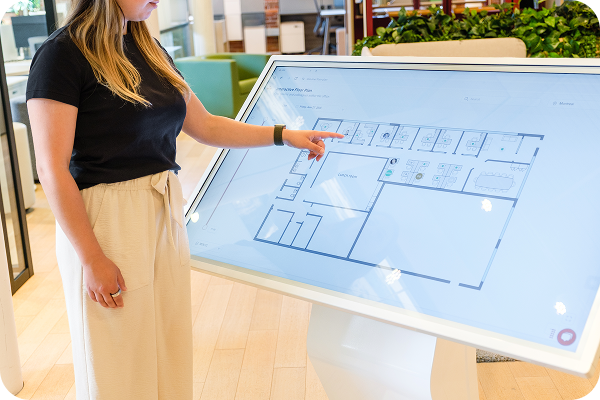
Smart Digital Signage That Shows People Where to Go
The touchscreen kiosk displays your office floor plan so visitors and employees can find their way without asking. See which desks and rooms are free, where colleagues are sitting, and how to get there.
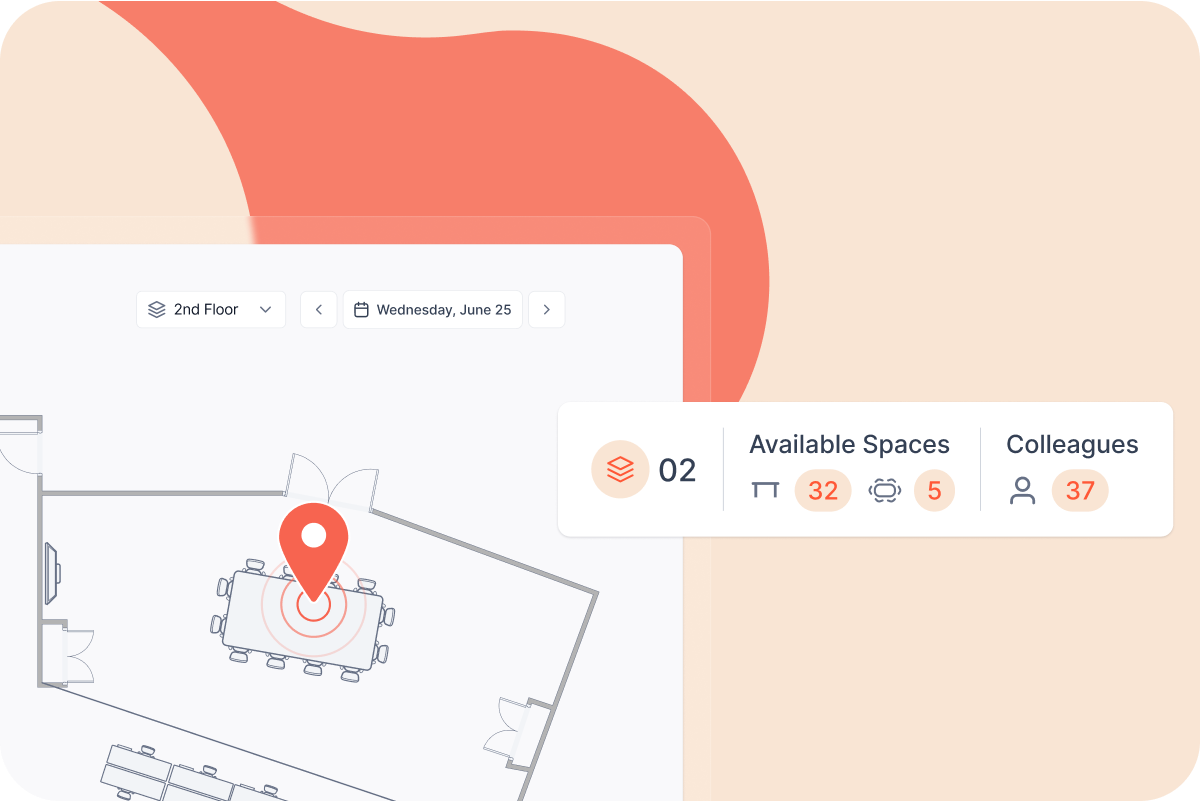
The touchscreen kiosk offers a smarter way to navigate the office
An interactive map of your office that shows everyone what’s available, where their colleagues are sitting, and how to get there.

Navigate the Workplace More Easily
The kiosk gives employees and visitors instant access to an interactive floor plan of your office, making it easy to find desks, meeting rooms, and teammates. Whether it's a regular workday or a first-time visit, navigating the space becomes faster, more intuitive, and completely stress-free.

Locate Colleagues at a Glance
The interactive map shows where colleagues are working across the office in real time. Employees can search for a specific person, see their location on the floor plan, and head over to join them, making it easy to find teammates on any given day.

Find the Space That Fits Your Needs
Employees can filter the interactive map by criteria such as room capacity, amenities, or space type to identify a desk or meeting room that matches their needs, rather than scanning the whole floor plan manually. This makes it easy to quickly narrow down options in a large or busy office.

How the Touchscreen Kiosk Works
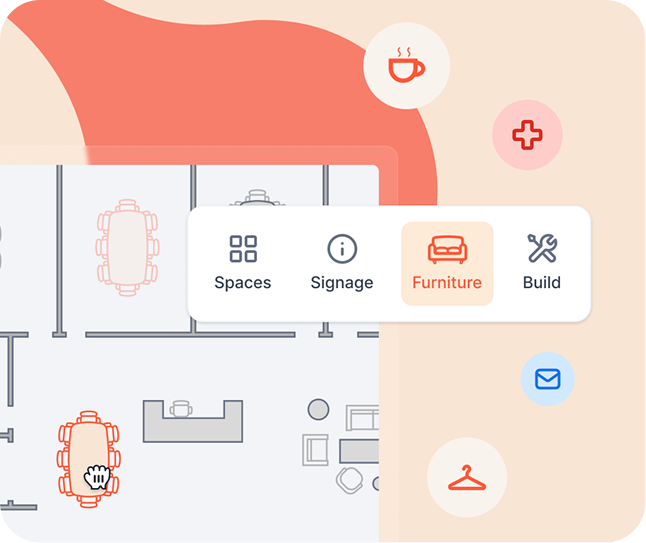
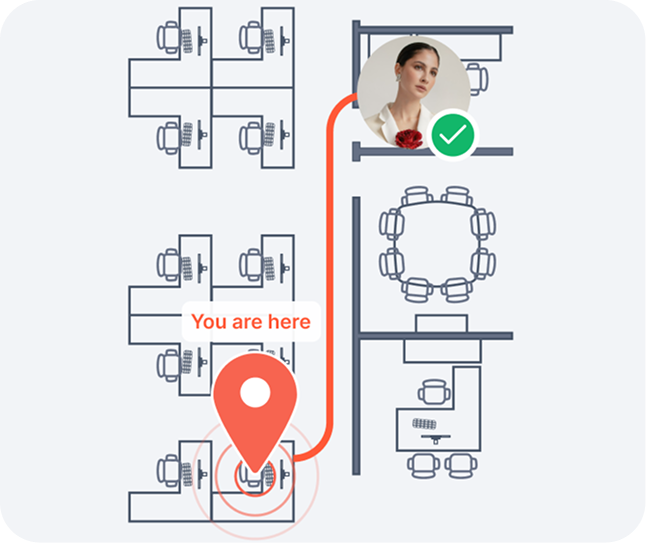


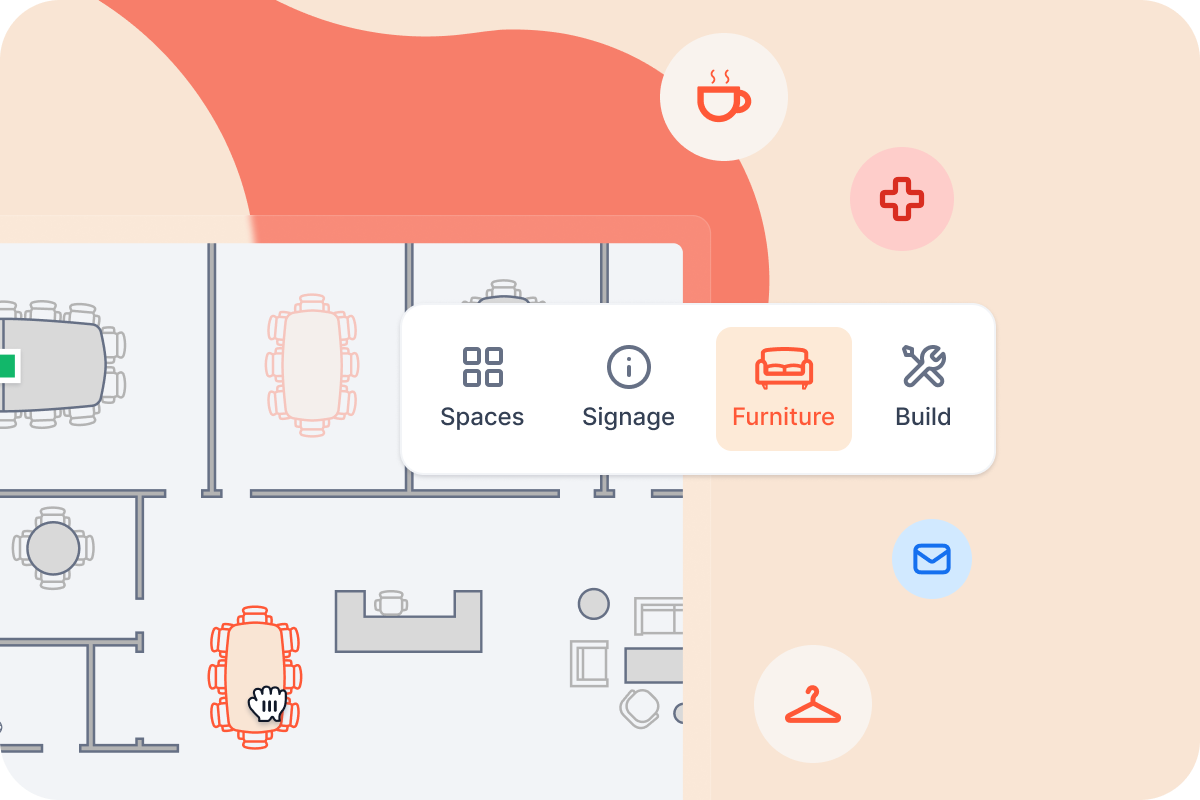
Build and Manage Your Interactive Office Map
Use elia software to create an interactive floor plan of your office, complete with desks, meeting rooms, and key areas. Once set up, employees can see who has booked a space and easily locate colleagues, making collaboration and navigation simpler than ever.
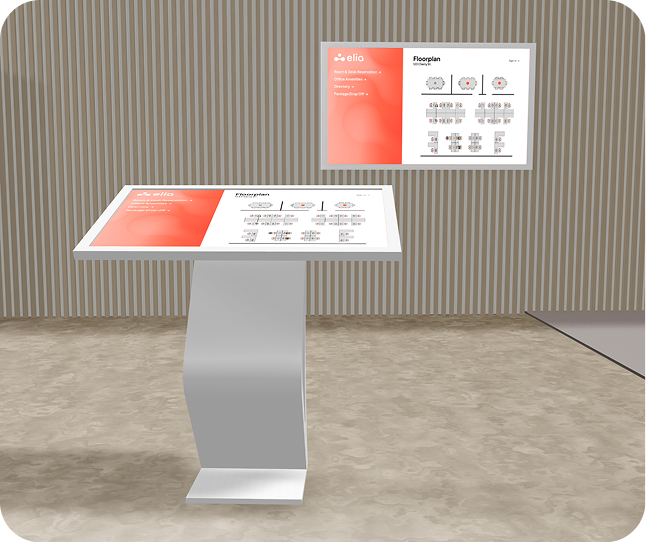
Mount on stand or on wall
The kiosk can be wall-mounted or installed on its floor stand, depending on what best fits your space and user flow. Flexible installation options make it easy to adapt to your office layout and needs.
Analyze Office Usage & Behaviour
Combine the kiosk with elia’s occupancy management software to gain valuable insights into how your office is being used. Track space usage trends to better understand employee behaviour, optimize layout, and make data-driven workplace decisions.
.svg)
Discover More Smart Workplace Hardware
Explore elia’s full lineup of workplace hardware.

Desk Occupancy Sensor
Accurately measure real desk occupancy with discreet, battery-powered sensors. Collect reliable, anonymous data to better understand how your workspace is being used.
.svg)
Room Occupancy Sensor
Accurately measure real occupancy across any shared space, such as meeting rooms, zones, floors or entire buildings.
.svg)
.svg)