Contents
Subscribe to our newsletter
Subscribe to the elia newsletter for exclusive product updates and industry best practices. You can unsubscribe at any time.
Thank you! You're subscribed.
Oops! Something went wrong while submitting the form.

.png)
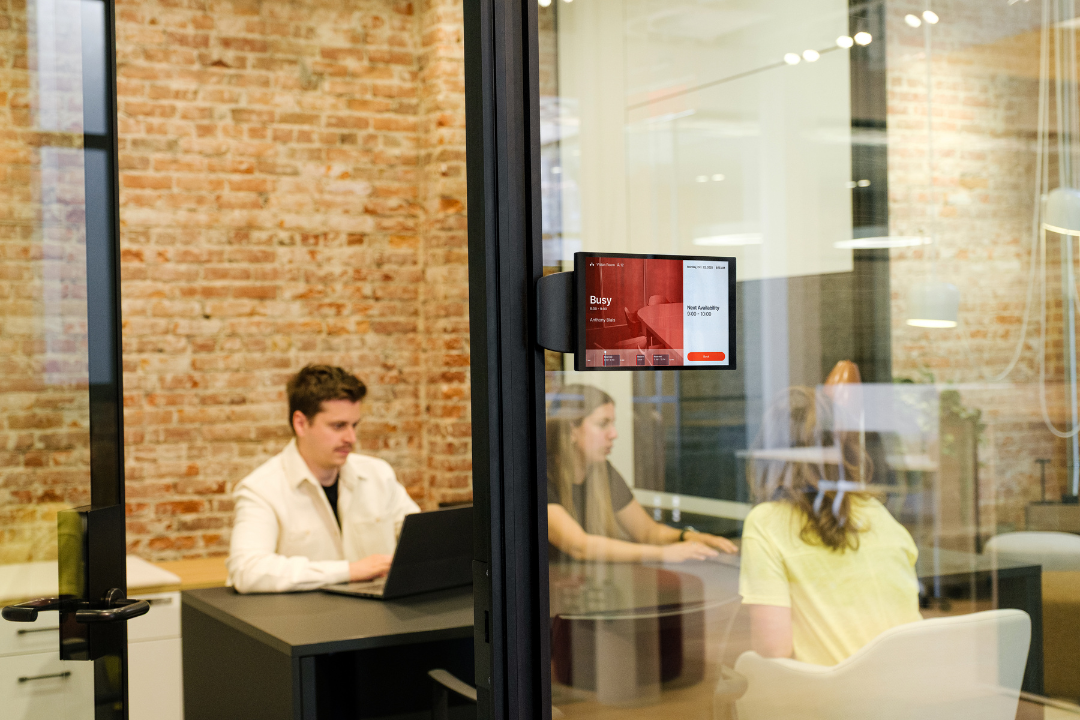
Every year, companies lose hundreds of hours to slow meeting starts, technical difficulties, and fractured conference room technology setups. In fact, many teams still spend four to six minutes just getting a meeting to begin. When we multiply that across dozens of meeting spaces and thousands of meetings, the productivity loss becomes immense.
We believe conference room automation changes this trajectory. It replaces frustrating, time-consuming tasks with a simple, intelligent experience that feels almost invisible to the user. The goal is clearer communication, more productive meetings, and an office where technology finally gets out of the way.
At its core, conference room automation delivers something executive teams value deeply: tangible ROI. Automated systems reduce wasted time, limit IT burden, cut operational costs, and improve the employee experience. And in a hybrid work era, they also create a consistent, equitable meeting experience for everyone, whether they sit in the room or join remotely.
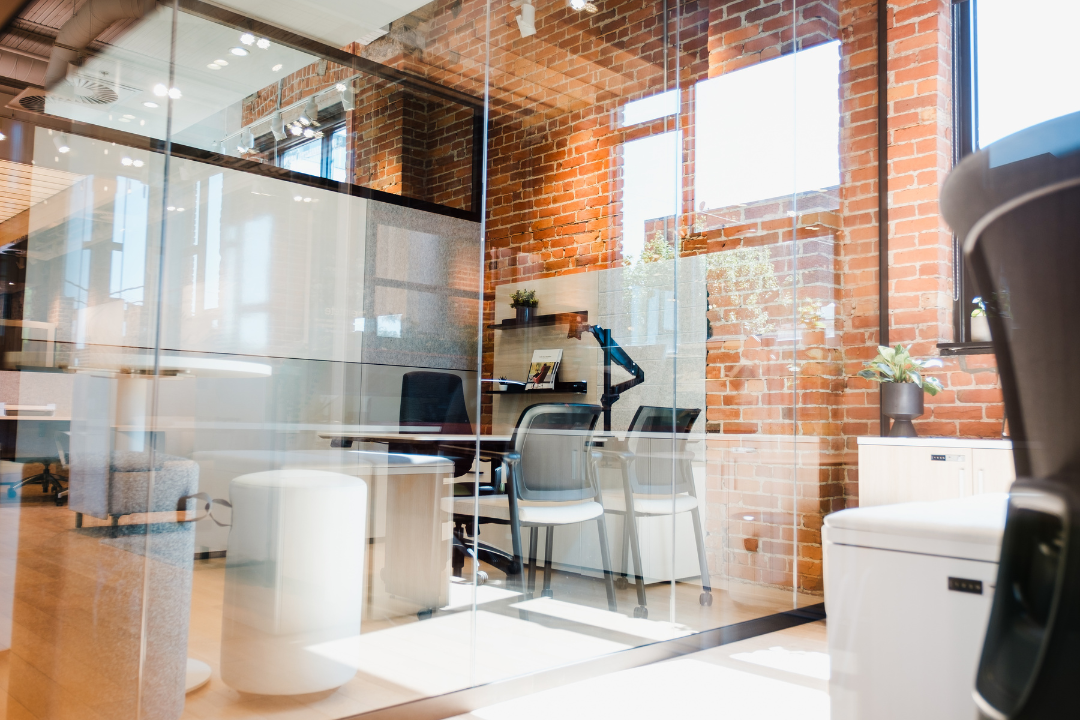
We define conference room automation as a connected set of software and hardware that controls your meeting spaces in a unified way. Instead of relying on multiple remotes, switches, apps, and manual tasks, users interact with one intuitive interface that orchestrates the entire room.
Automation manages everything that creates seamless meetings: audio, video, displays, lights, environment, scheduling systems, and even occupancy sensors. For executives it means predictable performance. For employees it means meetings that simply work.
The workflow is uncomplicated. A user triggers an action on a touch panel, keypad, mobile device, or voice assistant. The control system interprets that action and triggers the connected devices. The room reacts instantly.
A basic example is familiar. Press Start Meeting and lights dim, screens wake up, the camera activates, speakers calibrate, and the meeting room display shows your videoconferencing platform. Instead of configuring five devices, a single touch controls the entire environment.
Behind the scenes, three layers power this experience: the control system, the user interface, and the integration layer that connects audio, video, screens, sensors, and other devices. We often suggest including a diagram here that shows the flow from User Input to Control Logic to Automated Response, especially for visual learners.
Traditional meeting spaces still rely on manual actions. Users hunt for remotes, switch inputs, adjust microphones, troubleshoot video conferencing equipment, and lose credibility in front of clients. These interruptions often cost five to ten minutes at the start of every meeting.
Automated systems eliminate this friction. Instead of several remotes scattered across the table, users see one intuitive controller. Instead of a ten minute warm up, meetings start immediately. Instead of awkward technical difficulties in front of an executive or customer, the room creates a polished, professional impression.
When we quantify the savings, the impact becomes clear. If an average meeting saves six minutes and a company runs 4000 meetings per year, automation recovers nearly 400 hours of productive time. That time directly translates into cost reduction and better business outcomes.
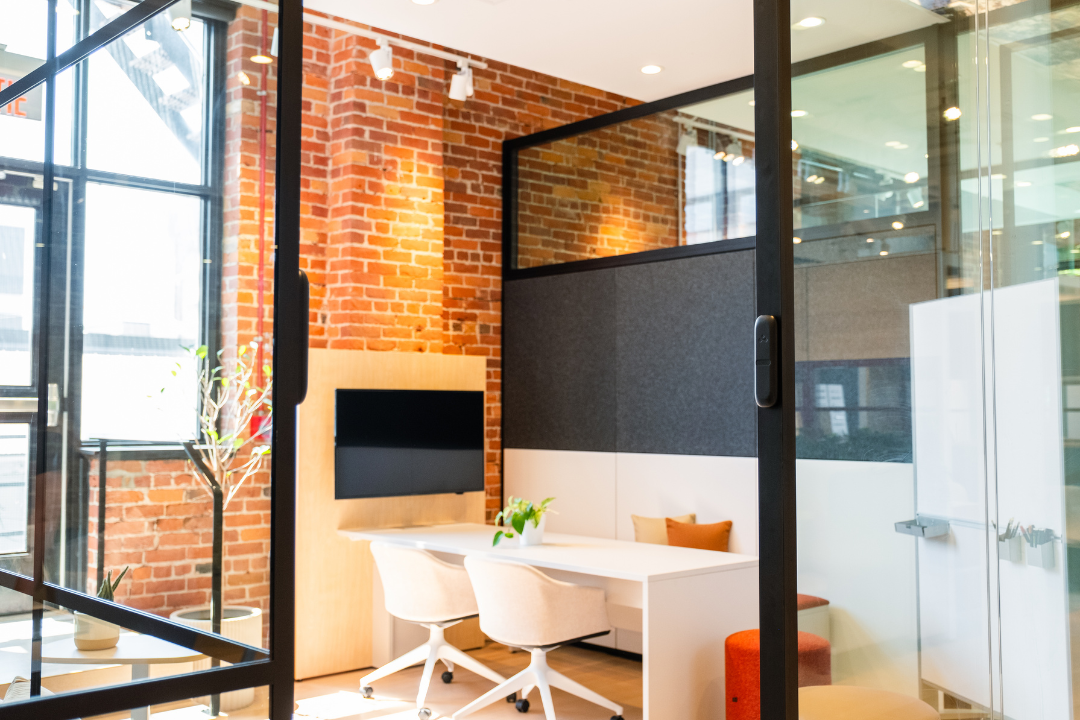
Automation removes the slowest part of most meetings. We no longer waste time starting calls or troubleshooting screens. Employees walk into the room and begin immediately. When we multiply these minutes across large teams, the recovered time often pays for the entire project.
Consider a company with 500 employees and a loaded labor rate of 70 per hour. Saving even 300 hours annually translates into more than 20,000 in reclaimed productivity. And because productive meetings fuel faster decisions, the impact extends beyond simple cost savings.
Clients, partners, and remote participants immediately feel the difference in automated conference rooms. Audio is clear. Video is stable. Collaboration tools respond quickly. People feel as though they share the same room, even when they are distributed.
This consistency also supports stronger team alignment. Employees trust the technology. They focus on the discussion rather than the equipment. And when communication flows naturally, decisions improve.
Hybrid work created a new reality. Some participants sit in the office while others join from home. Automation closes the gap between these experiences. High definition cameras, smart framing, and full duplex technology allow remote participants to hear and see clearly. Automated room controls create the same meeting setup every time, regardless of who arrives first.
Meeting spaces become flexible for distributed teams, and everyone enjoys equal participation.
IT teams spend far less time running from room to room. Automated systems provide remote monitoring, automated alerts, and easy installation. Many issues can be resolved before users ever notice them.
Occupancy sensors also deliver valuable usage analytics. Companies can track which meeting spaces are overbooked or underutilized, enabling better space planning and reducing facilities waste.
Users interact with rooms through touch panels, keypads, mobile apps, or voice-enabled control solutions. These interfaces must be simple, intuitive, and customizable for different meeting setups. A touch controller often provides the clearest path for non-technical users, allowing them to start a meeting, adjust lighting, or share content without confusion.
Audio drives effective communication. Automated systems often include boundary microphones, beamforming arrays, ceiling speakers, and full duplex technology to eliminate echo. Clear audio ensures remote participants never miss a comment.
Video matters just as much. High definition cameras with PTZ, wide-angle, or AI-tracking capabilities help create a consistent view for everyone. When audio and video work together, meetings feel natural and professional.
Conference rooms use a mix of screens, projectors, and digital whiteboards depending on room sizes. Interactive displays provide multi touch capabilities for brainstorming and dynamic collaboration tools. The goal is simple: make sharing content frictionless. We cover more on this in our Meeting Room Display page.
Automation extends beyond AV. Motion sensors and occupancy sensors trigger lights, blinds, and energy-saving features. Automated adjustments support presentations, reduce energy consumption, and create a polished environment without manual effort.
Room scheduling systems connect Outlook, Google Calendar, and other platforms to your meeting spaces. They prevent double bookings, display room availability, and manage check-ins and check-outs automatically. These integrations also inform broader workplace operations.
We explore this more deeply on our meeting room booking system page.
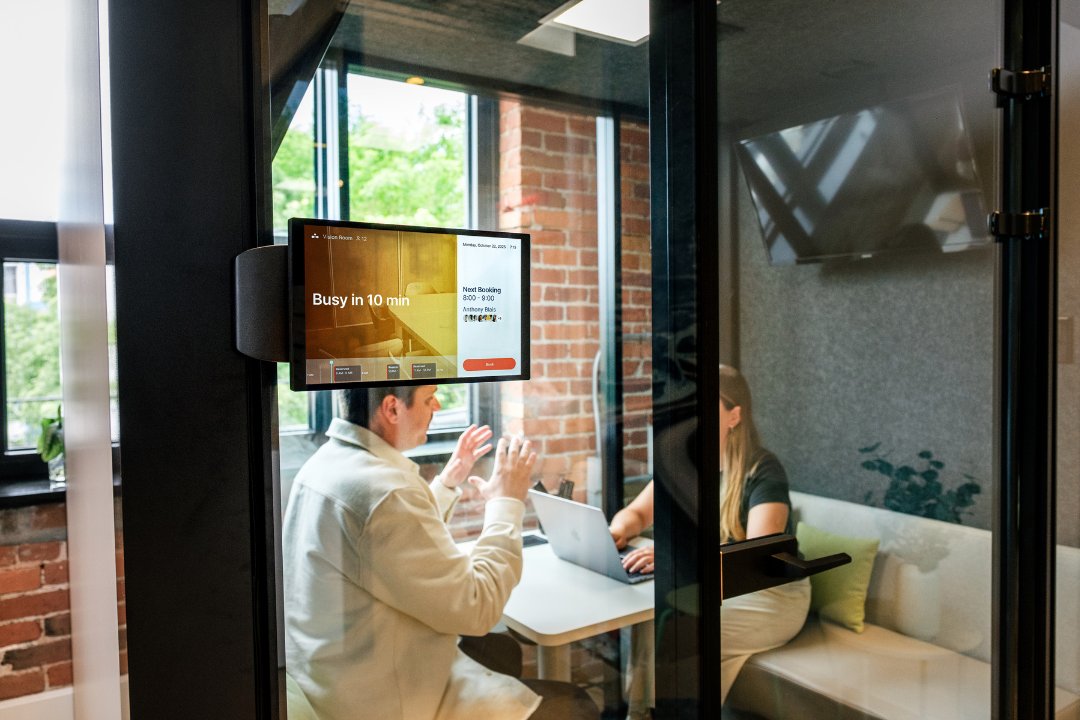
Larger rooms often require multiple cameras, advanced audio systems, and sophisticated control solutions. Executives and clients expect flawless presentations, and automation ensures the entire environment supports that experience.
These 6 to 12 person meeting spaces benefit from balanced automation: strong audio, reliable video conferencing, intuitive controls, and smart scheduling. The result is consistency without overspending.
Huddle rooms support two to six people and prioritize speed. Users need quick-start capabilities, simple controls, and reliable equipment. Even in smaller spaces, automation encourages spontaneous collaboration.
Training rooms require flexible presets and scalable control. Teams shift between presentations, workshops, and larger events, and automation ensures each setup is ready instantly.
One of the most important aspects of automation is seamless integration with Microsoft Teams, Zoom Rooms, and Google Meet. When the platform launches automatically with one touch, the room becomes predictable. Certified equipment ensures consistent performance across all meeting spaces.
Room management software schedules spaces, tracks usage analytics, and integrates directly with calendars. Occupancy sensors reveal how meeting spaces perform in real life, helping companies optimize layouts and reduce wasted real estate.
Centralized management systems allow IT teams to monitor devices across all conference rooms. Firmware updates, automated alerts, and preventive maintenance reduce downtime and limit on-site troubleshooting.
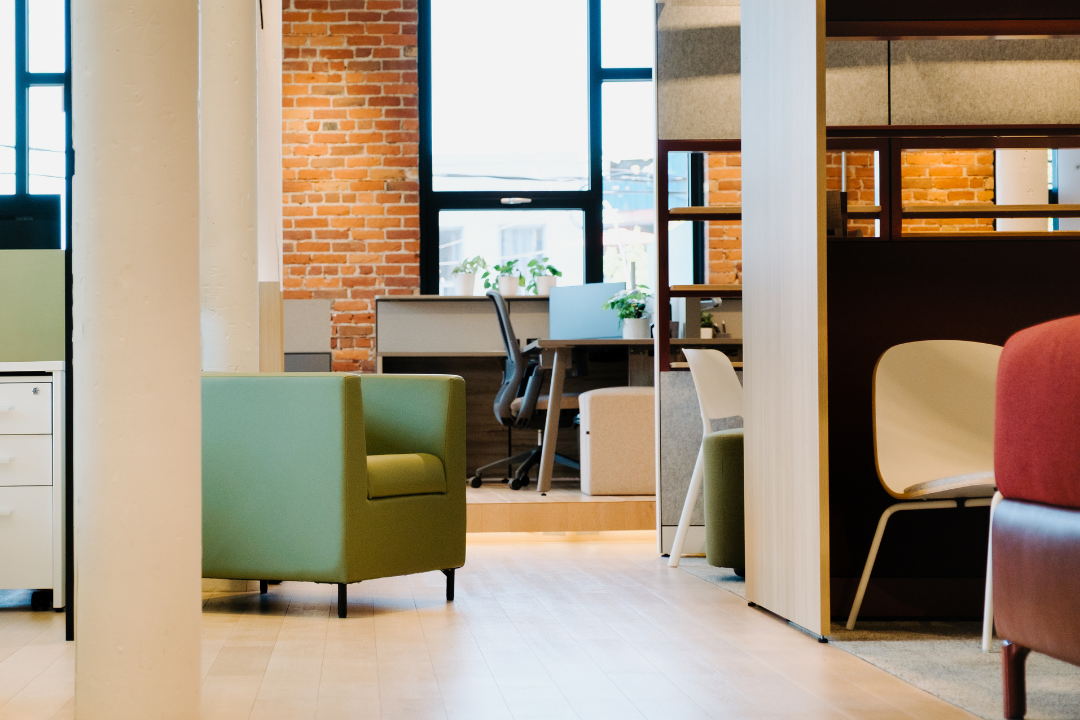
We always start by identifying pain points. Do meetings start slowly? Do users complain about inconsistent audio? Are certain spaces chronically overbooked? Interviews, observation, and a technology inventory usually uncover the core issues. Once we define success metrics, planning becomes straightforward.
Stakeholders from IT, facilities, and user groups must shape the requirements. Costs typically fall into hardware, software, integration, and maintenance. Budget ranges vary by room sizes, but ROI becomes clear once we evaluate hours saved, improved decision making, and reduced IT intervention. Total cost of ownership should guide these decisions, not just upfront price.
Strong partners provide integration expertise, responsive support, long-term warranty options, and training for users. An automated conference room only works if the underlying software and hardware connect cleanly, which is why integration capability often matters more than any specific device.
When we step back, the story is simple. Meetings should not waste time. They should start immediately, connect participants clearly, and support productive collaboration. Automation transforms the experience from frustrating and chaotic to smooth and reliable.
This is exactly why we built elia. Our workplace operating platform eliminates the complexity of managing conference rooms by unifying software and hardware into one integrated system. Companies choose us because we simplify deployment, deliver seamless integration across devices, and prove ROI with measurable time savings and reduced IT burden.
If you want meeting spaces that finally work the way your teams do, now is the moment to act. Book a demo with elia and see how simple smart meetings can become.
Answers to Your Common Queries

%20(1).png)
%20(2).png)