Contents
Subscribe to our newsletter
Subscribe to the elia newsletter for exclusive product updates and industry best practices. You can unsubscribe at any time.
Thank you! You're subscribed.
Oops! Something went wrong while submitting the form.

.png)
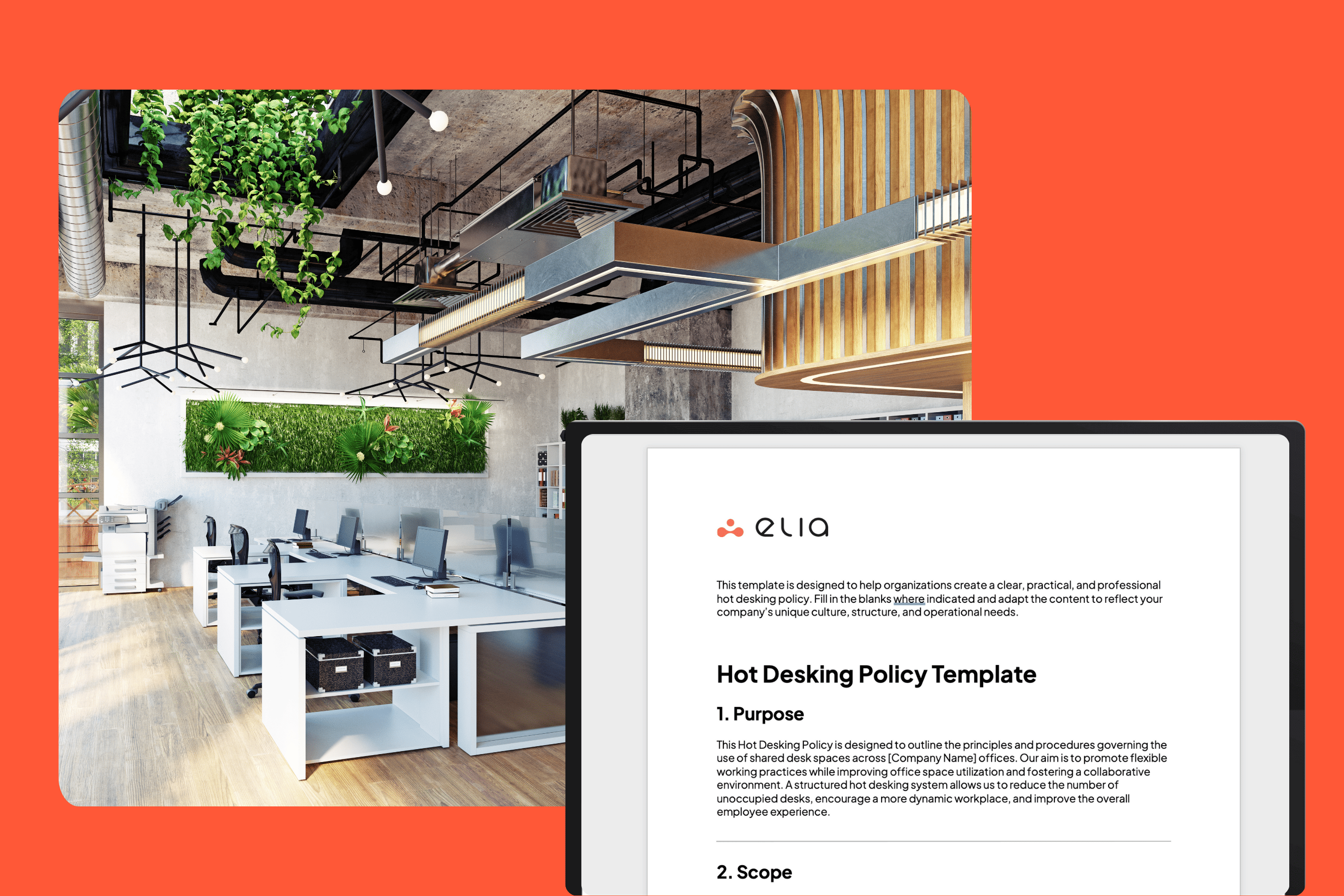
Hot desking can transform the way we use our office space. It gives employees the flexibility they want and helps office managers save space and manage desk assignments more efficiently. But to make hot desking work, we need a clear, simple, and fair hot desking policy.
In this guide, we’ll walk you through how to customize a hot desking policy template for your workplace, share best practices, and help you avoid common pitfalls. You’ll also find a free downloadable template, ready to adapt to your needs.
Still deciding on a model? Our office hoteling vs hot desking guide compares the two.
Creating a policy is one thing, but making it work for your specific team and office is another. Here’s how to start.
Do you have enough desks for your team on a given day? If not, desk sharing or alternating in-office schedules might be necessary. You might also want to split your office into zones, quiet work areas, collaboration zones, or team-based sections.
You’ll also need to decide: how many desks are shared desks vs permanently assigned desks? If some employees have specific desk needs (equipment, adjust screens, special chairs), consider exceptions.
A good hot desking policy reflects how your team actually works. If people already work flexible hours or follow hybrid schedules, build that into your guidelines.
Encourage feedback and collaboration during the rollout. Policies work best when employees feel heard, and when they understand why the change is happening.
Hot desking isn’t just about choosing a desk. There are responsibilities on both sides, yours and your employees’.
Office managers and the HR team are key to implementing a smooth desk sharing experience. They should oversee the desk reservation system, track office space utilization, and support any employee concerns.
They are also in charge of assigning working spaces when necessary, making sure there are enough desks, and updating the policy as needs evolve.
If your team includes employees working remotely on an as-needed basis, make it clear how and when they should book desks. A rotating basis or first come, first served system works well.
You should also address what happens if someone doesn’t show up for a reserved desk or leaves a desk unoccupied for extended periods.
Desk usage rules are the backbone of any good hot desking policy. Be specific:

A modern hot desking system makes everything easier, for everyone.
Use a desk reservation system (ideally with mobile apps) so employees can book desks, meeting rooms, or collaboration zones in advance. You can go with a first come, first served approach or create assigned time slots.
This also helps you track which desks are used most often, and which stay unoccupied.
The etiquette around hot desking matters. We want to maintain a clean, collaborative environment without micromanaging.
Without a specific desk, people need other forms of storage. Personal lockers work well. You can also encourage digital-first habits for document management.
Make sure employees know how to adjust screens and chairs to their preferences when they arrive at any available desk. Consider providing headset docks or adjustable chairs as needed.
If people handle confidential documents, clearly outline privacy expectations and offer guidance.

One of the most common challenges is the lack of personalization or belonging. A rotating system can make it difficult for employees to feel connected to their workspace. To overcome this, encourage light personalization—allow small, non-permanent items like a mouse pad or a photo. Support a stronger sense of community through team rituals, shared spaces for lunch, and frequent check-ins. Employee feedback and HR support are essential to making people feel supported.
Hygiene and health concerns are another top priority. Since different people use the same desk throughout the week, sanitation becomes critical. Provide easy access to cleaning supplies like hand sanitizer and wipes, post reminders about cleaning shared desks, and implement a schedule for regular professional cleaning. Remind employees to wipe down computer screens, keyboards, and surfaces before and after use.
Finally, technology management can be a sticking point. It’s frustrating to arrive at a hot desk without the necessary tools to work. Each desk should be properly equipped with consistent software, docking stations, screens, and phones. Clear instructions for setup, access to IT support, and uniform desk configurations can dramatically reduce friction. When the tech works, the system works.

Once your hot desking policy is set, the real work begins, implementing it efficiently.
That’s where elia comes in.
elia is a smart, user-friendly hot desking system built to support flexible working, desk sharing, meeting room booking, office space optimization, and more. It’s ideal for companies looking to:
With elia, office managers, HR teams, and employees all stay aligned. Desk reservations are seamless, desk usage rules are easy to enforce, and your workplace runs smoother, without the guesswork.
Book a demo with elia to see how we can help bring your hot desking policy to life.
Answers to Your Common Queries

![Hot Desk Booking Template: Free Excel & Google Sheets Download [2026]](https://cdn.prod.website-files.com/64f88f68249f7cafe071d150/68c47d1149fcc0791ada469a_elia%20-%20Hot%20Desk%20Booking%20Template.png)
![How to Manage Hot Desking: The Operational Playbook [2026]](https://cdn.prod.website-files.com/64f88f68249f7cafe071d150/6914de3ce11d1e5b51acaefb_147.png)