Contents
Subscribe to our newsletter
Subscribe to the elia newsletter for exclusive product updates and industry best practices. You can unsubscribe at any time.
Thank you! You're subscribed.
Oops! Something went wrong while submitting the form.


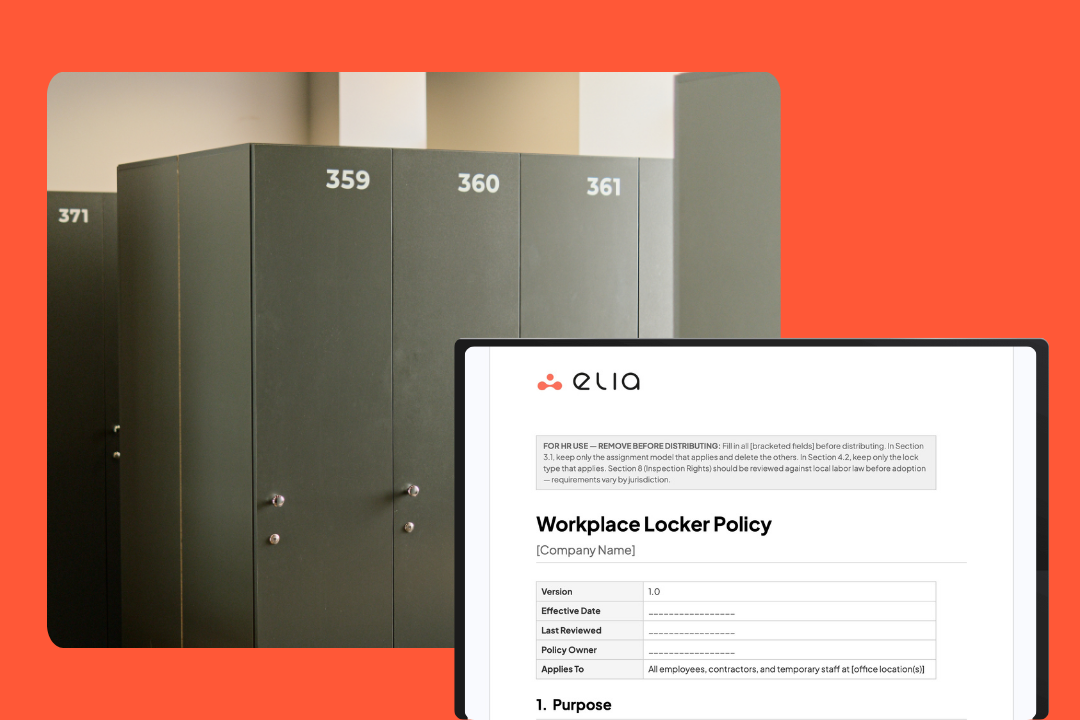
Be honest: does your company have a locker policy or just a locker tradition?
You know, that unwritten set of norms that mostly works until someone's stuff gets rummaged through in the locker or HR stumbles upon a locker that's just been sitting there untouched for ages after someone left the company.
Having a written policy helps prevent all those headaches. Here's what needs to go in it, where most policies fall short, and what changes if your team is hybrid or going through an RTO.
This template is for HR managers, facilities managers, and office administrators. If you're here for the template, go ahead and download it first.
Six things, really:
Most policies that go wrong are missing at least one of these. The inspection rights section is the one I see skipped most often, and it's the one that bites hardest when something goes wrong.
Start with who gets a locker and how. The answer should depend on how often people actually come in, not headcount.
Gives each employee their own locker, full stop. Works fine when most of your team is in every day, but can be a problem in a hybrid office, where you have employees in 2-3 days a week. If 80 people have permanent lockers but your average daily occupancy is 45, you're running 35 lockers empty. Every day.
Assigns a locker on arrival and releases it at the end of day. This is the way most hybrid offices roll now. Yellowbox analyzed locker usage across its client base and found that on average, only 66% of employees use a locker on a given day, and only 54% need to use one on a regular basis.
And the thing is, most workplaces way over-provision for lockers. A starting point of 60-70% of your peak daily headcount is reasonable; actual usage data will get you closer than any rough estimate.
Another interesting finding from Yellowbox is that moving from a 1:1 desk-sharing ratio to 2:1 pushes up locker demand by about 61%. Worth knowing if you're planning for a denser floor.
Gives someone a locker for a set period (30 or 90 days is common), then it auto-expires or needs renewal. Good for contractors, people working rotating shifts, or staff splitting time between locations.
Also, don't forget to cover how people request a locker, what happens when one gets reassigned, and whether new hires get one as part of onboarding.
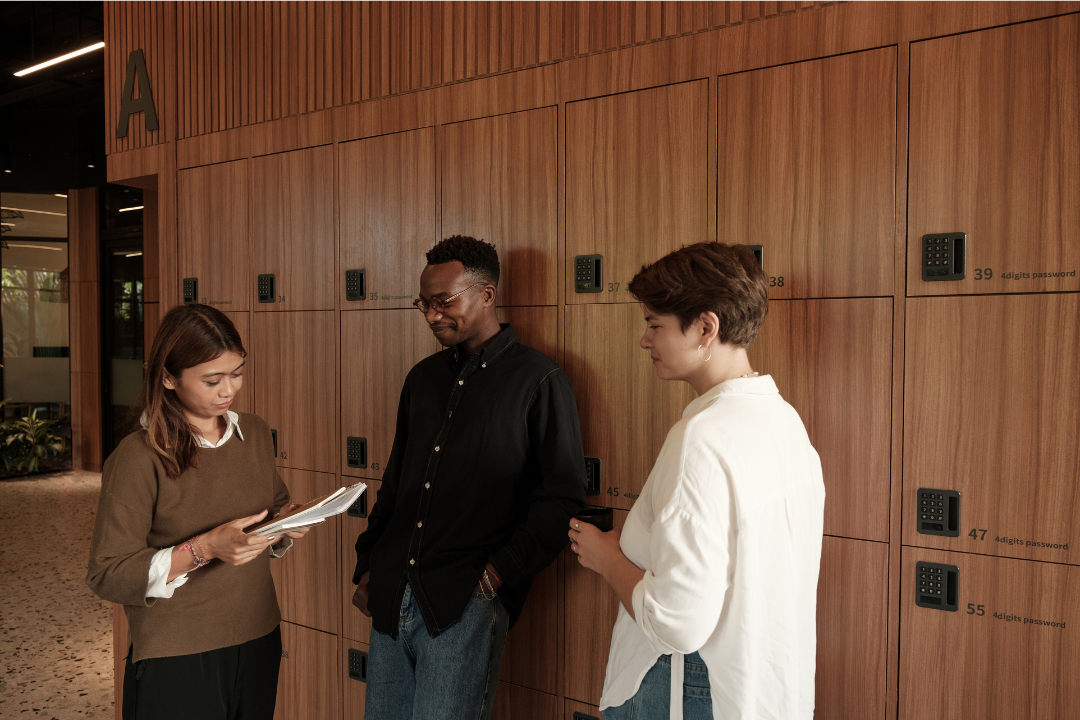
This bit of the policy is what gets some HR teams into trouble when something goes wrong, so let's get it right.
Your policy needs to say that the company can inspect lockers, and it needs to name the conditions. Lockers are company property. Employees use them for personal belongings, but the space belongs to the employer.
Who provided the lock matters, legally:
So, be specific: if you assign company locks or require employees to register their combination, say so. If you allow personal locks, still require registration.
These can include:
Note whether a manager or security is on hand and whether you'll give advance notice.
Requirements can vary by jurisdiction, so check with a lawyer before finalizing this section. Also state that lockers should be kept locked when not in use, and that employees who don't follow the rules can lose locker access. Most people assume this is obvious. It still needs to be in the policy.
One thing I'd add: employees often assume that their locker is fully private and don't realize that the company has the right to inspect it. Spell it out in the policy so that when the time comes to inspect, there's no confusion.
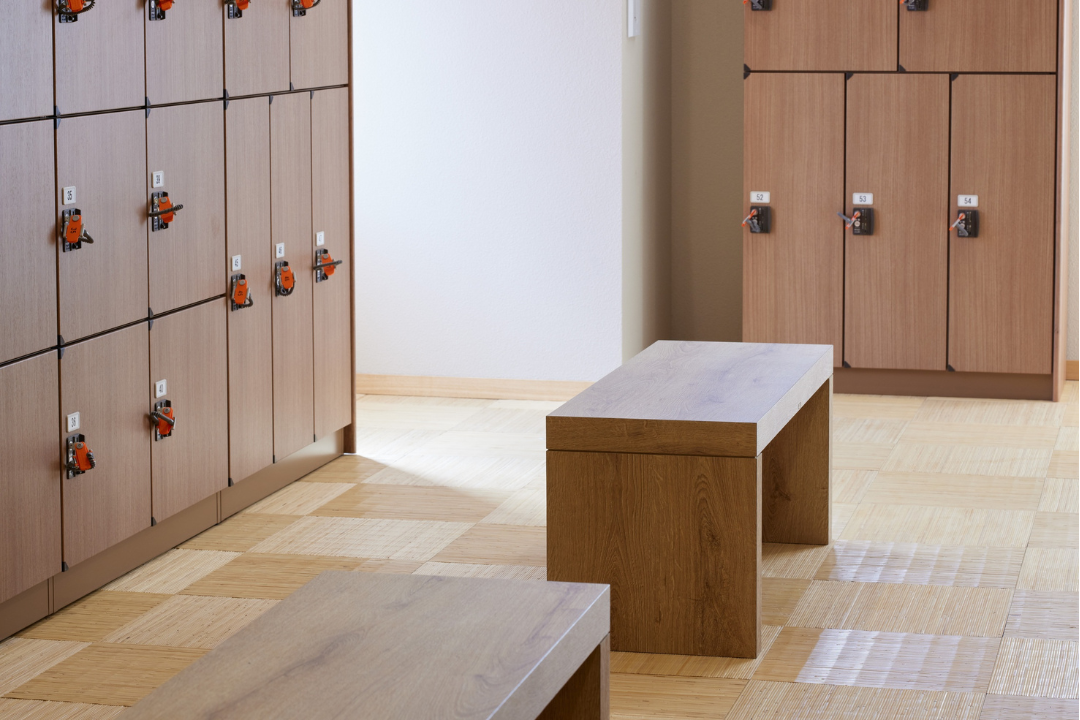
Lockers are for storing personal belongings. Most policies prohibit:
A few quick things to add: food is usually fine during work hours, but it shouldn't stay overnight. And as for medication, it’s a gray area; most policies allow it, some restrict it depending on the work site.
It’s also worth noting that lockers aren't the best place for anything expensive or irreplaceable. Your policy should cstate that the organization isn't responsible for anything that goes missing.
You know what makes locker cleanout day a real pain? When employees have no idea it was coming, or aren't sure what happens to their stuff afterwards.
Keep it easy. Employees are responsible for keeping their locker tidy and odor-free. The policy should cover how to report any damage, what kind of extras they can put up in there (hook, shelving, etc.), and what to do if they lose their key or forget the combo.
For cleanouts, quarterly works for most offices. Give people a heads up 5 to 10 business days ahead of time, tell them exactly when it's happening and what happens to anything left behind. Don't fprget to state the holding period and the disposal process. Without that, you can count on pushback every single time.
ADA Standards require that at least 5% of lockers in a facility (and no fewer than one per type) be accessible. What that actually means in real life is:
To go above and beyond, I'd build an accessible-by-default assignment into the policy. Make accessible units available to anyone, and prioritize them for anyone who asks. No reason needed. Simpler, and it avoids an uncomfortable conversation.

A policy that works for a 5-day office just can't cut it when people are only in the office 3 days a week. And that's especially true when your company is suddenly forced into a RTO situation.
Here's the pattern we've seen happen a lot. A company switches from 2 days to 4 days in-office. Soon, the inboxes start filling up with complaints:
The window between announcing an RTO and the first wave of locker complaints is usually about 2 to 3 weeks. Not enough time to run a cleanout if your policy isn't already up to speed. If you're issuing an RTO, it's smart to update the policy at the same time. Don't wait for the complaints to start pouring in.
Shared lockers add another layer of complexity. When the same unit cycles between users, someone needs to be in charge of making sure it's clean and empty. A daily check usually helps if it keeps happening.
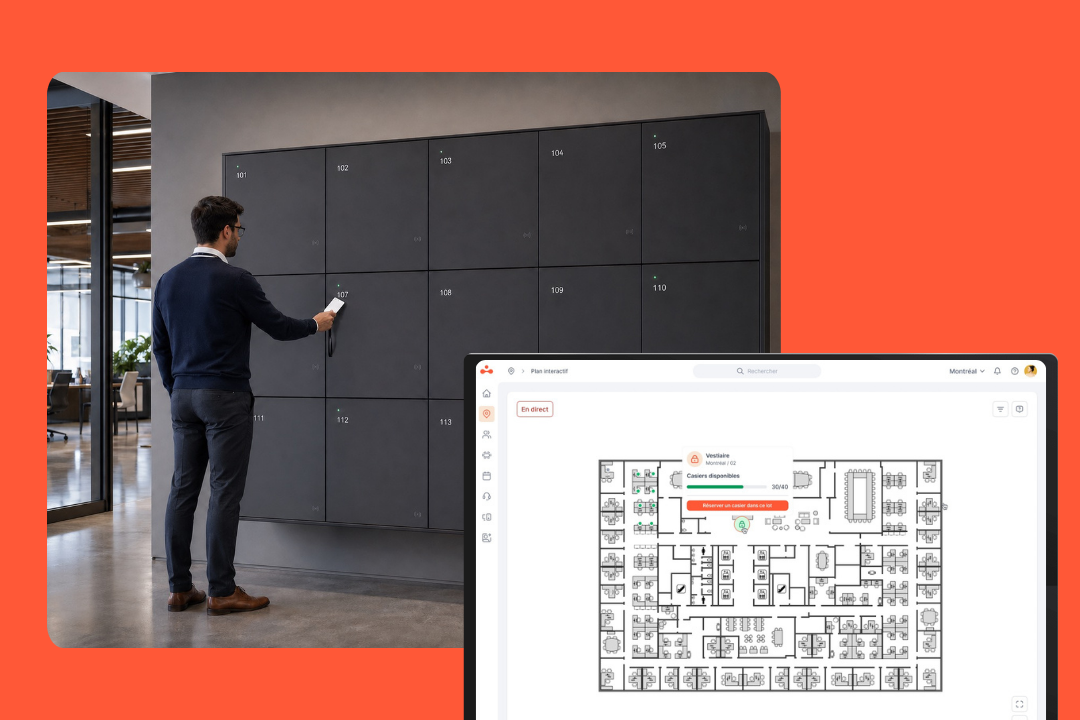
Keyless systems take the key problem off the table entirely. For example, employees just tap their ID badge on a green-lit locker to claim it, access is tied to their profile, and admins can release or reassign lockers from anywhere without having to physically be there.
Some offices also tie locker booking to desk booking: book a desk, get a nearby locker at the same time. Less work to coordinate, better data on usage.
When someone leaves, clearing their locker gets left off the offboarding checklist more often than you'd think. When it does, the locker just sits there, occupied, for months, and the policy falls apart.
That locker needs to be cleared. Three steps, three owners:
HR should keep a record of clearance. Anything left unclaimed after 30 to 60 days gets donated or disposed of after an attempt to reach the former employee. Put that in the policy. Without it, there's always a dispute.
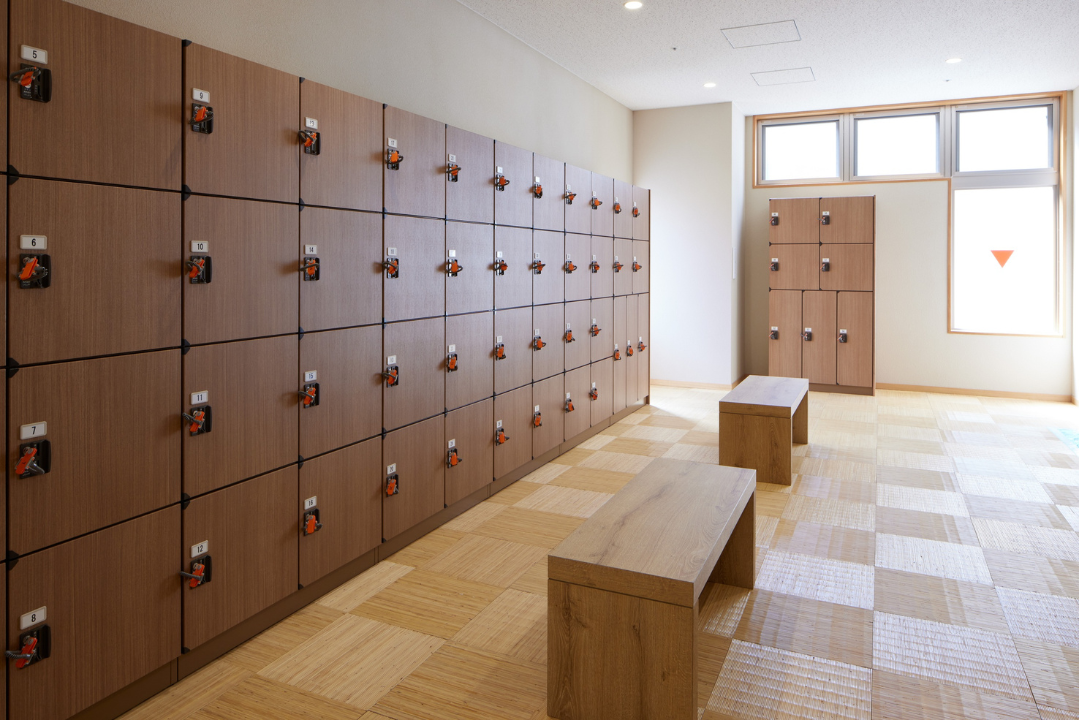
A policy that nobody enforces is basically just a piece of paper.
Send a heads-up when you update it: you want people to know about it right away, not discover it in some archive update. Give people 10 to 15 business days to review and acknowledge it, and keep a record of the sign-offs.
They're the ones who'll notice a locker sitting empty for months, or someone who cleared their desk without clearing their locker. Name what counts as a policy violation and what the consequences are. First-time offenders lose access to their locker, repeat or serious offenders get handled through your normal disciplinary procedures. Include the locker policy in manager onboarding and any RTO briefings.
Put the date in the doc, set a reminder, and make sure the version people are agreeing to is up-to-date.
If you're moving from permanent to hot lockers (common for offices cutting dedicated desks), give everyone at least 3 to 4 weeks to clear out their stuff. You'd be surprised how often people forget what's in there.
Policy covers the rules. Enforcement depends on your systems.
Spreadsheets and keys work okay when you only have a few lockers, but things start to break down when you get up to 80.
elia's smart locker system replaces keys and PINs with the badge employees already carry for building entry. Walk up, tap on a green-lit lock, and the locker syncs to your profile. No admin needed. If they don't have a badge handy, mobile, web, and Apple/Google Wallet all work too.
If your team is going through an RTO or a shift to hot desking and storage isn't keeping up, a demo is a good place to start.
Answers to Your Common Queries
![Return to Office Policy Template: Complete Guide + Free Template [2026]](https://cdn.prod.website-files.com/64f88f68249f7cafe071d150/6904cddc5762e4cdd787a51b_blog%20images%20-%20elia%20(34)%20(1).png)
%20(1).png)