Contents
Subscribe to our newsletter
Subscribe to the elia newsletter for exclusive product updates and industry best practices. You can unsubscribe at any time.
Thank you! You're subscribed.
Oops! Something went wrong while submitting the form.


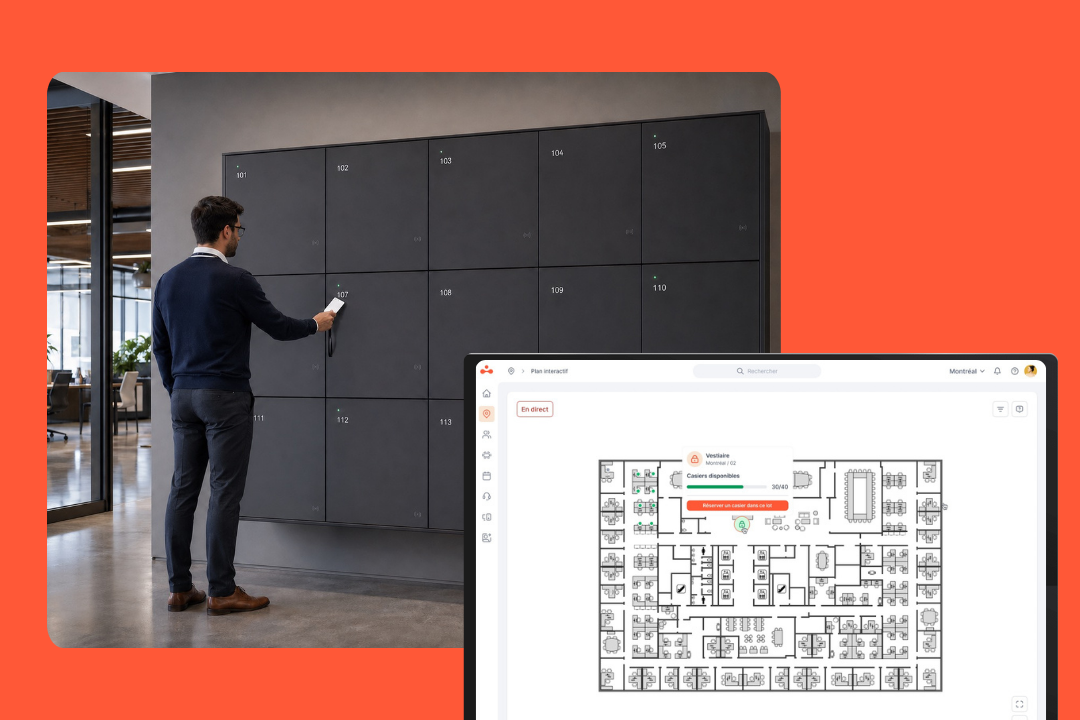
Office storage used to be pretty dull, didn't it? You’d be given a locker, maybe a key to go with it. And that was it.
That whole setup feels pretty pre-2020 at this point. We aren’t turning up to offices every day anymore, and all sorts of gear is always moving around: laptops, bags, deliveries, spares, you name it. Regular lockers just haven't kept pace.
We see more and more smart lockers popping up in workplaces everywhere, making storage a heck of a lot easier to manage for everyone. But what does that actually mean day to day?
Here’s what smart lockers are, how they work, what they’re for, and why modern offices need them.
A smart locker is basically a secure storage system with software behind it.
On the surface, it still looks like your typical locker: a compartment with a door where things get stored safely. The difference is that smart locker technology does more than that. It can control access, track activity, and support different workflows without everything being managed manually.
Unlike traditional lockers, intelligent locker solutions use digital access and a software layer to decide who can open a locker, when, and why. For an office, that might mean personal storage for the day, laptop handovers, shared devices, internal deliveries, visitor storage, or all of the above.
The short answer is: not just the lock.
What makes a locker smart is the way all the different components fit together. That includes physical hardware, the connected software, and the digital access control.
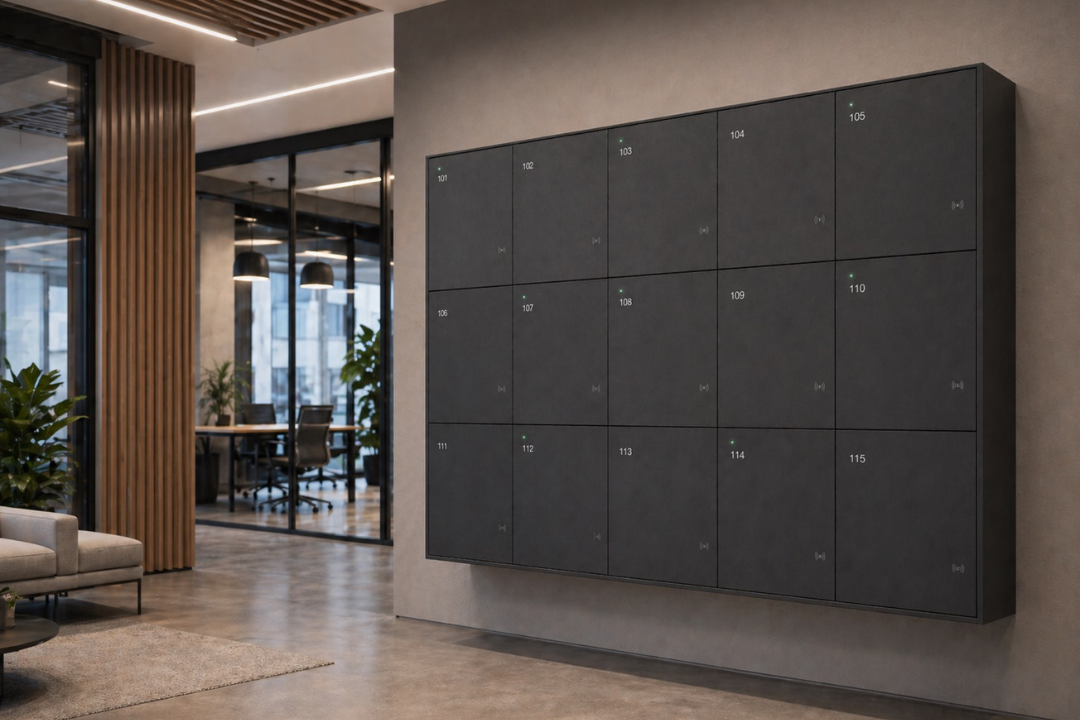
Let’s start with the hardware: the part people see and use.
Typically, we’re talking about the locker frame, storage compartments, doors, and the locking mechanism itself. Most smart locker solutions are modular, which means the compartments can come in different sizes, depending on what they’re meant to store (say, bags, parcels, laptops, or shared equipment).
As for the “smart” part, they might have:
Sure, not every smart locker has all of those features, and that’s perfectly fine. Some are nice and simple, while others are built for more complex use cases like IT handovers or device charging. But the point of the hardware is always the same: keep things secure and support the workflow the locker is there for.
Software is the brain that works out the rules and turns lockers from simple storage into something you can run across a busy workplace, without relying on keys or shared codes.
From one place, teams can manage things like:
Without it, storage might quickly turn into a real mess, with lockers staying assigned long after they're not needed and equipment handovers turning into a nightmare for office or IT admins. Software helps clean that all up.
A smart locker also needs to stay connected.
That connection might come through Ethernet, Wi-Fi, or even cellular, depending on the setup and how the lockers need to fit in with your existing systems. The exact method is honestly not as important as the fact it needs to happen.
For the people managing the workplace, that opens up a few useful options:
From the employee’s point of view, that means no longer carrying a physical key (yay!). Instead, the access is sorted through digital credentials, often tied to workplace access or identity management.
That can be:
In the end, employees get easier access, while your workplace team gets more control and better data protection around access records.
The flow isn’t complicated, and that’s kind of the point. You need a locker → you get one → you open it → and you’re done. The system handles all the behind-the-scenes.
There are usually two ways this plays out in real life:
Both work great; the only difference is where the assignment happens.
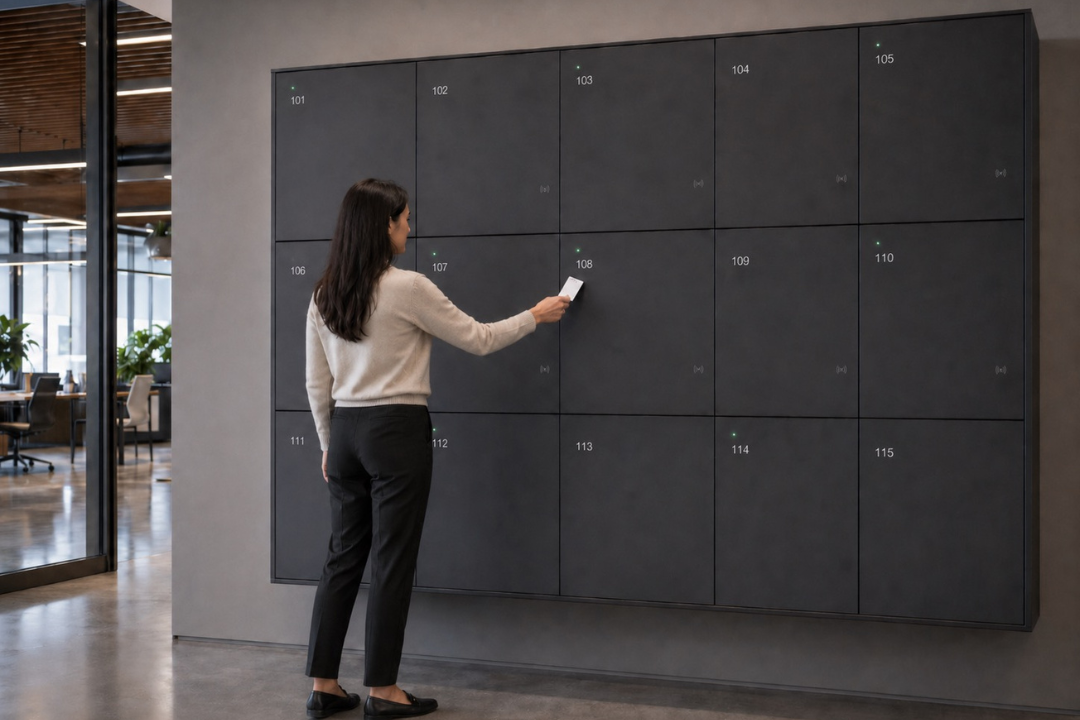
The simpler of the two flows.
You walk into a locker area, look for an empty one, tap your badge on it, and it opens up and it's all yours (at least for the period you've got it, whether that's a day, a week, or something else entirely).
That's what you can do with elia, too. If a locker’s available, it shows a green light. You tap your badge on that locker, it opens, and you’re done. No codes to remember and no lineup at a central screen just to get started.

The other flow starts in software.
Instead of just heading to a locker and choosing one, you request one through a screen, a mobile app, or the web. Then the system selects a locker for you based on what's free and what you're allowed to use.
That assignment can depend on things like:
Some systems even tie in with the rest of your workplace systems like desk booking software, so if you book a desk for the day you can also get a locker nearby at the same time. And when it works seamlessly, the lockers just become another tool in the workplace toolbox.
While all you see is a few steps, the system is doing a lot of the background admin work, including:
That layer is a big part of the value because it helps with keeping track of usage, reduces asset loss, and gives workplace teams more control.
It depends on how the locker was set up. For example:
In the elia setup, for instance, a daily locker goes back to being available at midnight unless you renew it.
Some systems also let people manage what happens next, which enables you to renew, release, or share a locker without turning it into a manual admin chore. I personally find that last option super useful for handing over documents or other items.

Smart lockers can do a looooot more than hold personal belongings. In a modern office, they support a bunch of everyday workflows that would otherwise create friction for employees, workplace teams, IT, or reception.
Old traditional lockers were designed for a fixed office where one person had their own locker assigned to them. Maybe it had a key, maybe it had a code, and it worked fine as long as everyone came in every day and used their storage the same way all year round.
But nowadays it's not like that at all.
People swing by on different days, move around more, book desks when they need them, and use storage for reasons that change constantly.
Basically, old lockers create annoying little problems, and smart lockers remove a lot of them.
One of the biggest benefits is just how much easier smart lockers are to use.
No more fiddling around with physical keys or forgotten padlock codes, you can just open your locker with keyless access through your badge or mobile device authentication. And with some systems, you can even grab and drop things 24/7 without having to wait for facilities or IT to be around.
Most modern locker flows are speedy too, usually around 10-15 seconds from authentication to the door opening. Saves everyone a load of time!
You can keep personal items and tools in assigned, logged locations instead of scattered across desks or unsecured cupboards. Everything has a secure place with ownership.
Besides, once you can see which lockers are being used and which ones are barely touched, it gets much easier to reduce locker banks and free up some floor space. So instead of planning storage around total headcount, you can plan around actual office use.
All that freed-up space can go to things that matter more in a hybrid office anyway, like collaboration areas, phone booths, focus rooms and extra shared seating.
When locker assignment and overdue alerts are automated, you spend way less time dealing with tracking devices, updating spreadsheets, or managing handoffs manually.
A simple example: IT drops off a replacement laptop in a locker. Employee gets an automated email with pickup details, grabs it when they can, and the system logs the handover in the background. If it needs to come back, reminders can be triggered automatically.
Every access event is logged with date, time, and user identity, creating accountability for who accessed which compartment and when. That kind of audit trail is a real lifesaver when something goes missing, or when you need records for compliance.
Digital access is also a lot harder to share or copy than a metal key. Access can be revoked instantly in the software when an employee leaves, and you don’t have to change locks because something got lost.
That plays an even bigger role in places where proof of custody is key, like financial institutions, healthcare facilities, or anywhere people are dealing with sensitive equipment or shared devices.
Usually, yes. And in most cases, they’re safer than traditional lockers for one simple reason: they’re easier to control.
With a regular locker, security mostly comes down to a key, a code, and hoping nobody loses either. With a smart locker, access can be tied to a specific person, activity can be logged automatically, and permissions can be changed without swapping locks.
There are two sides to that.
A locker system only works if people can count on it to keep going even when real life gets messy, whether that’s because of connection issues or users needing access across multiple locations.
First things first, what problem are you trying to solve? Because “We need smart lockers” can mean very different things: personal storage for hybrid employees, laptop and device handoffs, parcel delivery, visitor storage, shared tools or equipment, or all of the above.
A few things to think about:
You might want to start with a small pilot, say a single department or warehouse, to test workflows and build internal confidence. Let's call it a sanity check 🙂
If regular lockers were still doing the job, nobody would be rethinking them.
But we are: hybrid schedules, shared desks, swapping desks, parcel pickups, temporary access, and way too many little storage tasks are still being handled like it’s 2009.
Ready to see how smart lockers might fit in with your work place? Book a demo with elia if you want to explore how it could work for you.
Answers to Your Common Queries


%20(1).png)