Contents
Subscribe to our newsletter
Subscribe to the elia newsletter for exclusive product updates and industry best practices. You can unsubscribe at any time.
Thank you! You're subscribed.
Oops! Something went wrong while submitting the form.


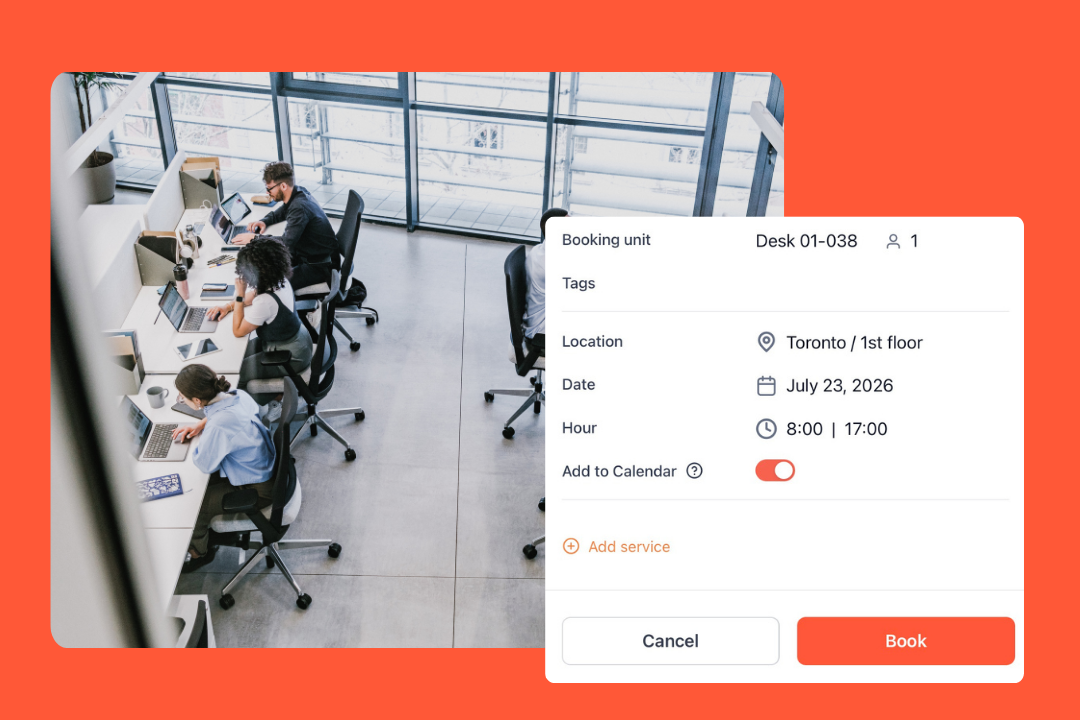
Has desk sharing come up at one of your all-hands meetings recently?
You probably saw a few faces drop. Some of that reaction is more than justified, though. Plenty of companies rolled it out badly, took away everyone's desk to save money, gave nothing back, and left people circling the floor trying to find a place to sit. So yeah… it's no surprise that people are skeptical.
But, and I know this might sound a bit counterintuitive, when done properly, desk sharing actually works. In a German study of ~2,000 people already sharing desks, ~60% were satisfied with the setup. ~50% still said they'd rather have a desk of their own, but that tells you the rollout is where this is won or lost.
That's what this desk sharing implementation guide is about: doing it right from the start.
You’ll find:
Desk sharing means you have more people in the office than you have desks, so nobody has a permanent spot. People book a desk in advance or grab a free one when they arrive.
That's what we're calling it, anyway. It's an umbrella term that covers both hot desking and hoteling. And it works because in a hybrid office, desks sit empty most of the week. If your team's in two or three days a week, you're paying rent on chairs nobody's using.
Desk sharing is one of the flexible work models meant to cut that wasted space, which is why so many hybrid teams have moved to it.
People use these three terms like they're interchangeable, but they're not quite.
These days, nearly all desk sharing setups are really hoteling with a booking app. The booking part keeps a busy day from turning into a scramble for seats, and stops two people turning up to the same desk.

A general rule of thumb is one desk per 1.5 to 2 people for a team that's in the office 2 to 3 times per week. So, for a team of 100 people, you're looking at 50 to 65 desks.
What matters here is your office attendance, meaning how many people are turning up on any given day. Disregard the headcount! Look at your badge data or booking history, and you'll probably find it's a lot lower than the headcount would have you believe.
For the full method, we have a whole guide to the desk sharing ratio that'll help you work out how many desks you need.
Here's how to organize desk sharing from the ground up, in the order that works, from setting your ratio to tweaking things once you're up and running.
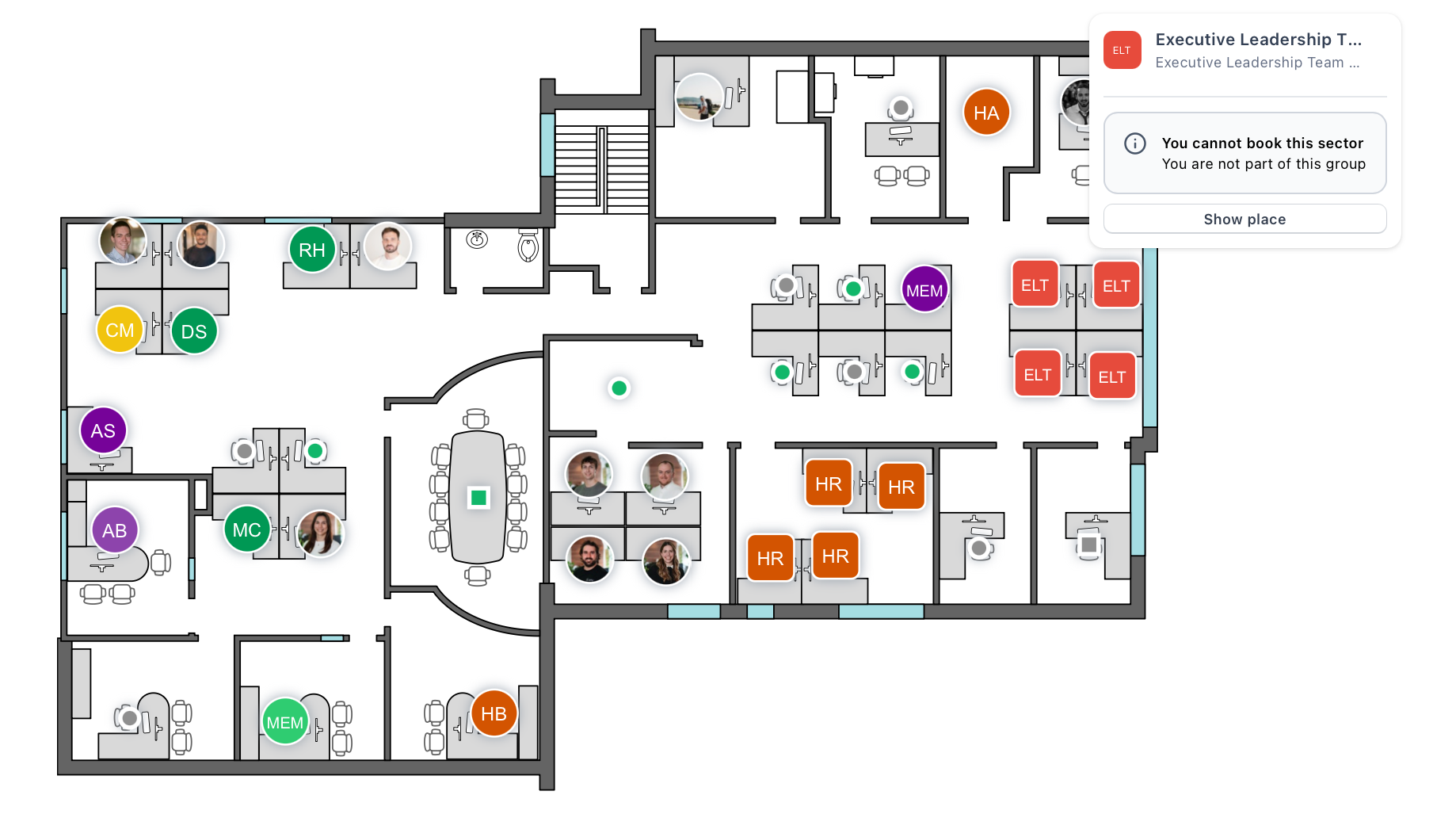
Start off with that rough number, then take a close look at how people are grouping up in the office. Get a few weeks of attendance data and it's not hard to see: which teams are in on the same days, which days of the week are always packed, and which corner of the floor nobody ever sets foot in.
Use that to divide the office into zones (or neighborhoods). Each team gets a patch of floor to call their own, where they can book desks. Get this kind of space allocation right early, because a bit of thought about office layout up front saves you a lot of reshuffling later. People also seem a lot more relaxed about desk sharing when they know roughly where their team is.
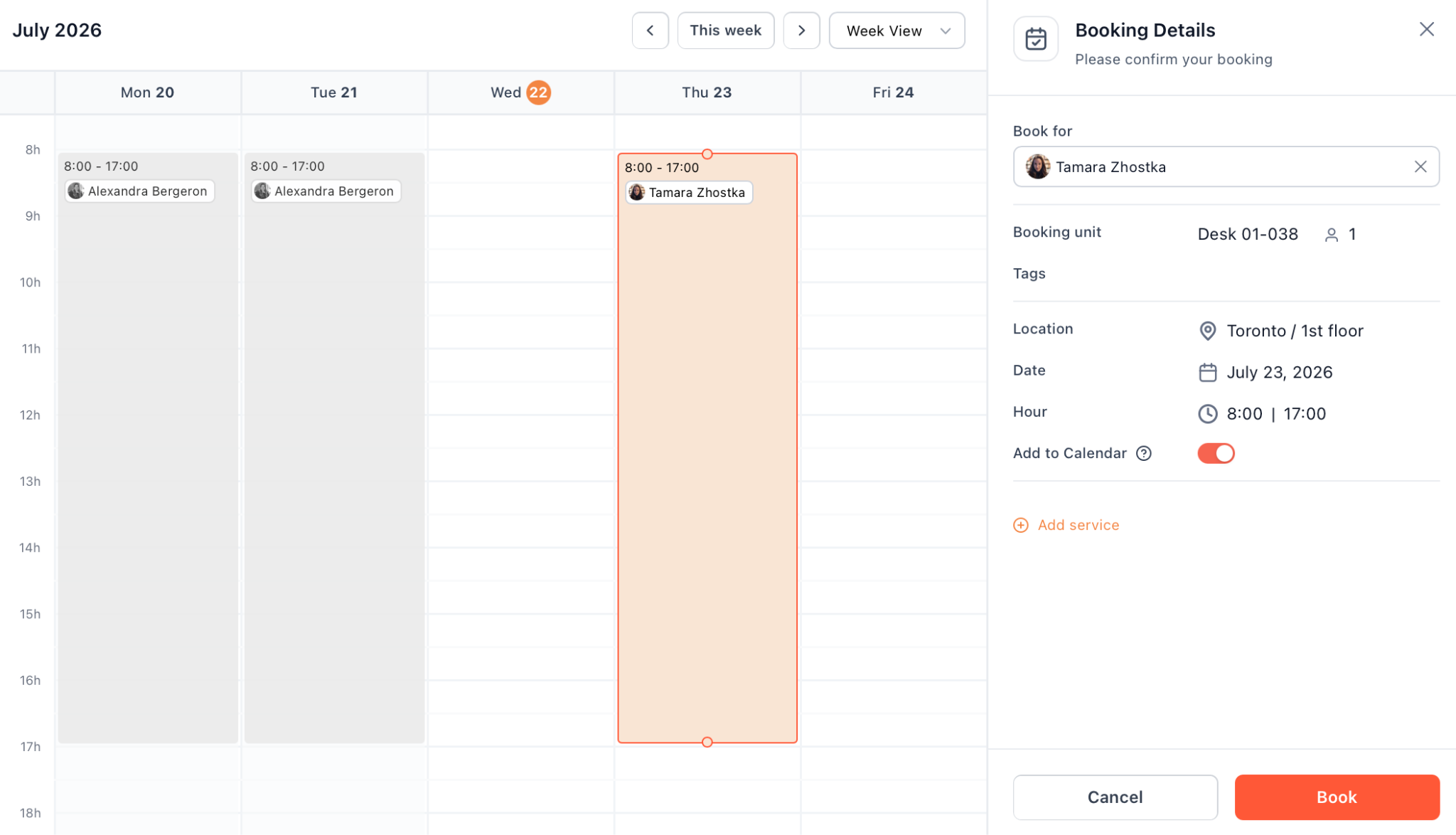
Desk sharing needs some decent software behind it to keep things running. Without it, bookings become out of date and, before you know it, a busy morning descends into a free-for-all.
The right desk booking software helps a lot here, so when you're comparing options, keep it simple:
A few names to look at: Skedda and deskbird both do desk booking with a floor plan and analytics, Joan adds physical screens for desks and rooms, and OfficeSpace goes broader than that into space management for big portfolios. Each one has its own slant, so pick the one that best suits your office needs.
elia sits here too. The desk booking app gives you an interactive floor plan to reserve desks, check-in with auto-release grabs back no-show seats on its own, and the analytics show real occupancy by zone. Since it covers desks, rooms, visitors and everything else, you only need to use one system rather than adding another tool to the mix.

A desk sharing policy is just a short doc that spells out how things work: how to book a desk, how long you can hold it, what happens at the end of the day, where to stash your personal belongings, and the basic desk etiquette.
No need to write it from scratch. We have a free hot desking policy template you can copy and make your own. Just add in your ratio, your zones and your booking rules, and you're basically there.
Don’t skip this one, as it really makes all the difference: how you announce your desk sharing policy can make or break how the whole thing goes over. You have four things to cover: why you're doing it, what's changing, what's staying the same, and what people get out of it.
Be upfront about the why. If it's about saving cost or space, then just say so. People can always tell when they're being sold a story, and calling it a collaboration refresh when the real reason is to reduce real estate costs and get a better deal on the lease is only going to lose you trust you can't recover.
Send the announcement from a human, not some generic no-reply email address, and give people somewhere to ask questions. Something like this might work:
The first week sets the tone, so treat it like the launch it is. Have someone on the floor who can help people out, deal with the how-does-it-work questions and sort any little problems before they turn into big ones.
Keep an eye on Tuesday and Wednesday. Those are almost always the busy days, and if a handful of people can't get a desk in that first week, the story gets around fast. Give them an easy way to flag it, a Slack channel or a quick form to submit support requests, and fix it the same day.
Little bits of friction can be damaging at the start. Someone who can't figure out the app, or spends ten minutes hunting for a seat, will just walk away thinking the whole thing is broken. Having someone on the floor will make a lot more difference than any amount of documentation.
Once things calm down, let the data tell you where you need to make some changes. Your booking and space utilization numbers will show you where the problems are:
Make the change, then tell people what changed and why. That bit of communication, showing you're actually listening, buys a lot of goodwill. That's where occupancy analytics and heatmaps start to earn their keep: showing you which zones tend to get hot and which ones are just empty space, so you're making decisions based on facts.

Whether your office calls it hot desking etiquette or desk sharing etiquette, the one thing that sticks is the stuff people can remember. So here are the desk sharing rules for your week-one shortlist:
Most of the resistance you'll hear isn't about the desk. People just don't like losing something familiar, and it usually comes out as the same handful of worries. The good part is that each one has a straight answer, and having that answer ready is half of what protects the employee experience through the change. Here's what you might hear:
When desk sharing goes wrong, it's a short list of execution slips that show up again and again, and every one of them is avoidable. Steer clear of these and you're most of the way to successful desk sharing:
Get the six steps right and the rest mostly sorts itself out. Your number from real attendance, decent software behind it, a desk sharing policy, a plain-language announcement, and a properly staffed first week. Then just keep an eye on the numbers and make adjustments as you go.
The offices where it works took the people part seriously: team zones so you still sit with your group, lockers for your personal items, quiet space to concentrate, and an app that's genuinely easy to use. Most people will settle in fine (a fair few ending up preferring it!).
If you want the booking and occupancy data that keep desk sharing on track well past launch week, that's exactly what elia does for the entire team. See how your office is being used before you change a thing 😉
Answers to Your Common Queries

![Hot Desk Booking Template: Free Excel & Google Sheets Download [2026]](https://cdn.prod.website-files.com/64f88f68249f7cafe071d150/68c47d1149fcc0791ada469a_elia%20-%20Hot%20Desk%20Booking%20Template.png)
.png)