Contents
Subscribe to our newsletter
Subscribe to the elia newsletter for exclusive product updates and industry best practices. You can unsubscribe at any time.
Thank you! You're subscribed.
Oops! Something went wrong while submitting the form.



I have to admit, when I see a tool that says it "works with Outlook" I give it a double-take 👀
The thing is, with meeting room scheduling software, every tool says it. Yet, Outlook integration is often the very first thing on the agenda with our clients (or, at the very least, right at the top of the list) when we're discussing requirements.
That phrase can mean a tool has a genuine two-way link to your Outlook calendar or it just does a one-way copy of your bookings, which isn’t a super reliable solution.
That’s why I wanted to explore what these integrations do:
It's a lot more than you might think!
If your meeting rooms are set up in Microsoft 365, you can book them straight from an Outlook invite or Microsoft Teams, although it does require some IT help to set it all up.
To get started, someone turns each room into a resource mailbox (room mailbox) in Microsoft Exchange and adds its capacity and floor. The rooms then get grouped into a room list, so people can find them under the right building in Room Finder. Booking rules like who can book and how far ahead are set in Exchange too.
Here's how to book a meeting room in Outlook:
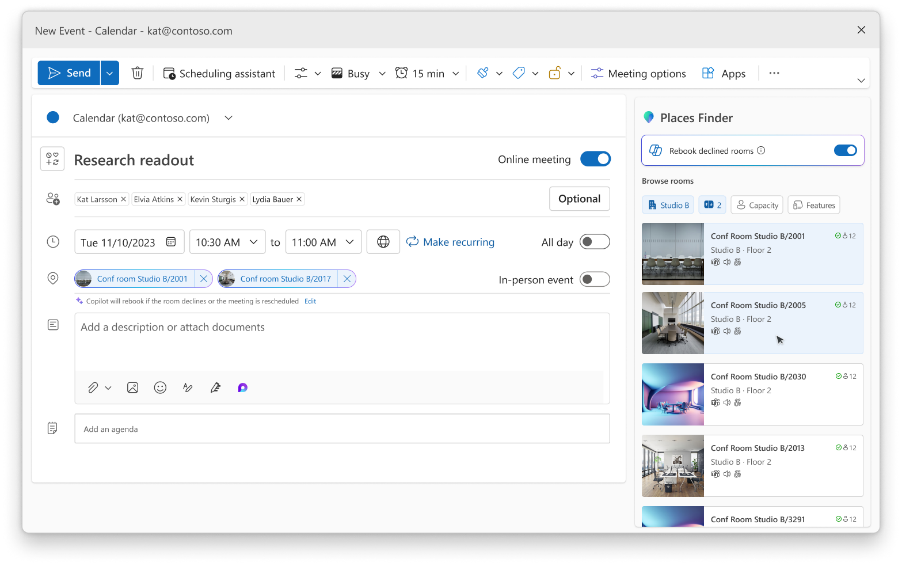
Room Finder shows each room's calendar availability and capacity, with little icons for features like a screen or wheelchair access.
Microsoft is actually phasing out Room Finder in favor of a newer version, Places Finder, which adds room photos and a floor-plan map you can book from, on a standard licence. The map isn't automatic, though. Someone has to build it first, converting your floor drawings into Microsoft’s IMDF format, usually through a partner.
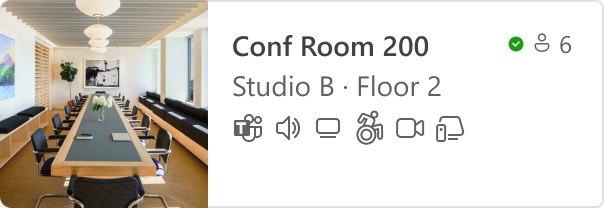
There are two things to think about here:
For most teams, the native setup is fine. But when you add a tool to fill in the gaps and its Outlook connection turns out to be weaker than the demo suggested, it can get complicated.
That phrase "works with Outlook" can mean two very different setups, and they behave nothing alike once people are booking rooms all day.
It connects to your Exchange room calendars using the Microsoft Graph API, with an app IT approves in Entra. Your rooms stay as resource mailboxes you already have, and the tool becomes another way into the same calendar:
To keep up, it subscribes to change notifications from Graph, so an update reaches it in about a minute and people see live availability in real-time.
It keeps its own copy of your bookings and pushes them into Outlook one way.
It looks the same in a demo because a booking you make in the tool does turn up in Outlook. But the problem is the return trip. Cancel in Outlook and the tool never hears about it, so the room sits blocked while it's free. Give it a week of people booking in both places and the two calendars fall out of sync, and you get the double booking you were trying to avoid.
So the question to ask is where the booking is stored:
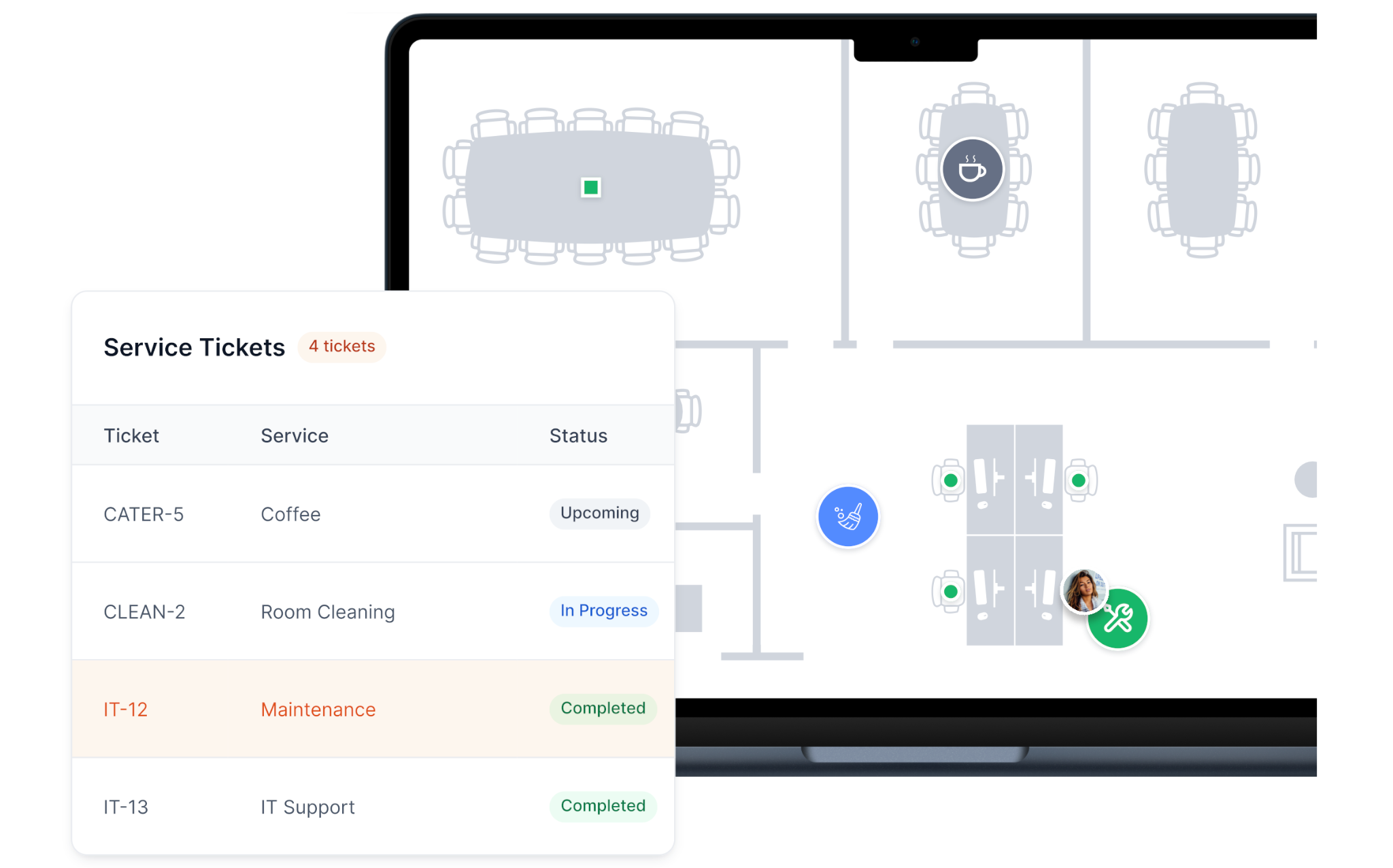
There's a bonus benefit to two-way syncing. When a meeting has something attached to it, like catering or a visitor due at reception, a two-way tool moves those along with the meeting. Move a meeting from 2 to 4 in Outlook, and the service requests move too. With a one-way copy, the meeting moves and the sandwiches still turn up at 2.
Tools connect with Outlook in a few different ways, and knowing which one is in play says a lot before the demo even starts.
There are roughly three types:
Even a two-way tool can let you down, in one of a few ways:

The way a tool connects to Exchange is about to be the deciding factor in whether or not it keeps working.
Microsoft is retiring Exchange Web Services (EWS), the older interface many booking tools use to read and write calendars. They’ll start switching it off in October 2026 and fully retire it by April 2027. Everything will move over to the Microsoft Graph API.
A tool still built on EWS has to move to Graph before then, or its Outlook sync stops. Older products carry the most risk. One team we spoke with is replacing their current system partly for this reason: its Outlook connection relied on an ageing Exchange plugin that kept breaking.
So ask any vendor one question: are they on Graph, or still on EWS?
Okay, maybe “one question” was a bit of a stretch. There’s more to it.
You won't get a straight answer from a feature page, so this is a good time for a demo. None of these questions need you to be technical, and a good rep should be able to answer them quickly.
elia's Outlook sync works both ways through the Microsoft Graph API. IT approves an app in Entra, and elia reads and writes each room's Exchange calendar. Your rooms stay as resource mailboxes. Book in Outlook or on a room display, and the same calendar updates for everyone. elia is on Graph already, so the EWS retirement doesn't touch it.
The rest of the platform covers what native booking leaves open:
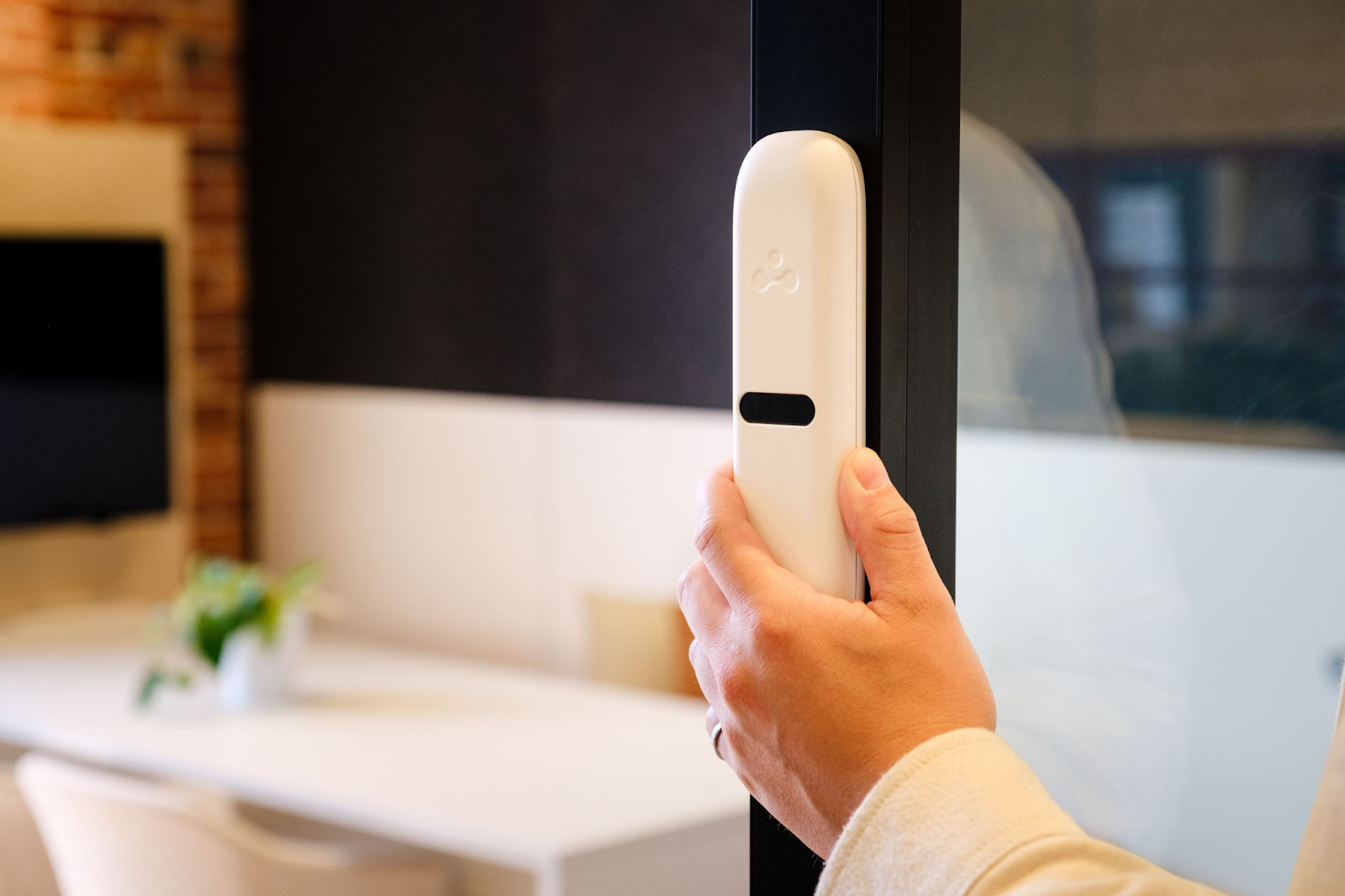
You book desks and rooms from one place and manage bookings across your physical spaces from the same view, and it fits the Microsoft ecosystem you already use. The workplace analytics show patterns like your peak hours, and the short learning curve keeps IT out of a long rollout.
If Microsoft Places already does everything you need, stick with it. elia is the better choice when you need the operational side of things without breaking the bank on IT setup, or when you want services, work orders, visitors and sensors all in the same system as your rooms.
If you want to see how sync behaves with your own rooms, we can set that up.
Answers to Your Common Queries

%20(2).png)
![Conference Room Automation: The Complete Guide to Smarter Meetings [2026]](https://cdn.prod.website-files.com/64f88f68249f7cafe071d150/69383a535f2d6b279898c8ef_151.png)