Contents
Subscribe to our newsletter
Subscribe to the elia newsletter for exclusive product updates and industry best practices. You can unsubscribe at any time.
Thank you! You're subscribed.
Oops! Something went wrong while submitting the form.


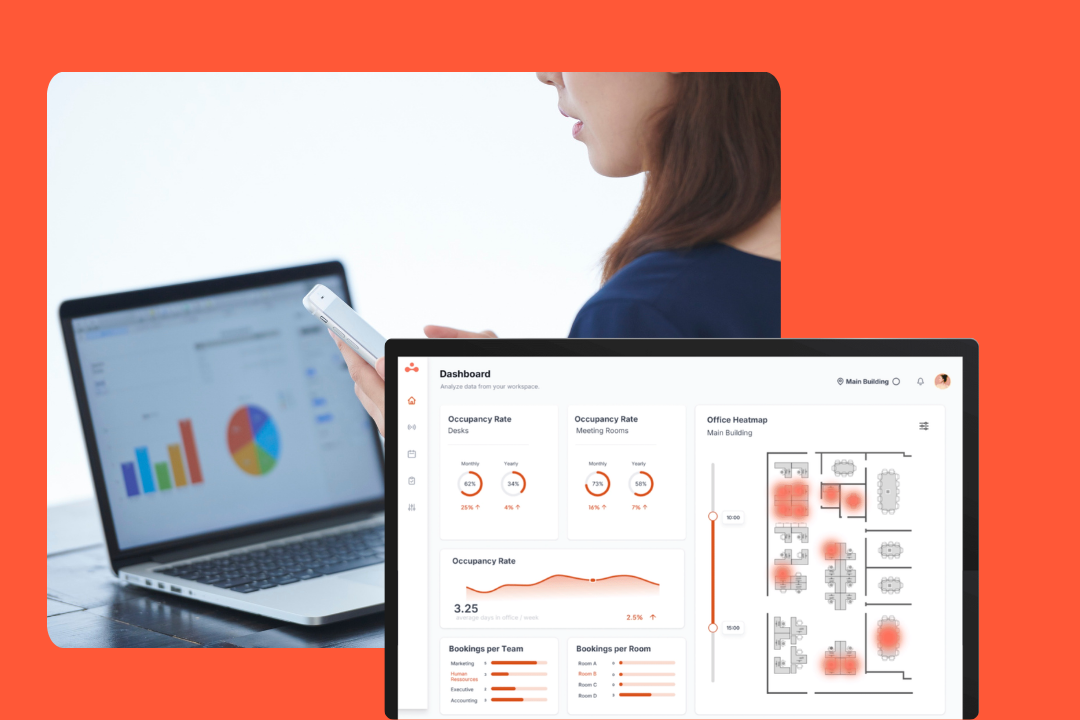
If someone asks you what office automation tools are, the honest answer will probably be: it depends which bit of the office you're talking about.
Office automation now covers two separate things. There's the software layer, the workflows that move data between apps and handle back office admin. And there's the physical workplace layer: desks, rooms, the front desk, sensors, maintenance. Both are office automation, but the physical layer is the newer, faster-growing part, and it's the one most roundups tend to mention first and then gloss over.
Part of why this matters more now is hybrid work. When attendance is uneven and half your desks sit empty on a Monday, keeping track of who sits where and who's visiting can get really tricky (and really expensive!). That's exactly what these tools take off your plate.
Here's the piece I wish I'd had when I started comparing options:
For a plain-language walkthrough of what office automation looks like day to day, our workplace automation examples post covers that. This one is about the tools.

Office automation is the software (and sometimes connected hardware) that takes care of all the repetitive office work so people don't have to do it by hand. Think everyday office tasks like data entry, approval processes, scheduling, and document management.
Now, let's get some quick definitions sorted, because people tend to use the terms interchangeably, and it can get confusing when you're comparing options:
The distinction matters when you buy. Ten separate tools that don't talk to each other just recreate the manual work you were trying to get rid of, because someone still has to re-enter all the same data in five different places. An office automation system reduces that, at the cost of committing to one vendor for more of your stack. Keep that trade-off in mind, it'll come back at the end.
There are five main categories of office automation tools, each automating a different slice of the workday, and most offices use something from several of them.
There are some big blurred lines here:

Might be the category you pictured first 🙂
It overlaps heavily with business process management software: these tools let you connect apps and run multi-step processes without any manual handoffs. A form comes in, a task gets created, a channel gets notified, a record gets updated, all on its own.
Newer versions of all three add AI steps, like summarizing a form response or drafting a reply, so you should test them out before you trust them with anything unreviewed.

Anything involving contracts, forms, approvals, and records. These tools generate documents from templates, route them through approval processes, and file the signed version where people can find it. A contract that used to take 4 emails and 2 days of chasing now gets signed the same afternoon.

The tools that cut down on coordination overhead. Small on their own, they add up across a week because coordination is just part of the work.

The back office automation category, where the value is easy to measure because you can count the hours these processes used to take.
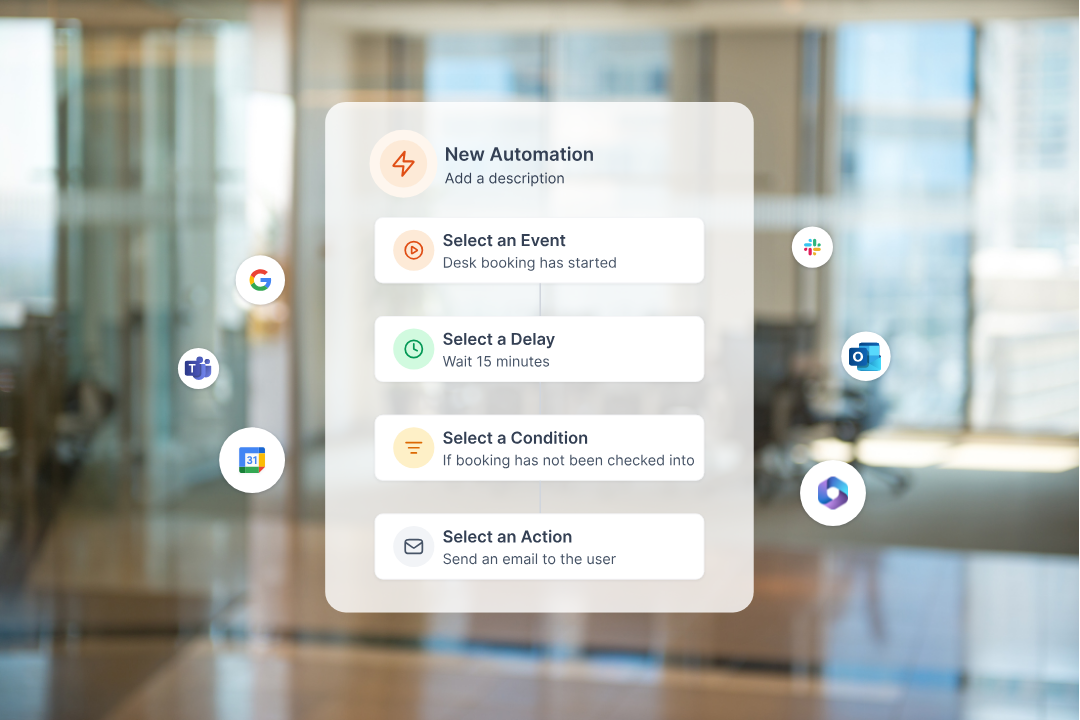
The fastest-growing one!
Facility management automation covers the physical office: desk booking, room booking, visitor management, occupancy sensors, smart lockers, and work orders. In practice, a visitor who used to wait at the front desk while someone tracked down their host now checks in, prints a badge, and pings the host in under a minute; occupancy sensors show which floors get used, so cleaning follows real demand; and desk booking stops two people claiming the same desk on a busy day (a hot desking headache if it keeps happening).
The reason this category is getting more attention is because the data it spits out feeds decisions that the others can't touch. Occupancy numbers inform whether to renew a floor lease. Desk booking patterns show whether your hybrid policy is being followed. That's operational data leadership already wants, and it comes out of the automation as a byproduct.
Once you've decided on a category, choosing the office automation tools to fill that gap boils down to a few things the thin listicles skip. Here's the checklist I'd run before you implement office automation anywhere:
The benefits of office automation are easy to name and mostly easy to measure.
The size of the payoff is directly related to how much manual work you're removing, which is why choosing the right category is more important than choosing the trendiest tool.
By analyst estimates, the workplace layer is growing faster than the rest of office automation. Technavio puts workspace management software at around 22.6% growth a year; separate estimates for office automation software overall (Verified Market Reports) land at around 7.5%.
Keep in mind that those numbers come from different firms using different market definitions and base years, so think of them as directional rather than a direct side-by-side comparison. The rough signal is that the physical office is still the less solved area.
The payback looks real too, though it comes from a single analyst source. Technavio estimates that tying facility services to real-time occupancy, so cleaning, maintenance and service requests follow actual use, is associated with around 15% fewer facility service requests and roughly 10% lower cleaning and maintenance labor cost. Treat those as analyst estimates, though. But the direction is interesting: automating the physical office has some real operational upside.
Software workflow automation is mature; most offices are already running some form of it. A lot of manual coordination in the physical office (booking desks, routing maintenance tickets) is still done by hand, which is why the tools automating it are growing fastest.
If you're building a shortlist, here's the takeaway. The workflow, document and communication tools are all well covered ground with clear leaders. The bigger open question for most offices right now is the physical layer, where the manual work still hides and the data has the most value once you can capture it.
Start there if that's the one category you're tackling this year.
Office automation is two layers, and they're at different stages. The software side (workflows, documents, communication, back office) is mature and well covered, so choosing there is mostly about fit with what you already run. The physical workplace layer pays off twice: once when it takes a task off someone's plate, and again when the data it produces tells you how your space is actually being used, which is what informs a lease renewal or a hybrid policy that sticks.
If you want to see what that looks like day to day, our workplace automation examples post walks through it. And if the workplace and facility category is the one you landed on, elia is one of the platforms that covers it end to end.
Answers to Your Common Queries

![Conference Room Automation: The Complete Guide to Smarter Meetings [2026]](https://cdn.prod.website-files.com/64f88f68249f7cafe071d150/69383a535f2d6b279898c8ef_151.png)
%20(1).png)