Contents
Subscribe to our newsletter
Subscribe to the elia newsletter for exclusive product updates and industry best practices. You can unsubscribe at any time.
Thank you! You're subscribed.
Oops! Something went wrong while submitting the form.



Facilities teams usually land on this decision too late.
The locker furniture has already been ordered, the delivery date is set, and then someone asks what kind of lock goes in it. If you're evaluating smart lockers for office, the lock determines maintenance overhead, IT involvement, which access cards work, and whether the whole system connects to the rest of your workplace tools or just becomes another dashboard nobody uses.
You can't really trial the product here. You're buying from a dealer or a manufacturer, and the specs from different vendors read pretty much the same. So I went through installation guides, technical documentation, and dealer data for five smart locker solutions for offices.
Here’s what I found out.
Just a heads up: I work for elia, and their Smart Lock is on this list. I've tried to apply the same level of scrutiny to it as to the others. The cons section for each system is where to judge whether I succeeded.
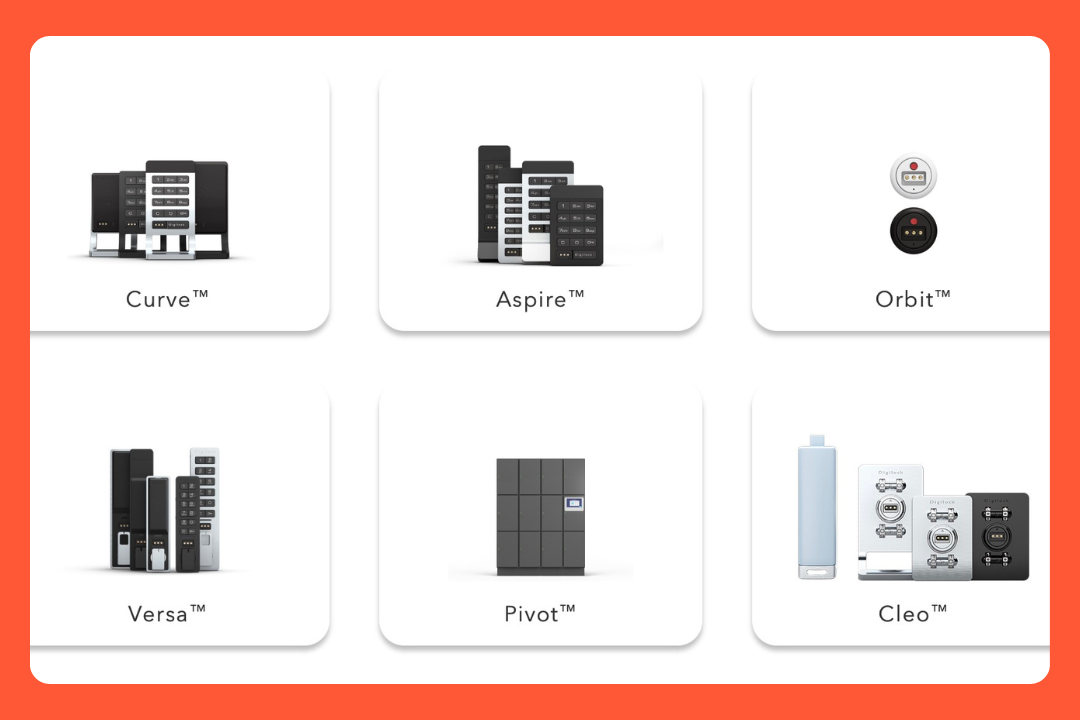
If you're in North America and you ask a furniture vendor what smart lock to use for the office, you'll probably hear Digilock. They've been around since 1981, and most locker furniture lines already include them as an option. Their management software, DigiLink, is SOC 2 Type II, ISO 27001, and ISO 27701 certified. Your IT team will probably ask about it.
Most offices end up choosing between two locks: Curve (wireless) or Pivot (hardwired, new furniture only). Let’s take a look at both of them.
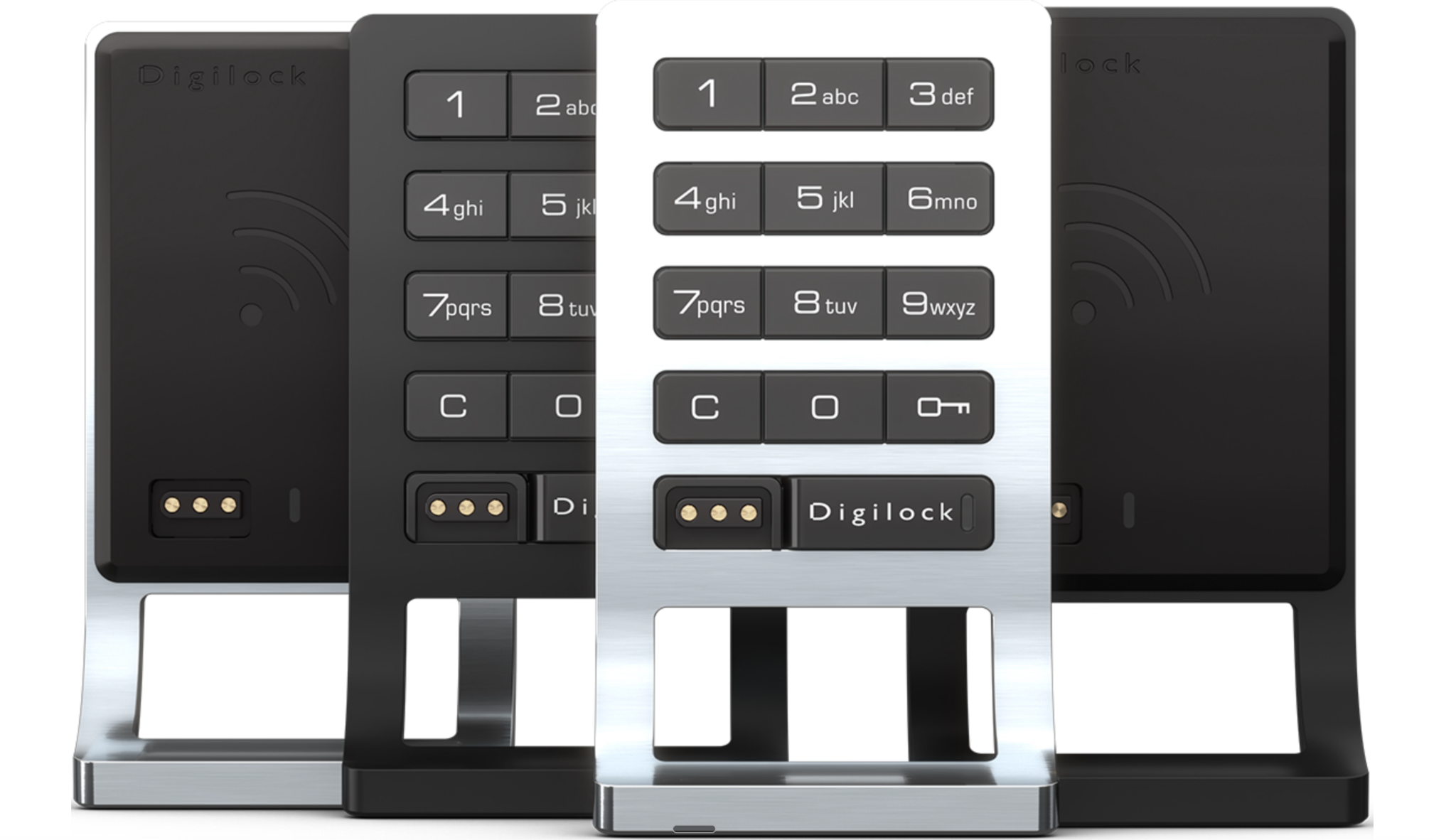
Employees tap a card or phone, the door pops open. It works with whatever card they already use to get into the building: MIFARE, HID iClass, Apple Wallet, Google Wallet. No new card, no separate app for basic use.
Battery lasts 3 to 4 years (4 AA). When it runs low, an electronic key provides power to the lock so nobody gets stuck waiting while you sort a replacement. For a locker room with 30 locks that's easy to manage. At 200+ you're running a rolling replacement schedule, which is real ongoing overhead.
How you manage things depends on the tier:
By the way, if parcel collection matters (couriers drop packages, employees collect them), look at Aspire instead of Curve. Same lock, same management tiers, just adds that mode.
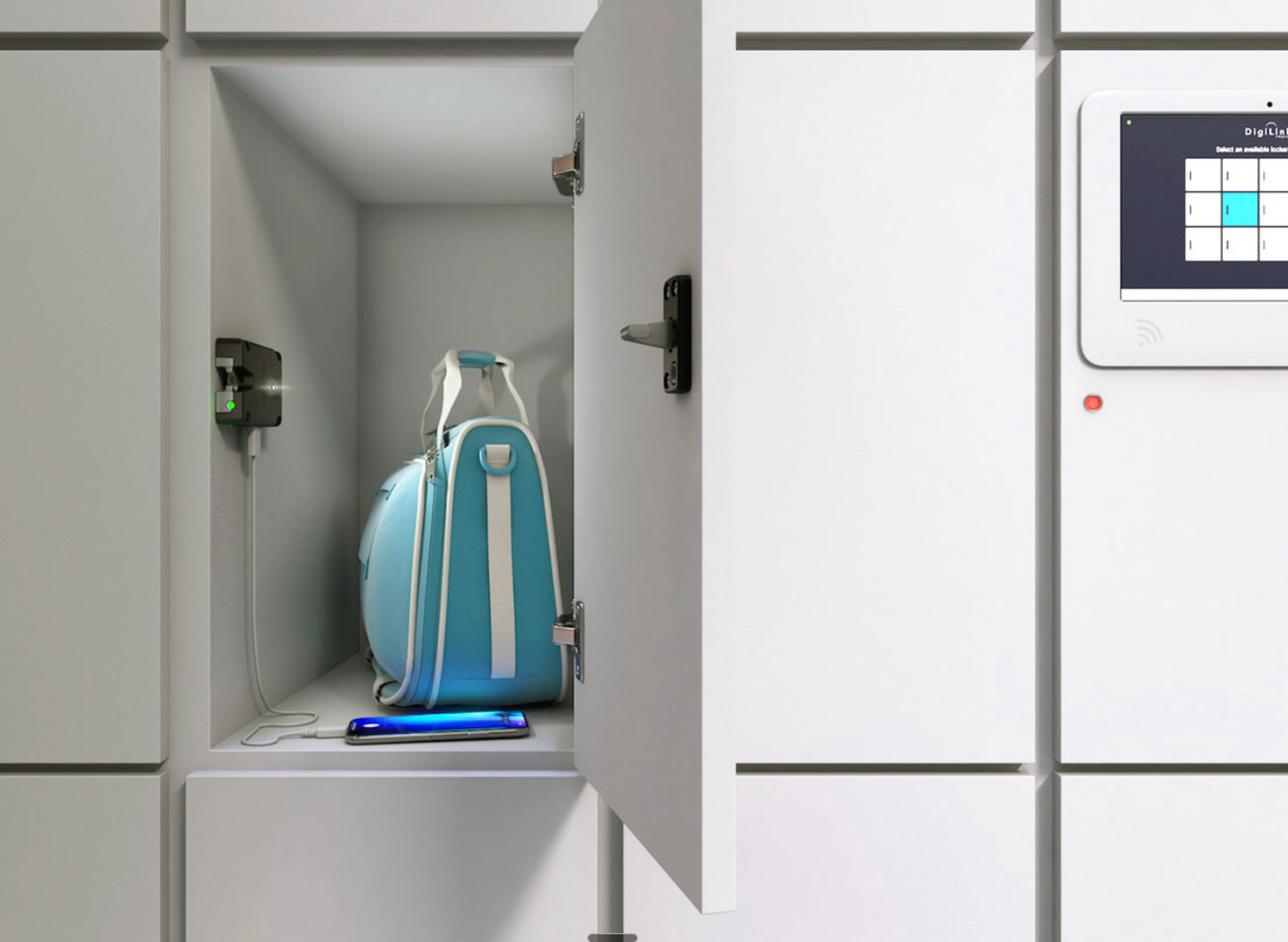
Pivot is the hardwired option for new locker installations. Each smart lock uses a single cable for both power and data, eliminating the need for batteries. USB charging is built into the workplace locker, there's a light inside so employees can see what's in there, and a status indicator on the door shows whether it's occupied.
Employees tap at the lock or check in at a central kiosk that directs them to a free locker. No retrofit path though: Pivot gets specified when the furniture is ordered.
With DigiLink you assign lockers, remove access, unlock doors remotely, and monitor locker usage without going near the hardware. Three modes: Assigned (one smart locker per person), Shared (anyone enrolled can take a free locker), Reservation (employees book in advance).
There’s no connection to desk booking, visitor management, or anything else in your workplace stack.
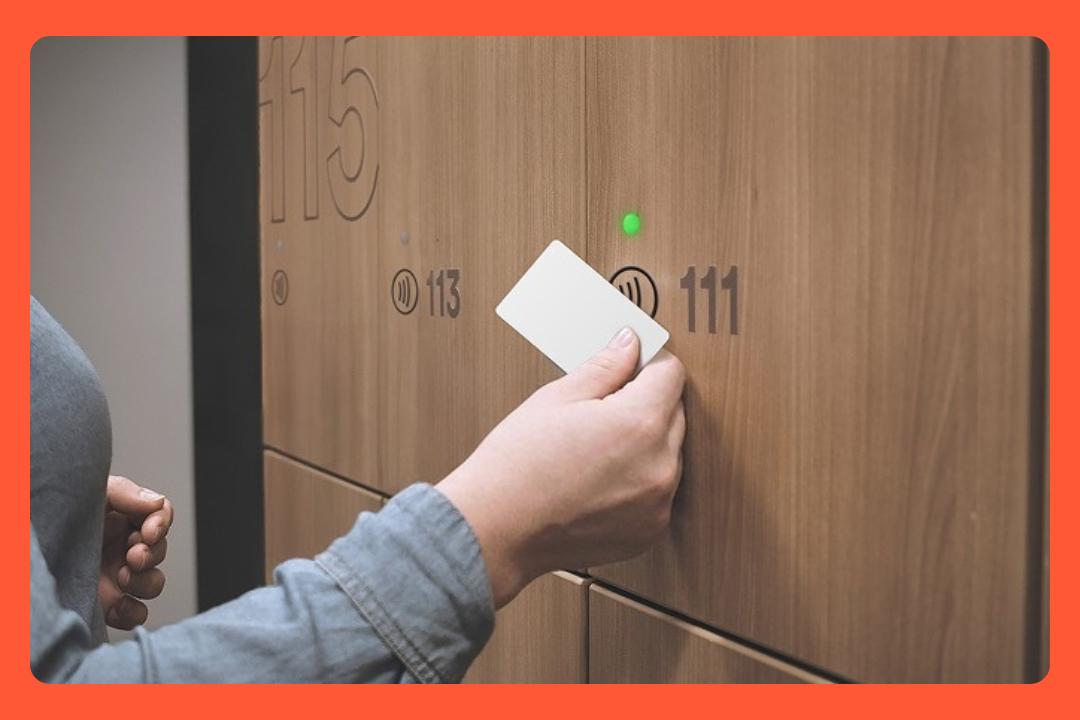
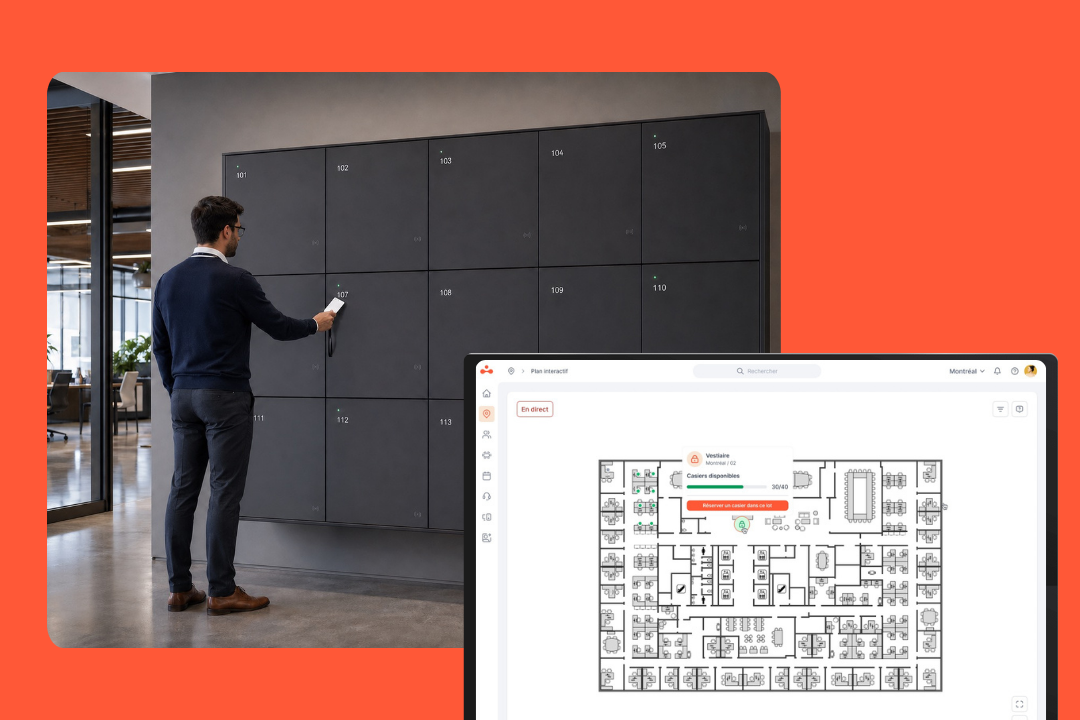
If you're already on elia for desk or room booking, lockers show up in the same dashboard. If you're not on elia yet, you're buying into the whole platform, not just the lock.
elia is a Canada-based workplace management company, hardware developed and assembled in Quebec. The platform launched in January 2023; the 200+ organizations and 100,000+ active users are platform figures across 700+ buildings. The Smart Lock hardware launched in 2026. Clients include Quebecor, Air Transat, Fasken, and Agnico Eagle.
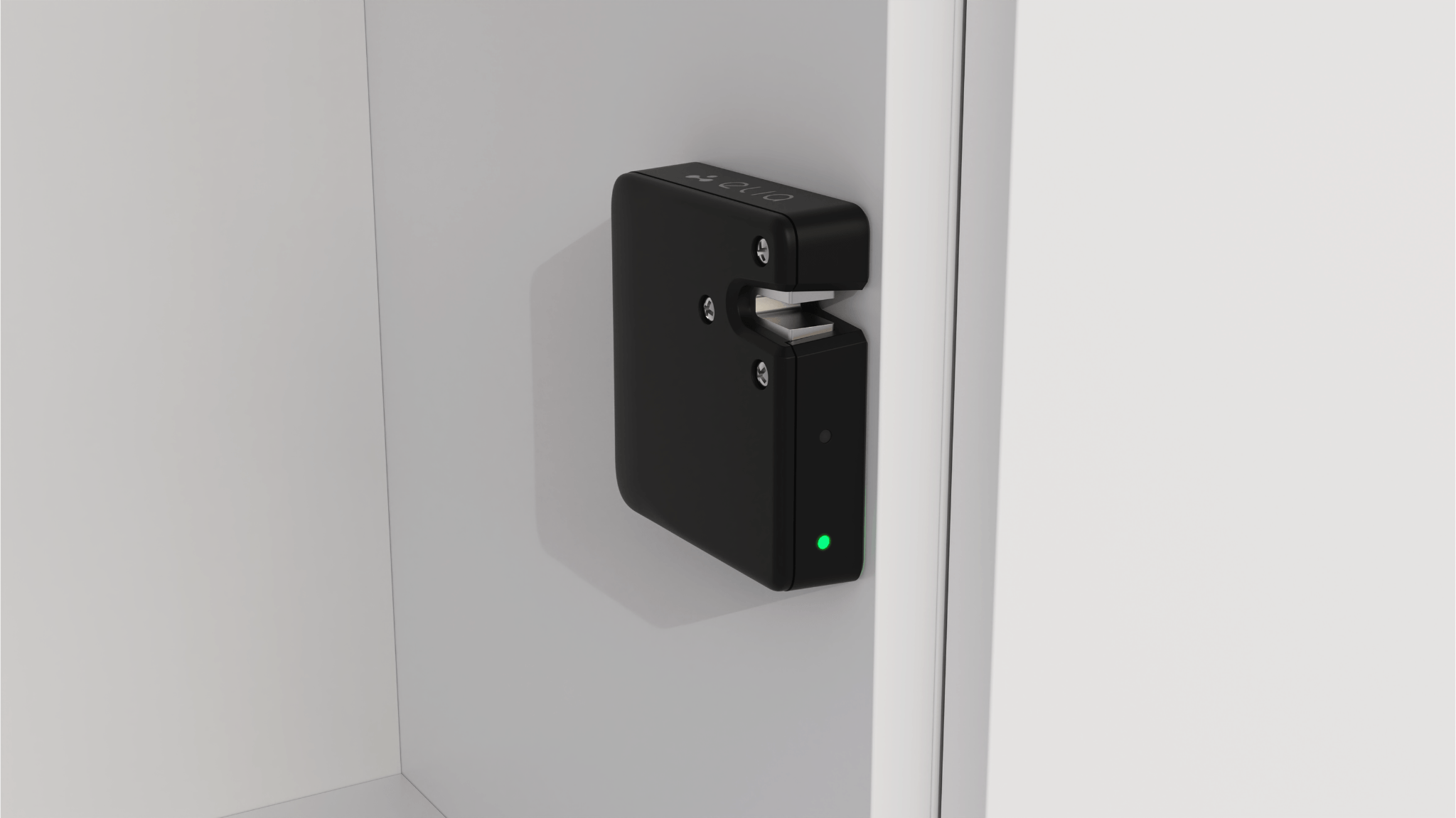
Employees tap their building card at the locker and the door opens. Works with MIFARE, FeliCa, HID iClass, and most standard credentials, plus mobile and Apple/Google Wallet.
One switch handles 24 locks, one network line handles 10 switches, so you can run 240 locks off a single cable. That's PoE: power and data on the same line.
There's a built-in rechargeable battery rated for 10 years. It keeps running for 24 hours during a power cut, and during a network outage it falls back to onboard memory so employees can still get in. The smart lock only needs a live connection when a locker is first assigned, not on every open.
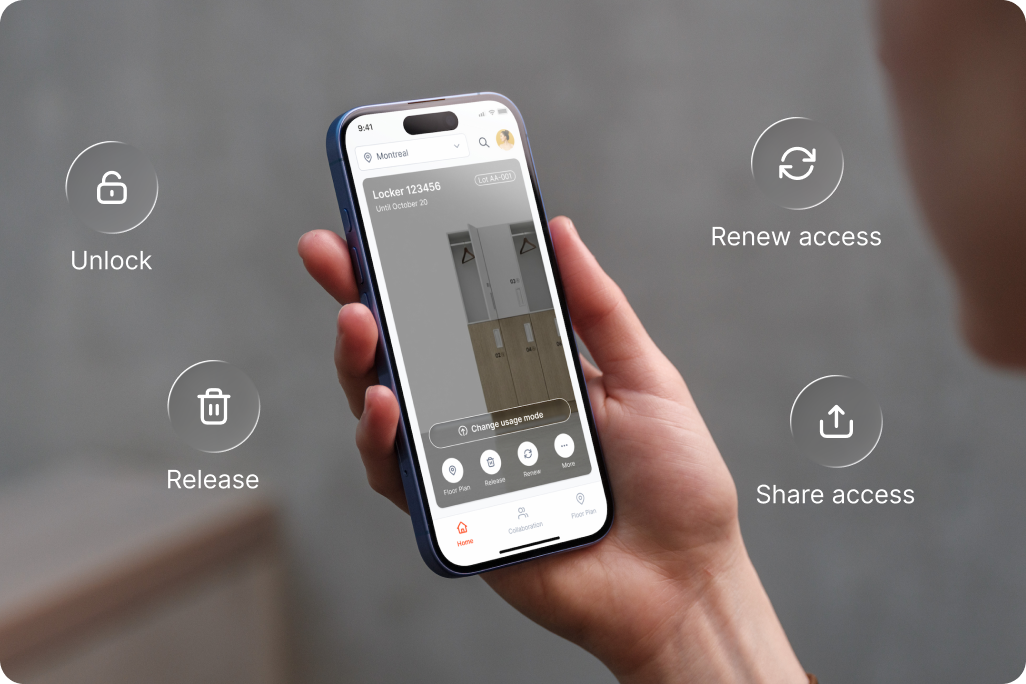
There are three modes:
When someone leaves or changes teams, the directory update releases their locker. You don't have to chase it.
Employees can also just walk up and tap any free smart locker, no booking required, which is fairly unique in the market. Most systems make you reserve ahead.
Visitors get temporary codes, employees can delegate access for a set window, and locker bookings can link to desk bookings. ISO 27001:2022, SAML 2.0, SCIM 2.0 if your IT team needs the specs.
There are two common paths:
Either way, PoE infrastructure needs to reach the locker bay. You need network cabling run to the lockers, not just a nearby power outlet. The locks run on a separate network segment and only connect outbound to elia's cloud.
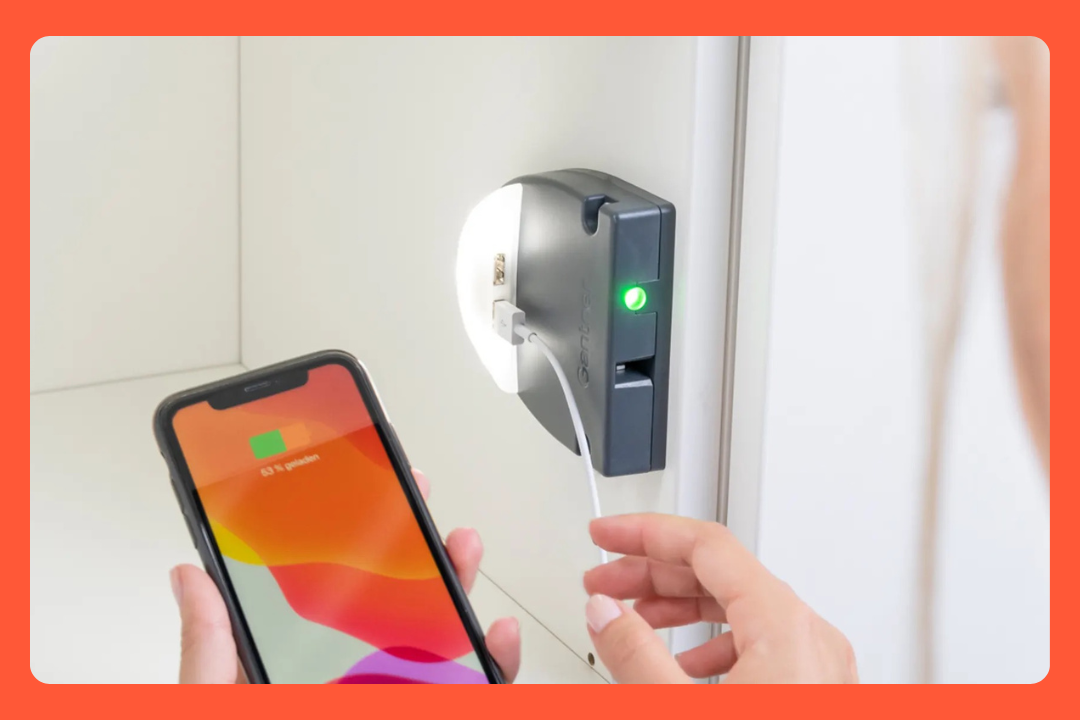
If you're buying locker locks in Europe and you ask a facilities integrator, Gantner will come up. They've been in the market since the 1980s, now part of the SALTO WECOSYSTEM, and used in corporate offices, universities, gyms, and theme parks.
Two lock families matter for office buyers: the NET.Lock (hardwired, centrally powered) and the battery-powered line. They're for different situations.
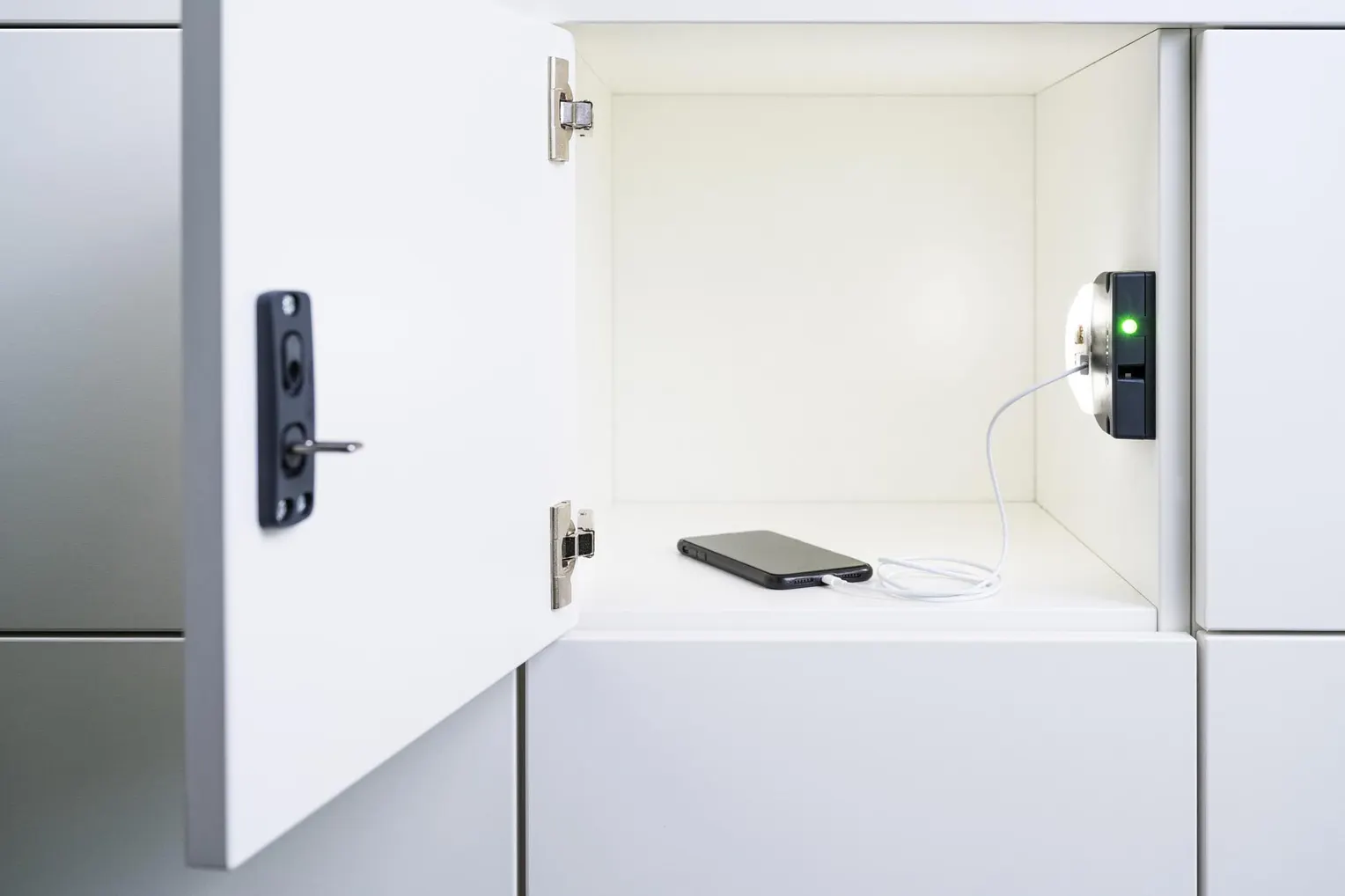
NET.Lock is the wired option, using a single cable connection to a sub-controller that can manage up to 24 locks. No batteries anywhere in the system. Employees tap their card or phone, and the door opens.
The reason it appears so often in European corporate offices is the credential range. Most locker locks only read modern building cards. NET.Lock reads both modern cards (13.56MHz: MIFARE, HID iClass, LEGIC, NFC) and older HID Proximity cards (125kHz) in the same unit. A lot of buildings have a mix of old and new cards depending on when different floors or sites got upgraded. With NET.Lock, both types work without anyone needing a new card.
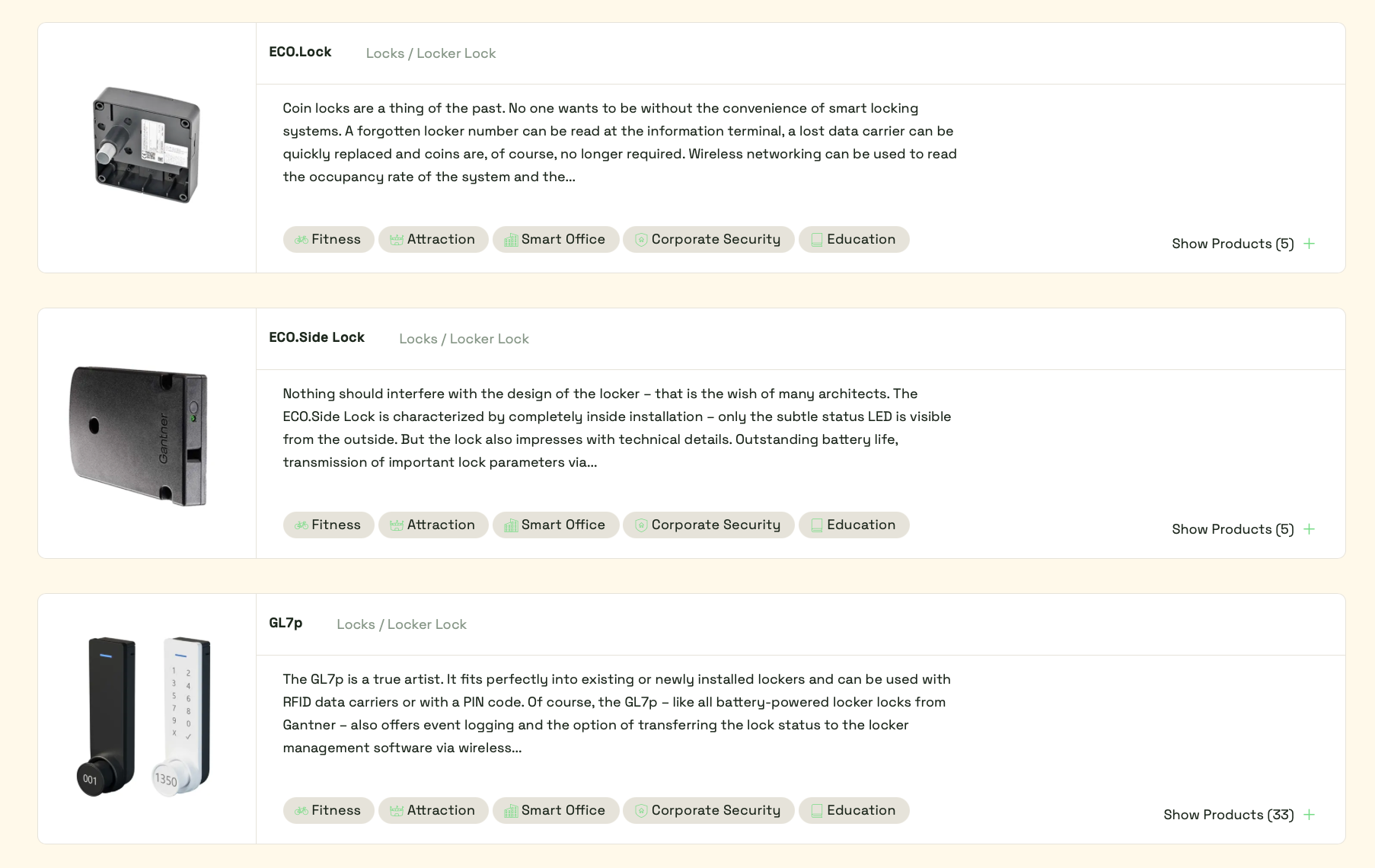
Three models, all for situations where you can't or don't want to run cable:
Battery life goes up to 10 years, the longest primary battery life in this comparison. At 30 lockers it's a non-issue anyway, but at 200+ it starts mattering how often you're doing battery runs.
There are two options:
If you want employees to find and release their own locker without admin involvement, the GT7 kiosk terminal handles that. It runs RFID and NFC and optionally adds fingerprint or barcode reader depending on the app loaded.
The software is built for large facilities and security teams. Small offices managing one locker bay will find it more configuration than they need.
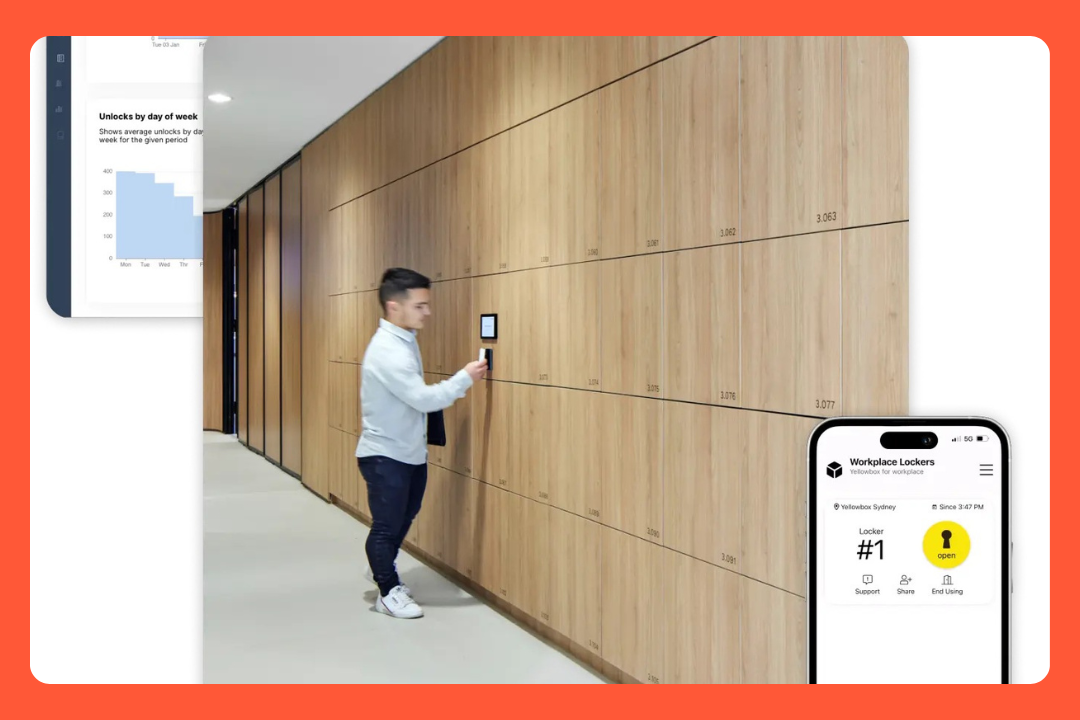
One reason teams end up looking at Yellowbox is the Microsoft 365 connection. If your office already uses Outlook or Teams, employees can book a locker in the same flow without downloading anything new. elia also has a native Teams app, but it brings the full platform with it: desks, rooms, visitors, and lockers. Yellowbox is locker-focused, which makes it lighter to adopt if that's all you need.
Yellowbox works with both wired and wireless locks, so the Microsoft 365 angle isn't tied to a specific hardware setup.
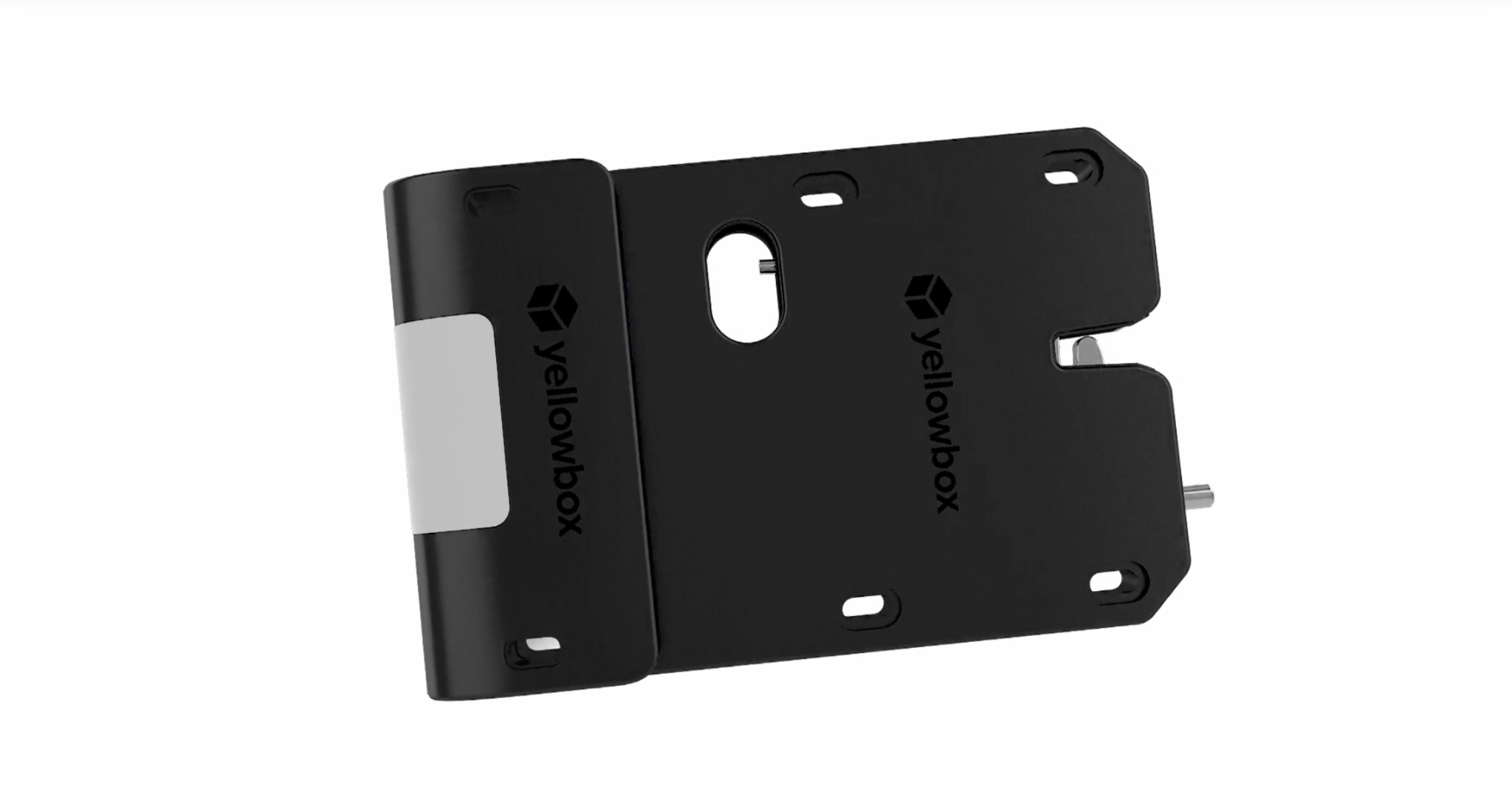
No battery. Yellowbox describes this as the most hands-off option, and the specs back that up: 99.5% uptime, self-healing firmware that auto-reboots on fault, 350kgF anti-force resistance. Employees simply tap their card or phone to unlock the door.
The optional add-on I want to highlight: device charging built into the locker. It charges laptops, not just phones. That's rare. The same add-on includes an interior LED.
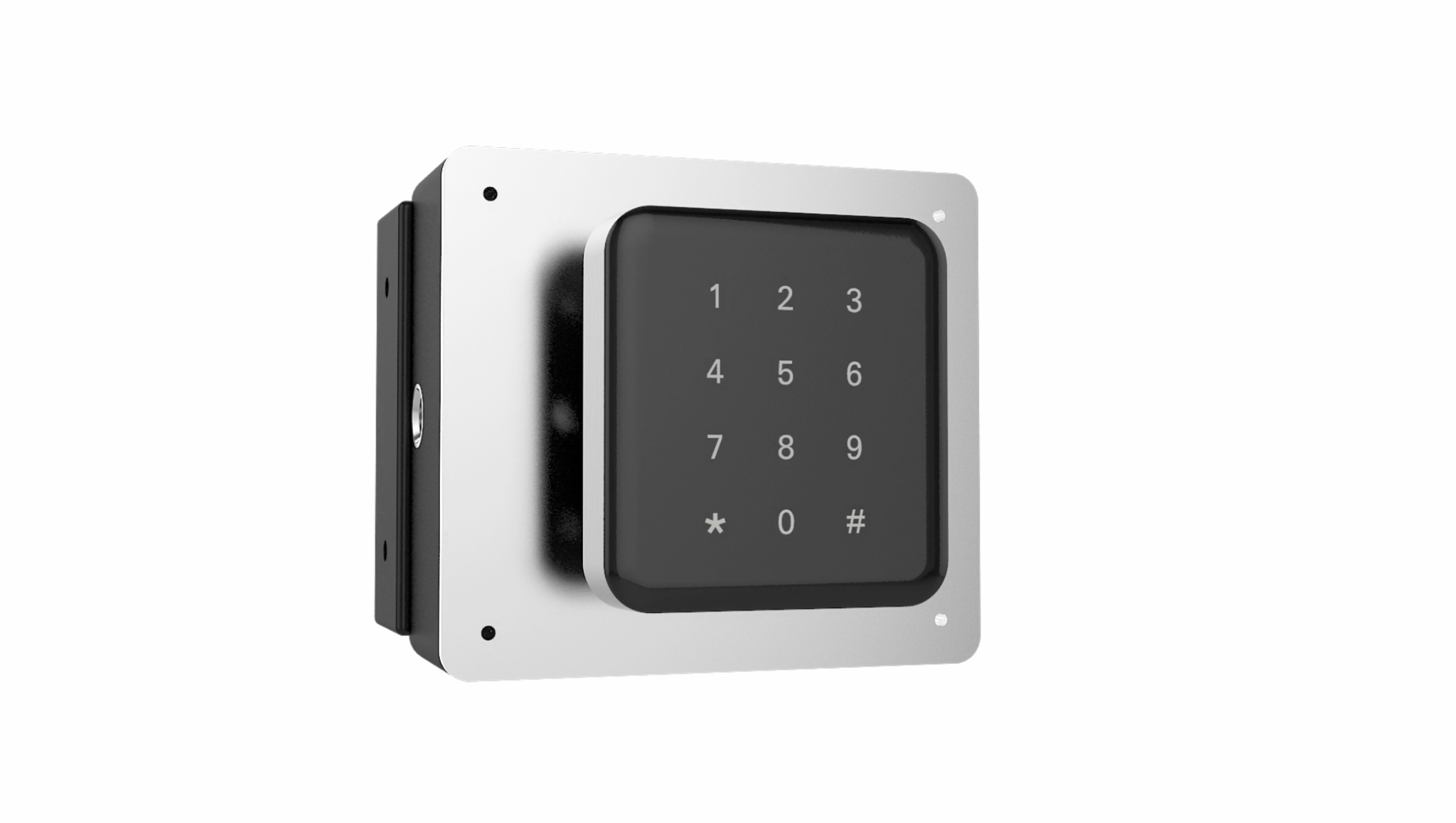
Installs on any locker or cabinet. No on-site servers, no network connection required during installation or operation. Four AA batteries, up to 5 years.
This is one of the cleaner retrofit options on this list: the lock works standalone, and you can get it up and running without involving your IT or facilities team beyond the physical install.
Yellowbox puts a lot of effort into the management side. Locker types are configurable: permanent, hot (custom duration, automated expiry emails), team, visitor, parcel, and asset exchange. Camper tracking flags lockers that haven't been opened past a time you set, so you can see who's sitting on a locker they're not using.
Automated user onboarding pulls employees in without manual setup. Users can self-link their existing building RFID card to their account at the kiosk. Access from Outlook, Teams, the Yellowbox app, QR code to browser, Apple Wallet, Google Wallet, or PIN. The app auto-finds the closest available locker bank.
One thing to know: the platform is built around daily hot-locker use. If permanent assignments are the primary mode in your office, that side of the configuration is less polished than the daily booking flow.
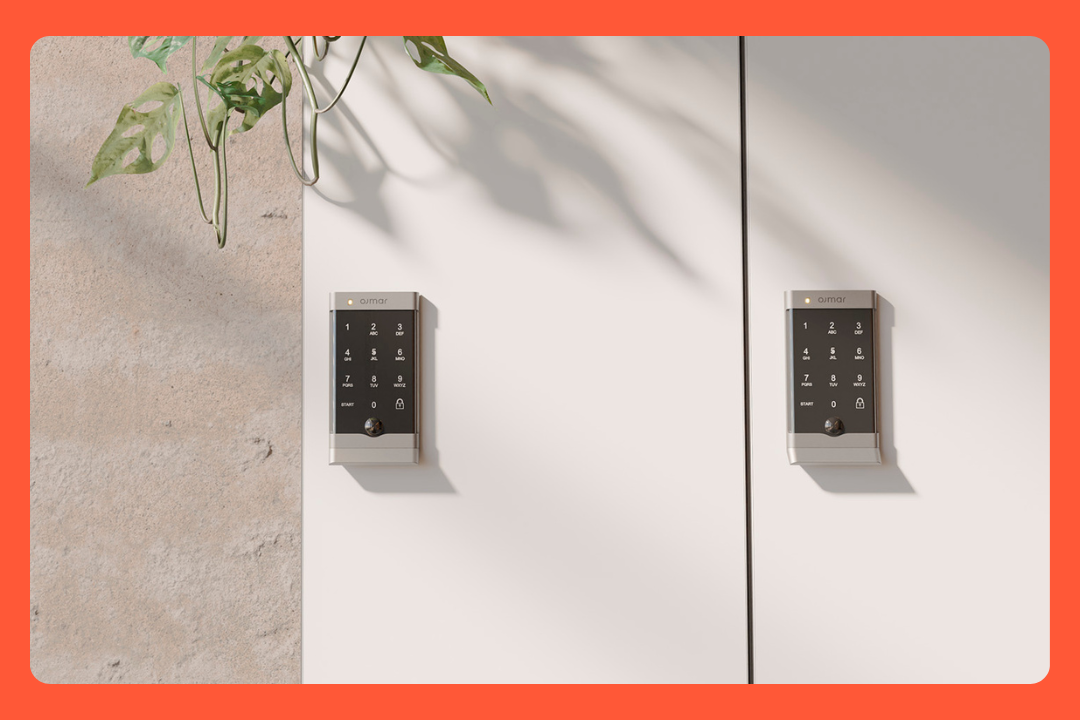
Ojmar is a Spanish locker hardware company. You might have walked past their locks without knowing it: CBRE, Foster & Partners, Ernst & Young, ING Madrid, and several London commercial buildings use them. They sell through locker furniture manufacturers, so most buyers encounter Ojmar at the furniture specification stage, not through a direct sales process.
Three locks suit office buyers: the OTS 40 (cloud-connected, full management), the OTS 20 Batteryless (no battery, no wires, powered by the door press itself), and the OCS 30 (Bluetooth plus keypad, simpler).
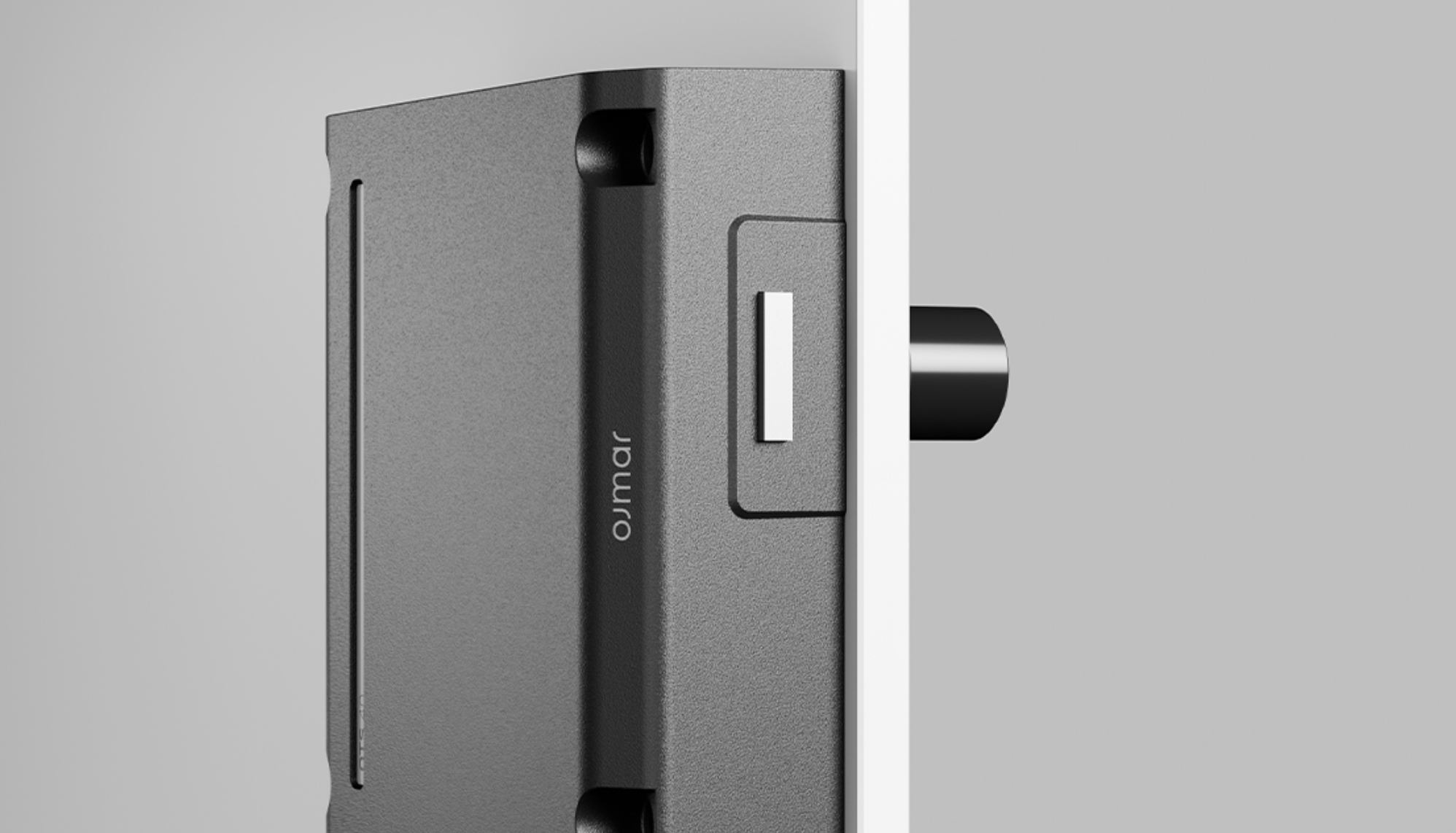
The connected option. Employees tap a card, wristband, or phone, the door opens. Battery lasts up to 8 years. The credential range is wide: MIFARE, HID iClass, HID SEOS, HID Mobile, Apple Wallet, ISO 15693.
Cloud software gives admins real-time occupancy, remote opens, audit trail, and alarm management from any browser. During a network outage the lock drops to offline mode and syncs back once the connection returns. No downtime for employees. A gateway is required for cloud connectivity, so factor that into the installation scope.
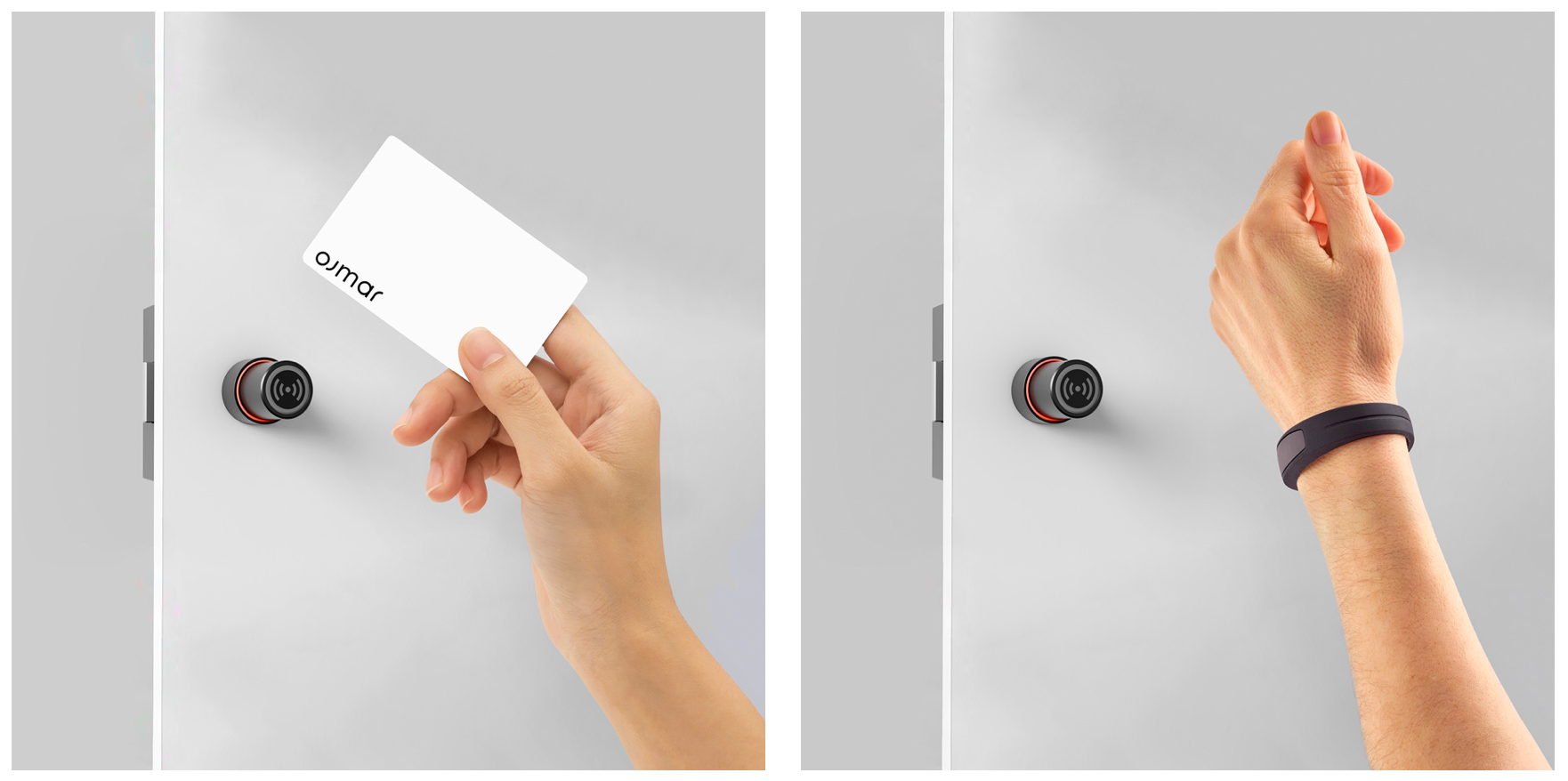
The one that tends to make people stop. The lock generates its own power from the physical action of pressing the door. No battery, no accumulator, no wires, no maintenance. Ojmar calls it Push Power and claims it's the first batteryless electronic locker lock on the market. RFID only (MIFARE), fully standalone. No cloud, no management software.
If your goal is zero ongoing maintenance and you don't need central reporting, this is a strong option. Also fully recyclable, if sustainability metrics matter to your procurement team.
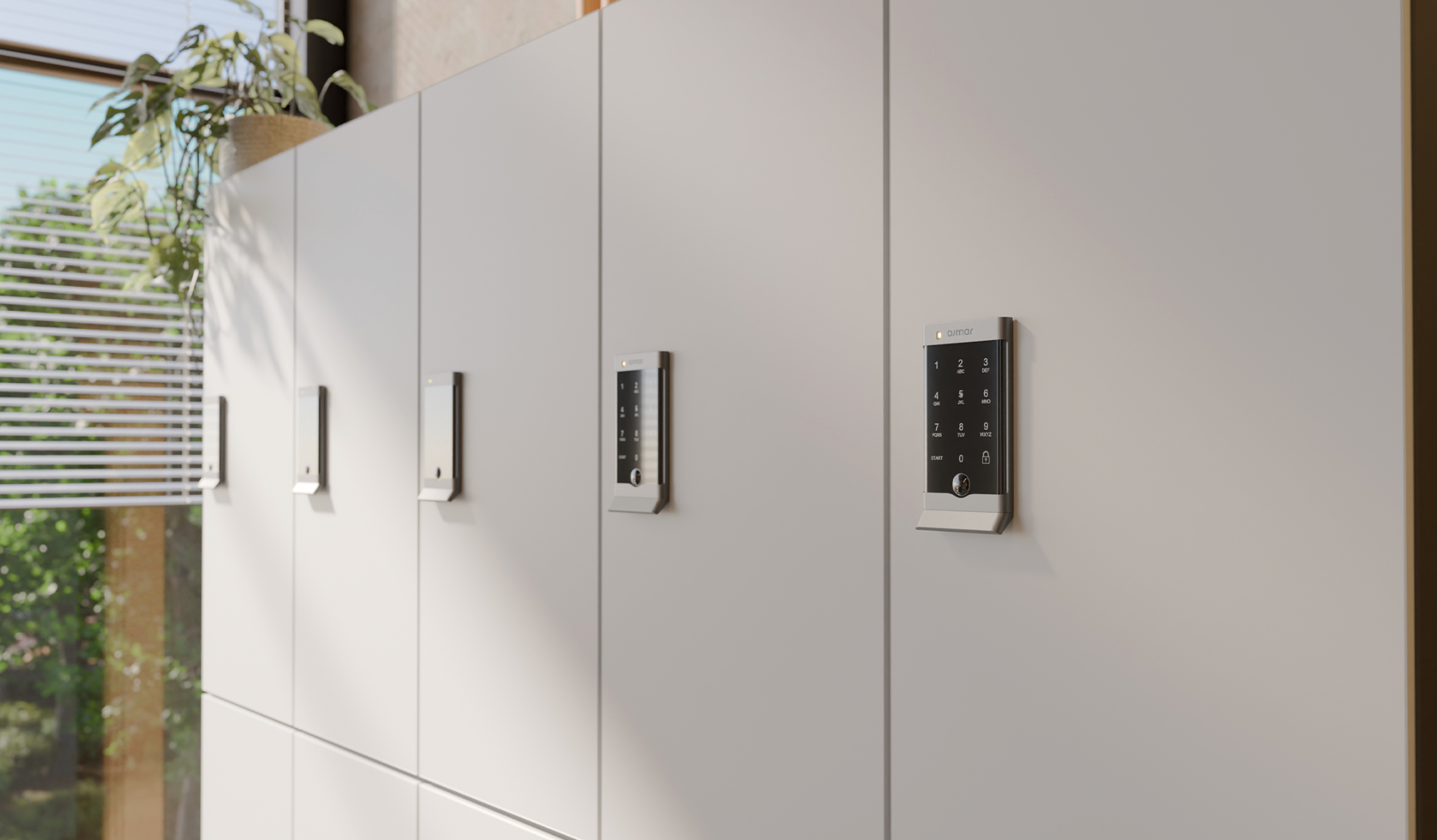
Bluetooth plus a touchpad keypad in one unit. Up to 5 years battery. Employees open with their phone or a PIN. Simpler to deploy than the OTS 40; no gateway or cloud setup required.
Five questions that will narrow the list before you read the full reviews.
This is the question most buyers skip until after they've committed.
If your building runs on 125kHz HID Proximity cards, common in buildings that haven't updated their access control since the early 2000s, only Gantner's NET.Lock reads these natively without a card migration. Every other system on this list requires 13.56MHz cards (MIFARE, HID iClass, NFC).
If you're not sure which format your building uses, check with your access control vendor before specifying a lock.
If you're in North America and your furniture vendor already carries Digilock, that's where most buyers land. It's the path of least resistance and the software tiers give you flexibility.
If your building has old HID Proximity cards and you're in Europe, Gantner's NET.Lock is the only system here that reads them natively. That one fact eliminates everything else.
If locker booking in Outlook or Teams is the main requirement and you don't need the broader platform, Yellowbox is the lighter path to get there.
If you need zero ongoing maintenance and standalone RFID is enough, Ojmar's OTS 20 Batteryless is the cleanest answer. No battery. Ever.
If you're already on elia for desk or room booking, adding the Smart Lock puts lockers in the same dashboard with no new platform. If your team lives in Microsoft Teams, elia's native Teams app means employees can handle lockers, desks, and rooms without switching tools.
If you want to see how it fits your building, the elia team would be happy to show you.
Answers to Your Common Queries
.png)