Contents
Subscribe to our newsletter
Subscribe to the elia newsletter for exclusive product updates and industry best practices. You can unsubscribe at any time.
Thank you! You're subscribed.
Oops! Something went wrong while submitting the form.



Search "locker management software" and you hit a wall fast. Half the results are about office lockers for employees. The other half are about parcel lockers in apartment lobbies where you pick up your Amazon delivery. Same phrase, two unrelated products. Every listicle that blends the two is useless to you, so let me separate them right from the start.
This guide is about the first kind: software that manages lockers people use at work. Hot lockers you grab for a day. Assigned lockers that belong to one specific person. Team lockers, end-of-trip storage, lockers you book alongside a desk. I've also included asset and equipment lockers (for laptops and keys) because if you're a workplace team, you're probably already shopping for all these things at once.
Parcel vendors (Luxer One, Parcel Pending, Smiota, and the others) aren't here. They're great tools for a different kind of buyer. More on why I left them out at the end.
Here's what you can expect:
If you only want the verdict, the shortlist below has it in one line each.
Now, this isn't a ranking, and the right tool for you depends on what you’re looking for, so each row says what it's best at, not where it places.
Three more do related but different jobs, so I cover them briefly at the end: Traka (laptop tracking), Digilock (the lock your furniture vendor already quotes), and Ojmar (hardware you meet at the furniture-spec stage).
Here's what I looked at for each tool. And no, I didn't try to roll all these into a single score, because what works best for you depends on what matters to you. Each writeup covers the same points, so weigh the ones you care about:
One note: all the numbers you see below (locker counts, client rollouts, retention rates) come from each vendor's own materials as of June 2026. Vendors change these things, so be sure to verify any figure you rely on against the live page.
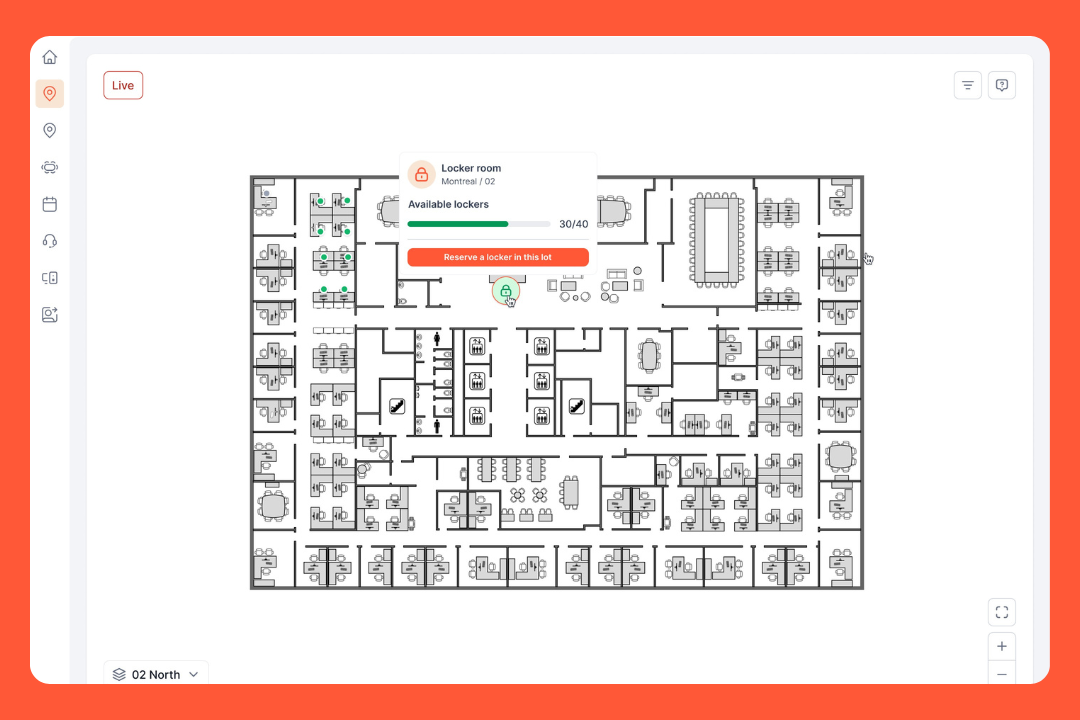
elia is a workplace operations platform, and lockers are one module inside it. The software runs the locker, and the hardware does what the software tells it to. If you want lockers managed in the same place as desks, rooms, and visitors, that's elia. But if you only want lockers, it might be a bit more platform than you need.
What the software does:
Access methods: Employee badge (RFID and NFC, the same card as building entry), mobile app, web, Apple and Google Wallet, or a kiosk.
Integrations: Native Microsoft Teams app, with Outlook and Google Calendar sync. Desk sync (reserve a locker when you book a desk) and role and locker status sync, so locker permissions follow the employee. SSO and Microsoft 365 on the Basic tier, user provisioning and custom roles on Business, API access on Enterprise.
Deployment: Retrofit your existing lockers or get new units. Locks are hardwired for power and data. The battery is rated for 10 years, they keep working for 24 hours in an outage, and one network line runs up to 240 locks.
Security: ISO 27001:2022 and ISO 9001:2015 certified, GDPR compliant, with 2025 penetration tests and a public trust center. Hosted on AWS Canada Central, and the locks sit on a separate network segment that only connects outbound to elia's cloud.
Pros:
Cons:
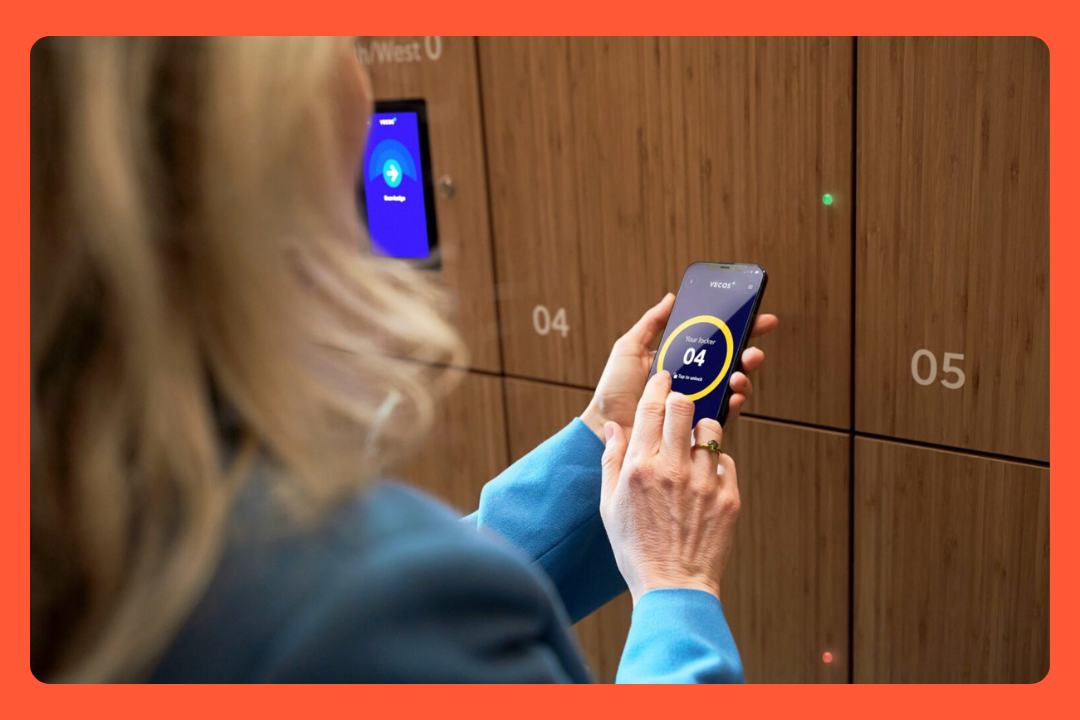
If you're a big company doing a multi-building rollout, Vecos might be the right guy for you. They're Dutch, they've been around since 1996, and they have one of the most mature workplacelocker tools out there. The whole product turns on one idea: one locker bank does all the jobs.
What the software does:
Access methods: Company RFID badge, QR code, NFC, Apple Wallet, mobile app, or touchscreen terminal.
Integrations: Syncs with any identity and access-control system, including automated onboarding and offboarding. 330+ live API integrations with workplace management tools, and reporting that feeds right into your analytics stack.
Deployment: Cloud SaaS, with locks Vecos designs and makes in-house. Retrofit your existing lockers or install new banks.
Security: ISO 27001, CCPA, GDPR, and PDPA compliance, and locally compliant in 60+ countries. They run a dedicated information-security team and a public trust center.
Pros:
Cons:
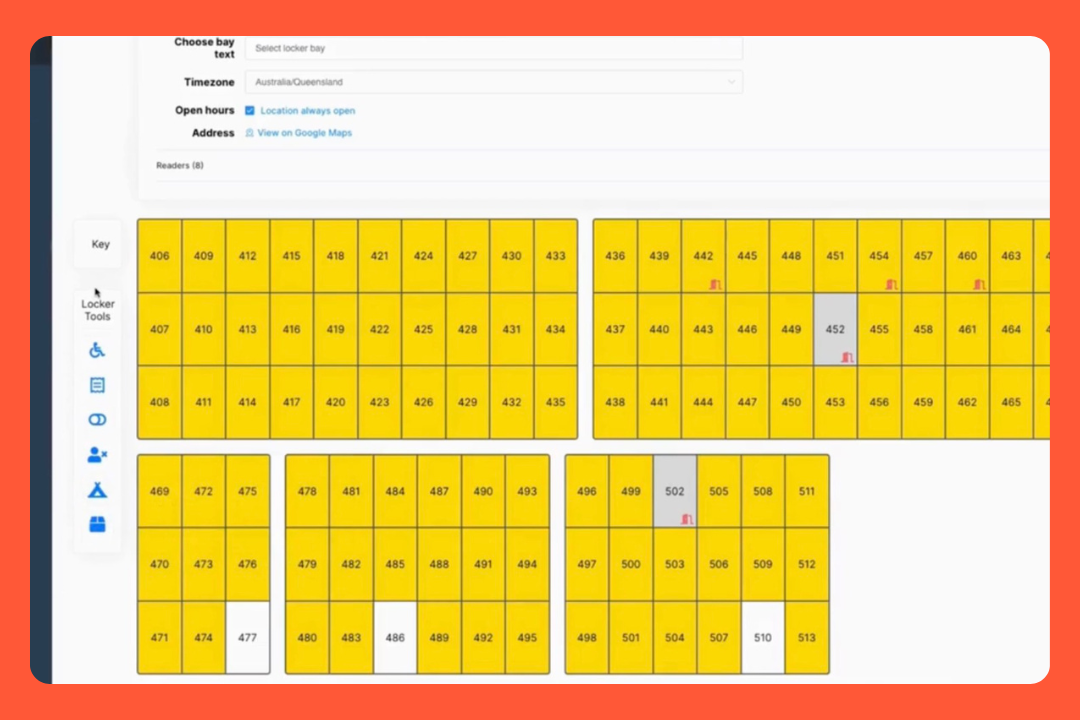
Yellowbox is the answer if your company is already in Microsoft and wants locker booking to sit next to everything else. It started in Australia and New Zealand and now has offices in the UK, Europe, the US, and APAC.
elia and Yellowbox both do Teams integration, but there’s a difference. elia puts lockers in Teams as part of a broader platform, while Yellowbox does lockers and only lockers, booked inside Teams or Outlook. It's the lighter pick when you don't want a wider desk-and-room system.
What the software does:
Access methods: Touchscreen kiosk (RFID swipe, mobile wallet, or a PIN), mobile app (with 24/7 support and auto-find for the nearest locker bank), QR-to-browser, and Microsoft Outlook and Teams with no extra app to download.
Integrations: Access control, identity management systems, and workplace apps, with SSO. IWMS tools like Serraview and iOFFICE, plus Outlook and Teams experience.
Deployment: Cloud SaaS, and the locks work on any locker or cabinet. The wired lock needs no battery, self-heals with auto-reboot, and can charge laptops and fast-charge phones too. The wireless lock retrofits onto existing lockers with no onsite server or network, lasting up to 5 years on 4 AA batteries.
Security: ISO/IEC 27001 certified (independently audited by Sensiba), with a better than 99.5% uptime on managed infrastructure.
Pros:
Cons:
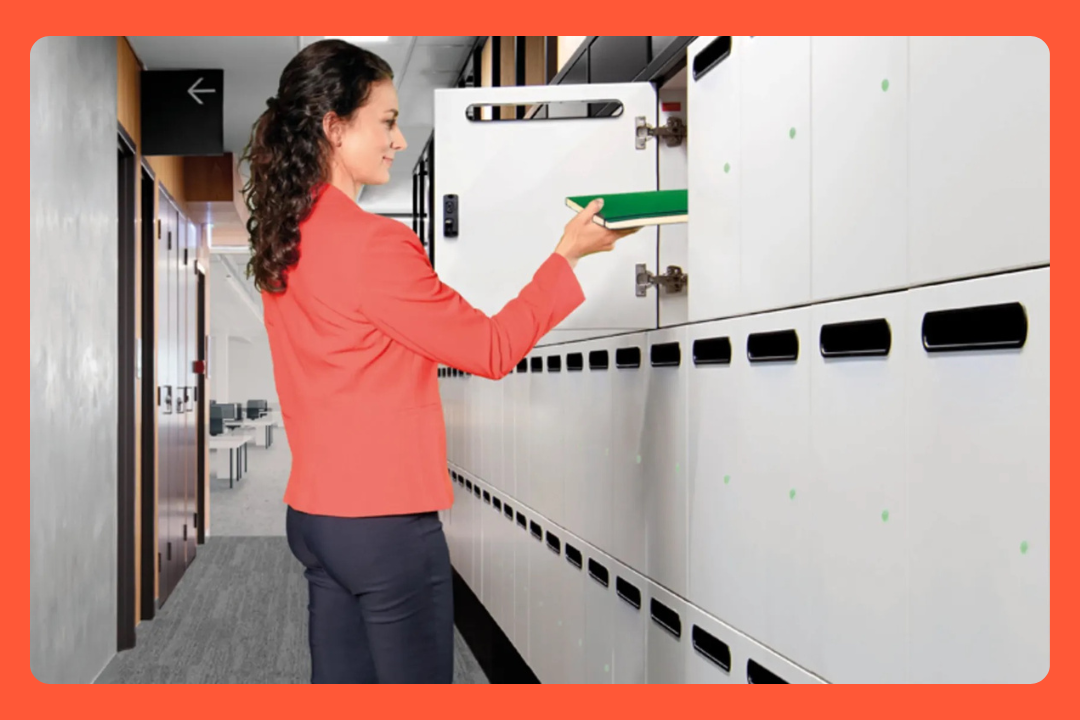
Gantner is the choice when you need to tie lockers and door access together, especially when your building still runs old badges. They're Austrian and have a lot of experience with locks, access control and payment systems, so it's no surprise the hardware is seriously solid. Their product range is pretty wide, which is good in one way but means you need to know exactly what you want.
What the software does:
Access methods: RFID (including legacy 125 kHz), NFC, smartphone (the LockPal app on iOS and Android), PIN, wristband, key fob, and central terminal. The NET.Lock reads legacy HID Proximity cards, the old ones that knock most competitors out in older buildings.
Integrations: Open API that integrates into heaps of management systems, and a custom app if you want one. Ties into Gantner's own door access and time attendance products so lockers and building access run on one system.
Deployment: Cloud or on-prem, with two lock families. Centrally supplied wired locks need no batteries, draw power from a central supply (that can also charge phones and laptops at the locker), and are sustainable and low maintenance. Battery locks retrofit into existing mechanical lock holes with no cabling and last up to 10 years.
Security: ISO 27001:2022 certified for information security (Gantner Electronic GmbH, Austria), with ISO 9001 and ISO 14001 too. Integrated tamper alarm and an audible alarm on the lock and fast credential revocation.
Pros:
Cons:
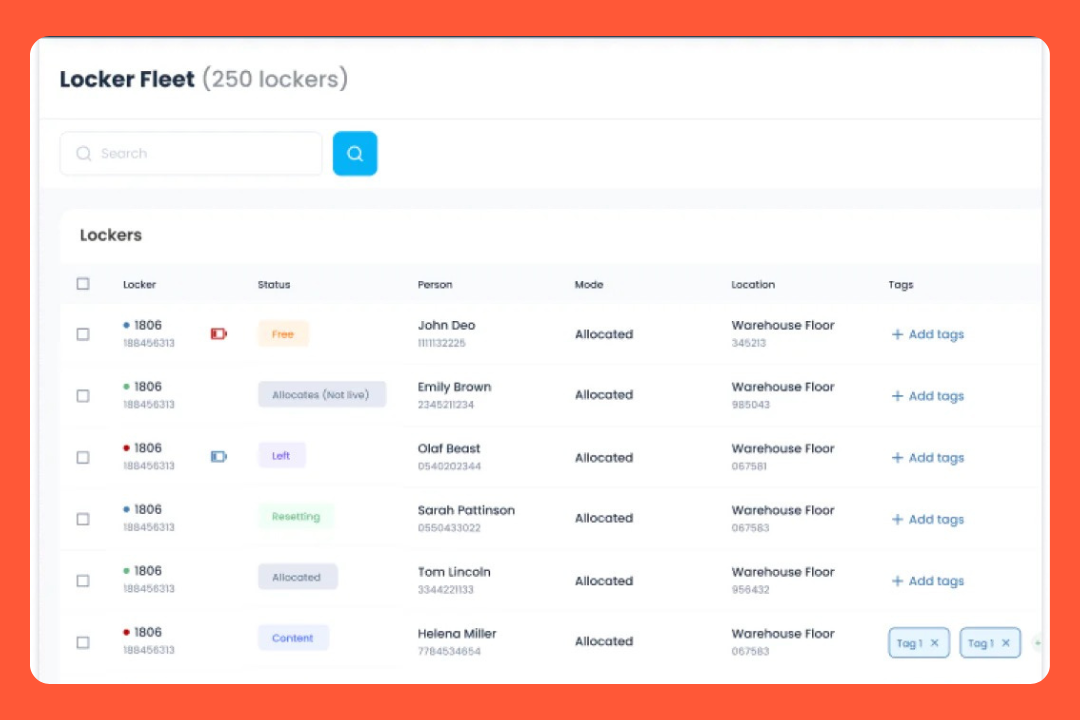
eLocker is a good fit if you want to stick with your existing lockers and you're really particular about how IT equipment is handled. They're UK-based, and they have a retrofit: a wireless lock that can be fitted to lockers you already own, no cabling, sold on subscription instead of a big upfront buy.
What the software does:
Access methods: Access badge or ID card, SSO, and the mobile app.
Integrations: ServiceNow and other platforms (book an IT locker or support slot), desk-booking tools (book a locker with your desk), staff ID card systems, plus HR, IT asset, and ERP systems by API.
Deployment: Cloud, with the eLock Pro wireless retrofit lock that needs no cabling and fits any locker size or material, so you can change a layout or move banks without an electrician.
Security: ISO 27001 and Cyber Essentials Plus compliant, UK GDPR compliant, hosted on AWS, with a public trust center.
Pros:
Cons:
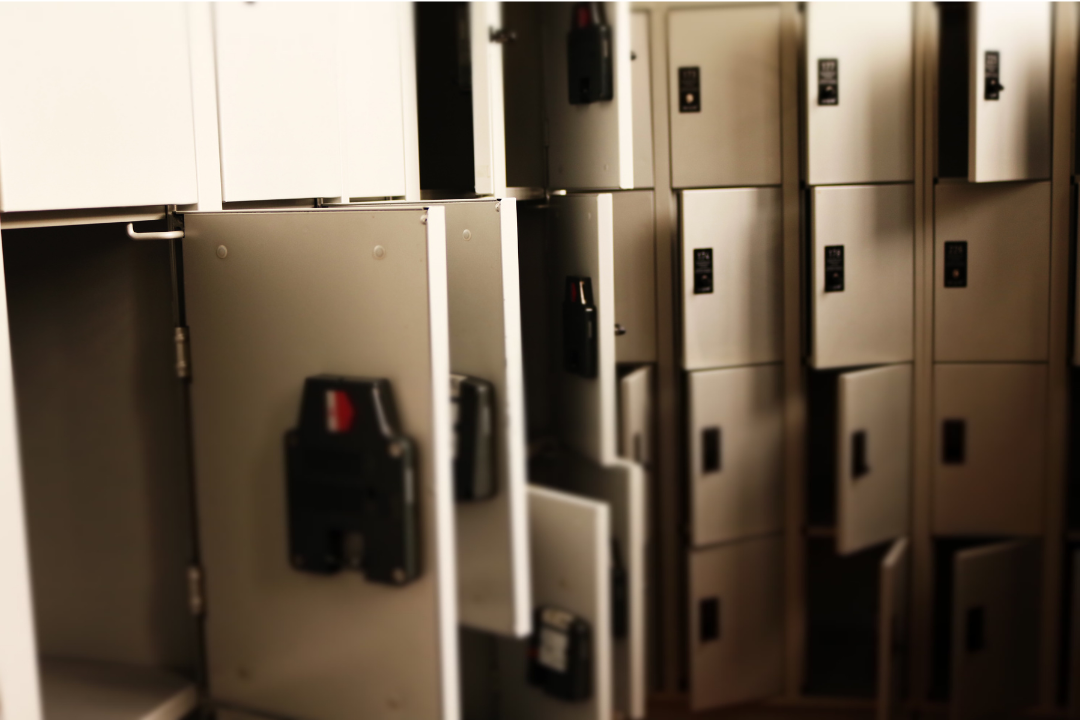
These come up in the same search results, but each does a different job than the five above, so I'm keeping them short:
It controls shared equipment. Traka is a key and asset management specialist that’s been doing this for 30 years, thanks to its ownership by ASSA ABLOY. The Asset Master lockers use RFID to tag every item, charge devices and hand out the fully charged one first, and log a full audit trail, all managed in TrakaWEB and integrated with your access control.
It's really well established in law enforcement, government, manufacturing, and retail. Pick Traka if you want to know who has which laptop or radio, but don't pick it to give someone a place to stash a coat while they hot-desk. The interface is industrial and the design is about accountability.
This is the lock you'll typically come across through furniture suppliers. An American company, founded in 1981, with DigiLink as its cloud layer, managing 6G wireless locks and Pivot locks built into furniture. You can get access via RFID, HID iClass, Apple or Google Wallet, keypad, or a one-tap mobile ID, across four modes (assigned, shared use, reservation, parcel pickup).
Their security stack is the strongest one I’ve come across: SOC 2 Type II, ISO 27001, and ISO 27701. It controls locks rather than the whole workplace, so you'd head in this direction if you're specifying lockouts from a furniture vendor and need those certificates and wallet credentials.
You'll meet Ojmar at the furniture-spec stage, a Spanish lock maker who gets their locks to buyers through furniture specification rather than a direct pitch. CBRE and EY have been noted users.
The standalone software story is thin, so treat Ojmar as a hardware option your furniture vendor might offer.
Companies like Luxer One, Parcel Pending, Smiota, KEBA and HubBox are doing a great job at what they do: parcel and last-mile delivery for apartment buildings, retail pickup and mailrooms. But people buying from them are usually property managers or retailers who want a software that tracks deliveries.
Lockers for storing bags during the day, and booking lockers with desks aren't on their radar. If you really need parcel lockers, you should probably search that category instead.
This table is a head-to-head comparison of the five locked-in tools I've covered. Traka, Digilock and Ojmar do different jobs, so I've described those above rather than in this table. Keep in mind that specs and certs often change, so double-check any information that influences your purchase.
Most of this category hides pricing, with one exception, so let me be specific.
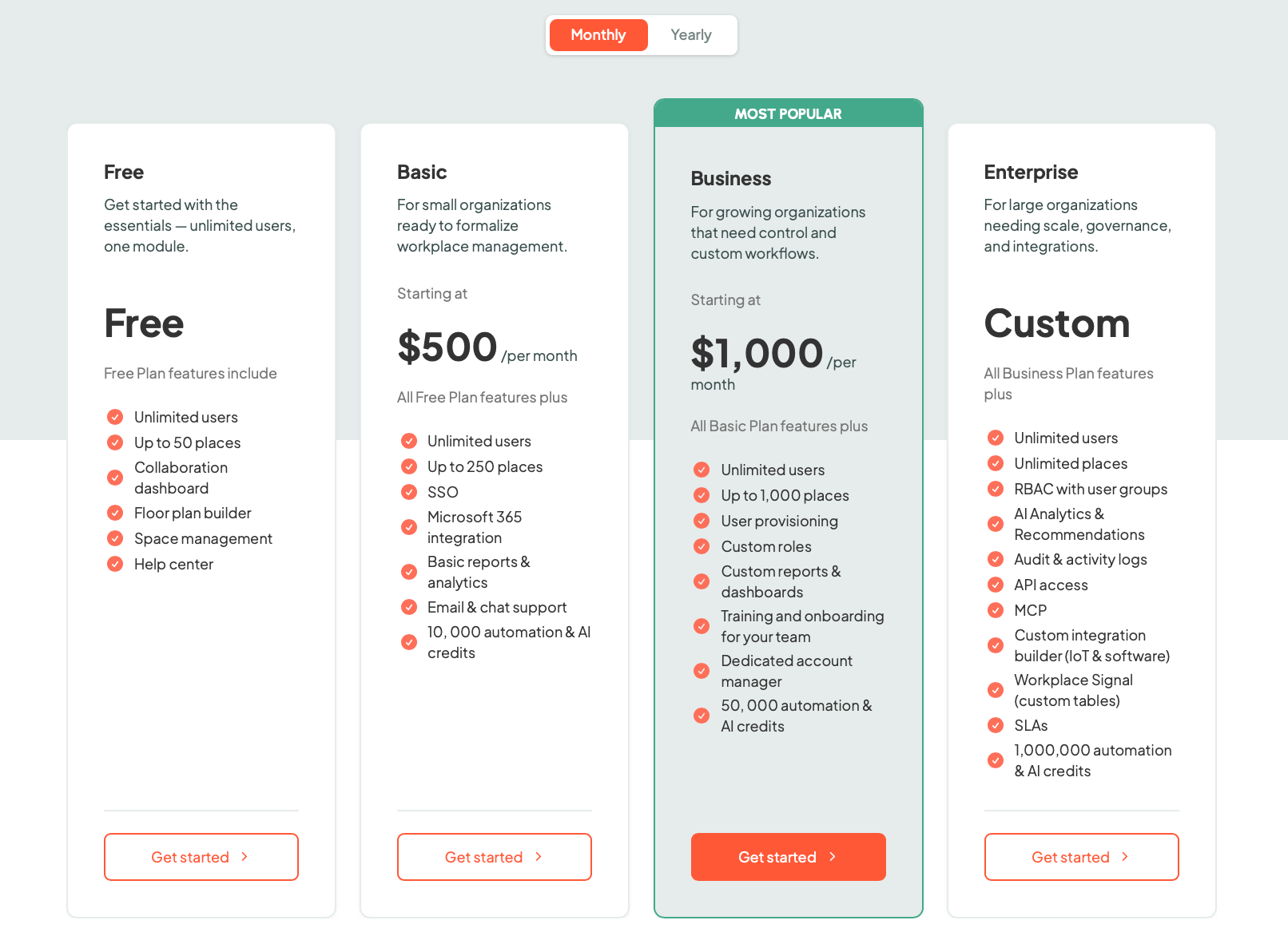
elia publishes its tiers, priced by the number of bookable spaces (desks, rooms, lockers), with unlimited users on every plan. The hardware is listed too, so you can get a rough idea of what they can offer.
Everyone else is quote-only. Vecos, Yellowbox, Gantner, eLocker, Traka, and Digilock all sit behind a "book a demo" button, with no public per-locker or per-seat number.
The only other public figures are savings claims. Vecos says you’ll get payback in under 6 months, with 40% fewer lockers needed and up to 90% less time spent managing lockers. Yellowbox says you’ll save around 80% of management time and 30 to 40% of floor space, which is useful for building a business case but not very helpful for budgeting purposes.
Here's how the cost gets built, whoever you pick:
Either way, plan for a discovery call!
Quick version, based on what you need:
This guide is about software and platforms. If you're down at the hardware level trying to figure out which lock is the best, or how to compare power, credentials, and retrofit options, then you might want to read my other piece, Smart Locker Locks for Office: 5 Systems Compared.
And if you keep landing on the same thought, "I want lockers, just not a fifth tool to log into," that's the exact gap elia can fill. Lockers on the same floor plan as your desks, rooms, and visitors, all from one login. Book a demo so you can see how it would run for your team instead of picturing it.
Answers to Your Common Queries