Contents
Subscribe to our newsletter
Subscribe to the elia newsletter for exclusive product updates and industry best practices. You can unsubscribe at any time.
Thank you! You're subscribed.
Oops! Something went wrong while submitting the form.


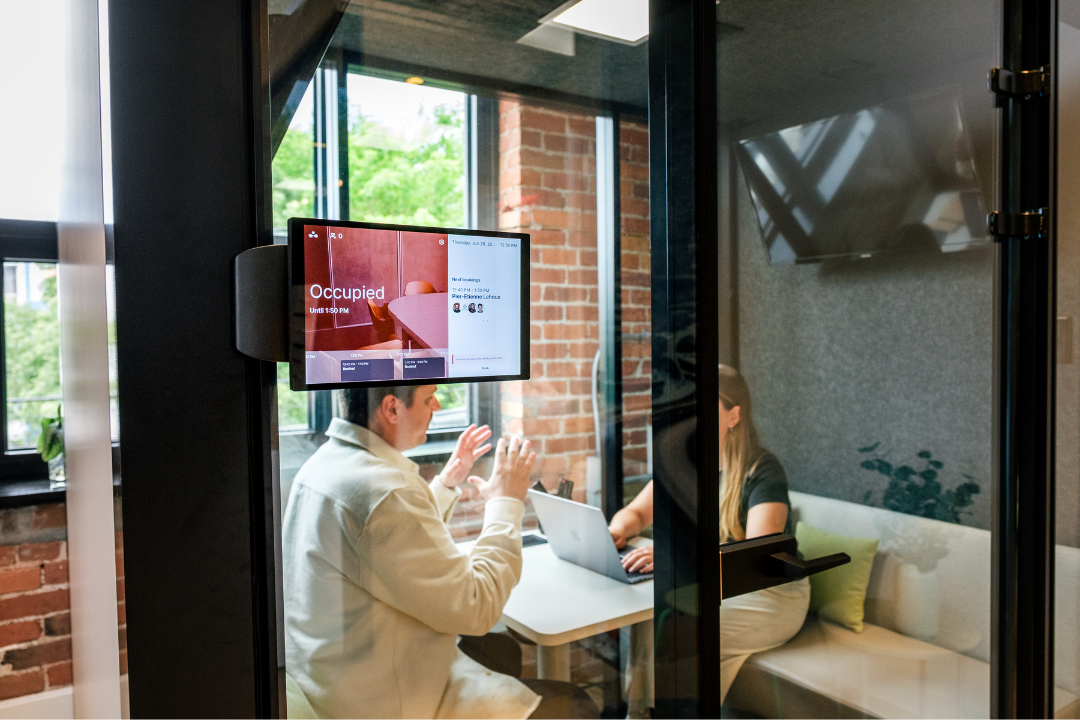
Two vendors quote you for the same 40 meeting rooms in your 500-person office. One's $480 a month. The other's $2,500. Same rooms. One charges per room, the other per employee, and you have way more people than rooms.
Oh, and neither quote mentioned the screens outside the rooms or the cable to power them (on some setups that stuff costs more than a whole year of software).
You're not missing something. The figure on the pricing page is rarely what you end up paying.
Let's take a look at some real meeting room booking system costs. Here’s what you’ll find:
If you'd rather compare features, we have a separate guide to the best room booking software. This one's all about the money 💰
Room booking software, sometimes called a meeting room booking system or meeting room reservation system, can be anything from free to several hundred dollars a month, depending on how the vendor charges.
Here's what the main players list on their pricing plans as of September 2026, checked against their own pages. All listed prices are from their annual plans.
They change all the time though, so check the live page yourself.
That middle column, the model, sets the way your scales. And there are basically three of them:
Take that office with 40 meeting rooms and price it both ways as your company grows.
Per room, at Officely's $12 a space, 40 rooms is $480 a month. That holds whether 500 or 5,000 people work in the building because you've still got 40 rooms.
Per user, at deskbird's $5 a head:
As I mentioned above, active-user billing trims that if a chunk of staff never book, but in a busy hybrid office a lot of them do.
The bigger the difference between your headcount and room count, the more you'll notice the pricing model. If you have a small, steady team and most people are booking rooms, per-user pricing can work fine. But if you have a lot more people than rooms, per-room pricing makes more sense.
Yes!
If you have one small office, a free plan or a $99 app might be all you need to book your rooms. Officely's free up to 5 users, Roomzilla up to 3 spaces, and Skedda gives you a free trial rather than a forever-free plan.
And if you're using Microsoft 365 or Google Workspace, you can book rooms through Outlook or Google Calendar. So for basic room scheduling, you might already have what you need.
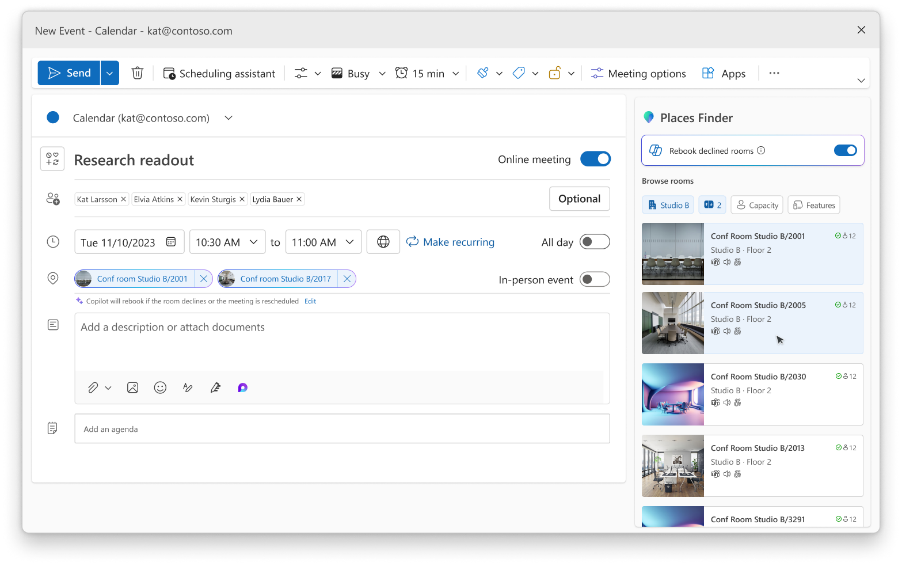
Free works pretty well up to a point. Once you need a dozen rooms, multiple locations, door displays, occupancy analytics or SSO, you’ll move to paid plans. Free plans and basic Microsoft booking don't go that far. And a free tool that can't show you how your space is used isn't saving you a thing if you're making workplace planning calls blind.

If you want a screen outside each room showing real-time room availability, whether it's free or not, the software can be the cheaper part. You still have to buy the screens and get them installed.
There are three ways to put a display on the door, at different prices:
Let's also talk about the cost of the stuff behind the screen. As for mounting, you'll need to budget for a commercial bracket or enclosure, which is around $120 to $250 per door, and that's just for the plain old glass walls.
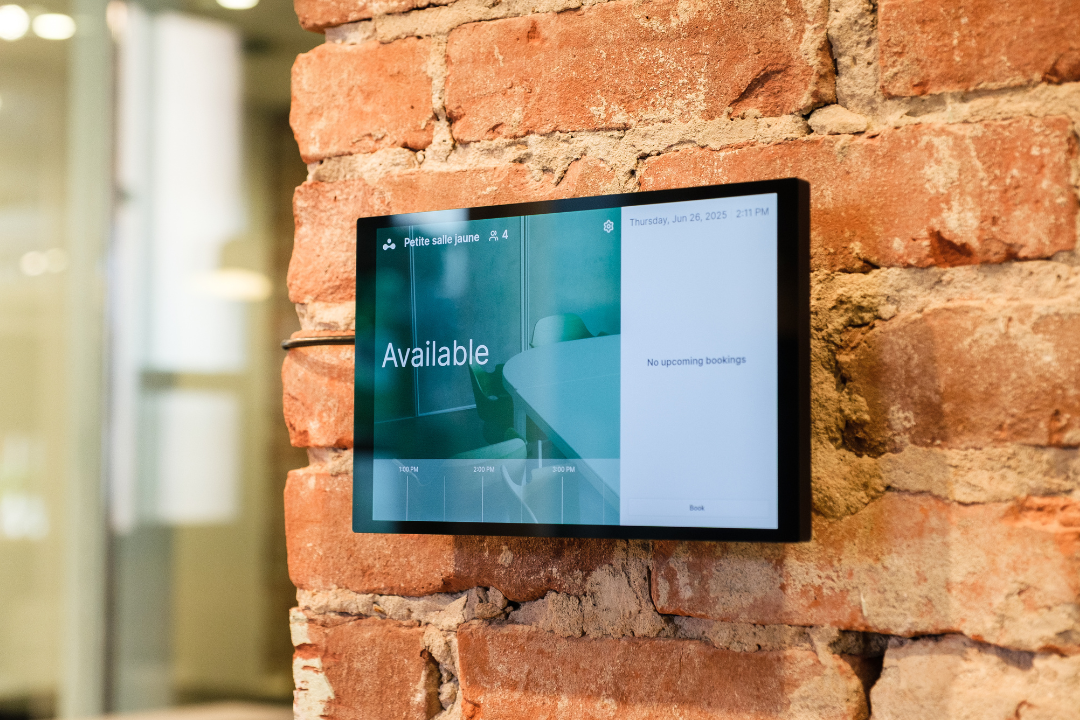
Then a wall panel needs a network cable for power and data. You can get a commercial Cat6 drop installed for $125 to $400, and most of that cost is actually for the electrician's labor time. If you're trying to retrofit into finished walls, be prepared for the highest cost, which tops out at $300 to $400 per drop. And if you go the tablet route rather than a panel with a built-in network port, you'll also need to chuck in a power-and-data converter behind it, which adds another $70 to $90.
Do the math on a single room with a purpose-built panel:
That's $1,600 a room in hardware. Across 40 rooms it's about $64,000.
But you might not even need any of this hardware at all. If your team books from a phone or a laptop, the software works just fine without any screens on doors. Panels earn their keep when walk-up confusion is a real pain in the neck every single day, people hovering outside rooms unsure if they're taken, double bookings the software can't stop at the door on its own.
If that's not your office, then to be honest, those panels are a line in the sand you can safely cross and forget about them.
And in case you're weighing the hardware side more broadly, we have a whole rundown of conference room technology beyond the booking piece.
The price tag of the software alone doesn't give you much to think about.
So here's the three-year cost for that same 40-room, 500-person office under two software models, each with iPad displays on the doors, software + hardware + install. I’m using roughly $500 per room for mounting and a cable drop, a rounded estimate based on the ranges above.
These numbers are my own estimates, not some number a vendor handed to me. Go ahead and drop in your own room count and headcount, it's just a rough idea, not a proper quote.
In this scenario, the per-user path costs more than double the per-room path for the exact same office, all thanks to the 500 headcount. And the hardware call moves the total as much as the software model. You can skip panels and book from phones, and most of that cost disappears.
Even before hardware, a few things sneak onto the bill. Keep an eye out for these:

elia's a workplace operations platform, and it prices room booking per room on top of a base plan, so your cost tracks rooms.
The base plan starts free, up to 50 places. Room booking is from $50 a room a year, but there’s also an advanced module, which puts every room in one calendar view. Microsoft 365 integration and SSO are on the Basic plan at $5,000 a year.
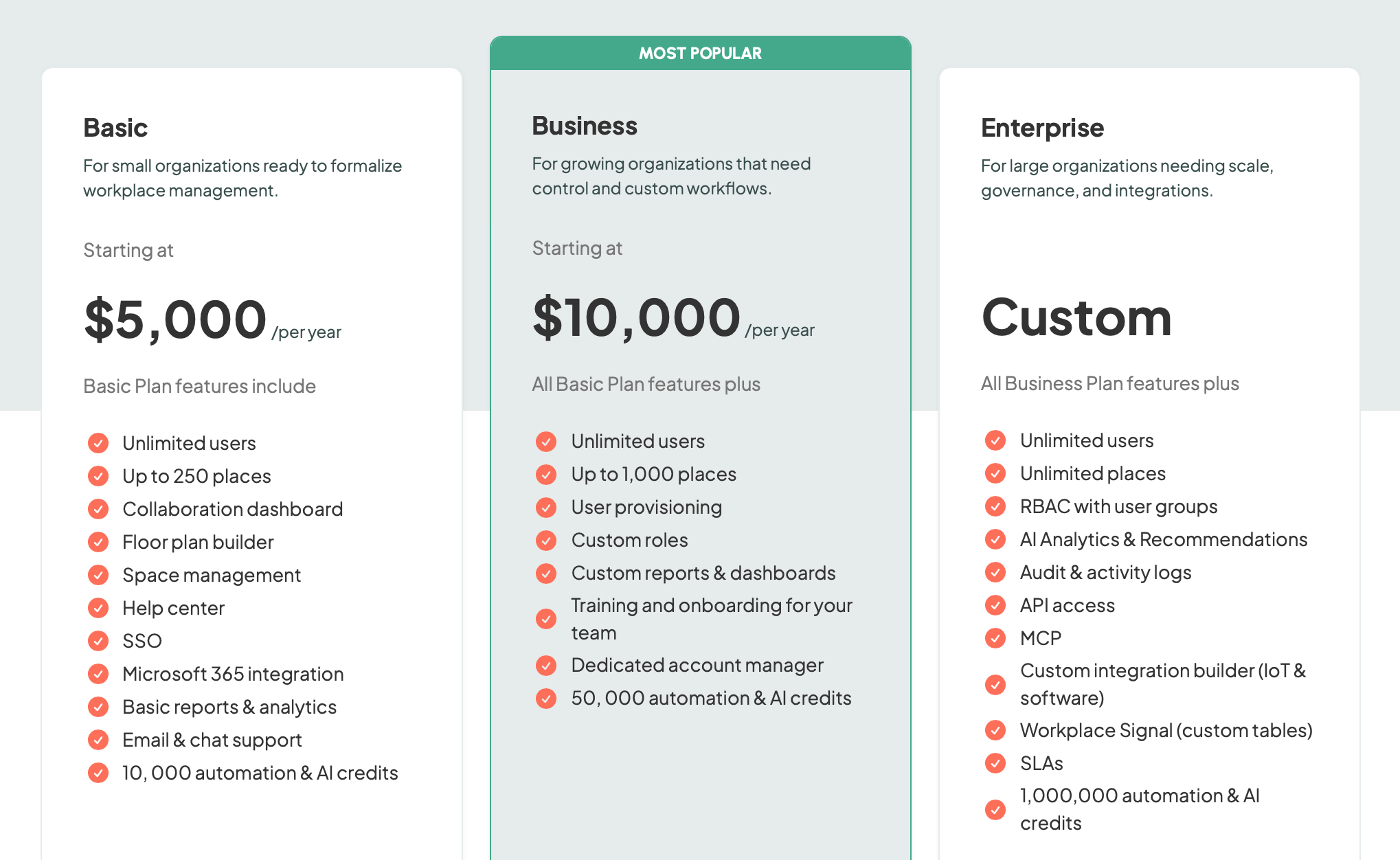
One more thing. elia's a full workplace platform, so room booking sits on the same system as desk booking, visitor management, space management, and other modules. One invoice for all. You don't have to turn all of it on. Plenty of teams start with just booking and leave the rest, then switch on a module later if they ever need it.
Cost is only half the story (and half the problem). Those booked but empty rooms are sucking up valuable space you're already paying a pretty penny for.
Nearly 40% of booked meeting rooms end up as no-shows. Someone books a room but doesn't show up, and that means the calendar is still showing it as booked, blocking the next team from getting a look in. Which basically means your office feels full but in reality it's only being used at 60% capacity.
Auto-release is the solution to this ghost booking problem. When someone checks in, either from a panel, an app, a QR code or a sensor, they have to do it within a few minutes of the scheduled check-in time. And if they don't, well, the room automatically becomes available again for other teams to grab.
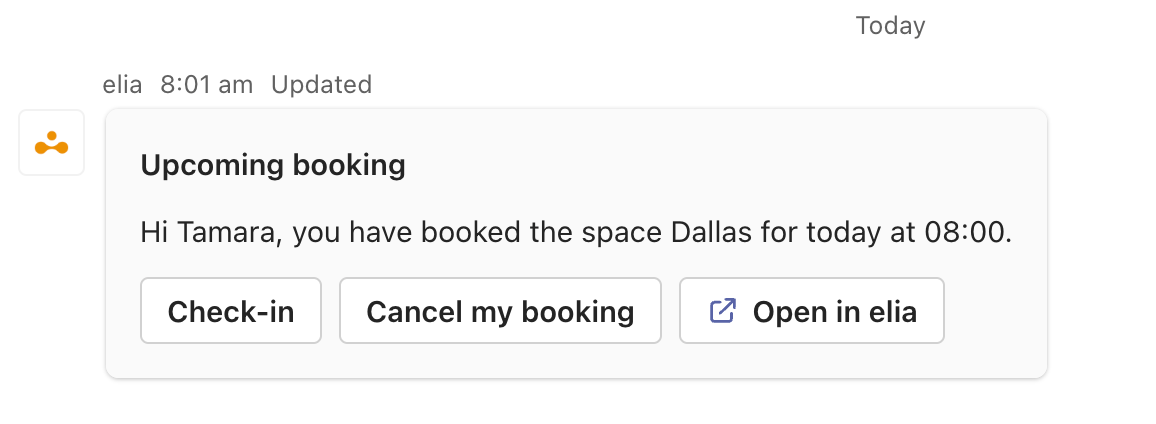
I'm not going to say it's perfect. Sometimes people walk in late, meetings get rescheduled, and all that, but the release window does matter.
The fact remains that a no-show rate of 40% is a massive swathe of space you're currently paying rent on, and that's the number you can be taking to the finance team and using to make your case. That number also makes any gap in software price look like a rounding error.
And let's not forget about the room utilization reports. They tell you which rooms are consistently empty, which ones are always jammed, turning simple room booking into informed lease renewal decisions.
Whoever's pricing this can put every quote through the same six checks:
Want a fresh set of eyes on your numbers? Send over your room count and headcount, and we'll show you what a per-room setup comes to for your office with elia.
Answers to Your Common Queries
%20(1).png)
![Conference Room Automation: The Complete Guide to Smarter Meetings [2026]](https://cdn.prod.website-files.com/64f88f68249f7cafe071d150/69383a535f2d6b279898c8ef_151.png)